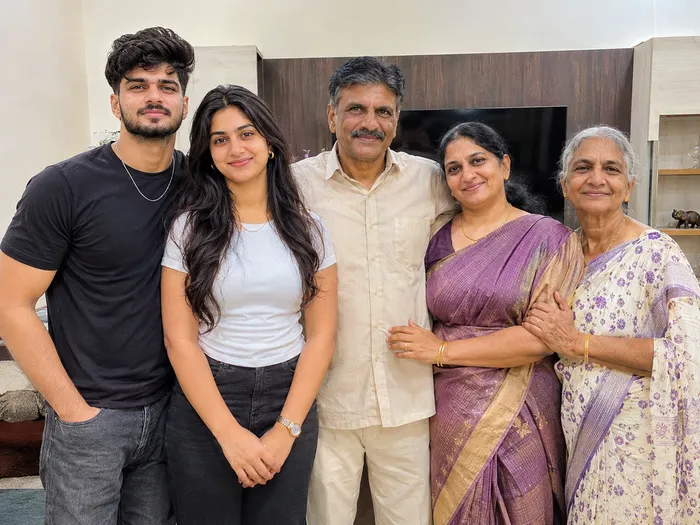
 Open-world game art
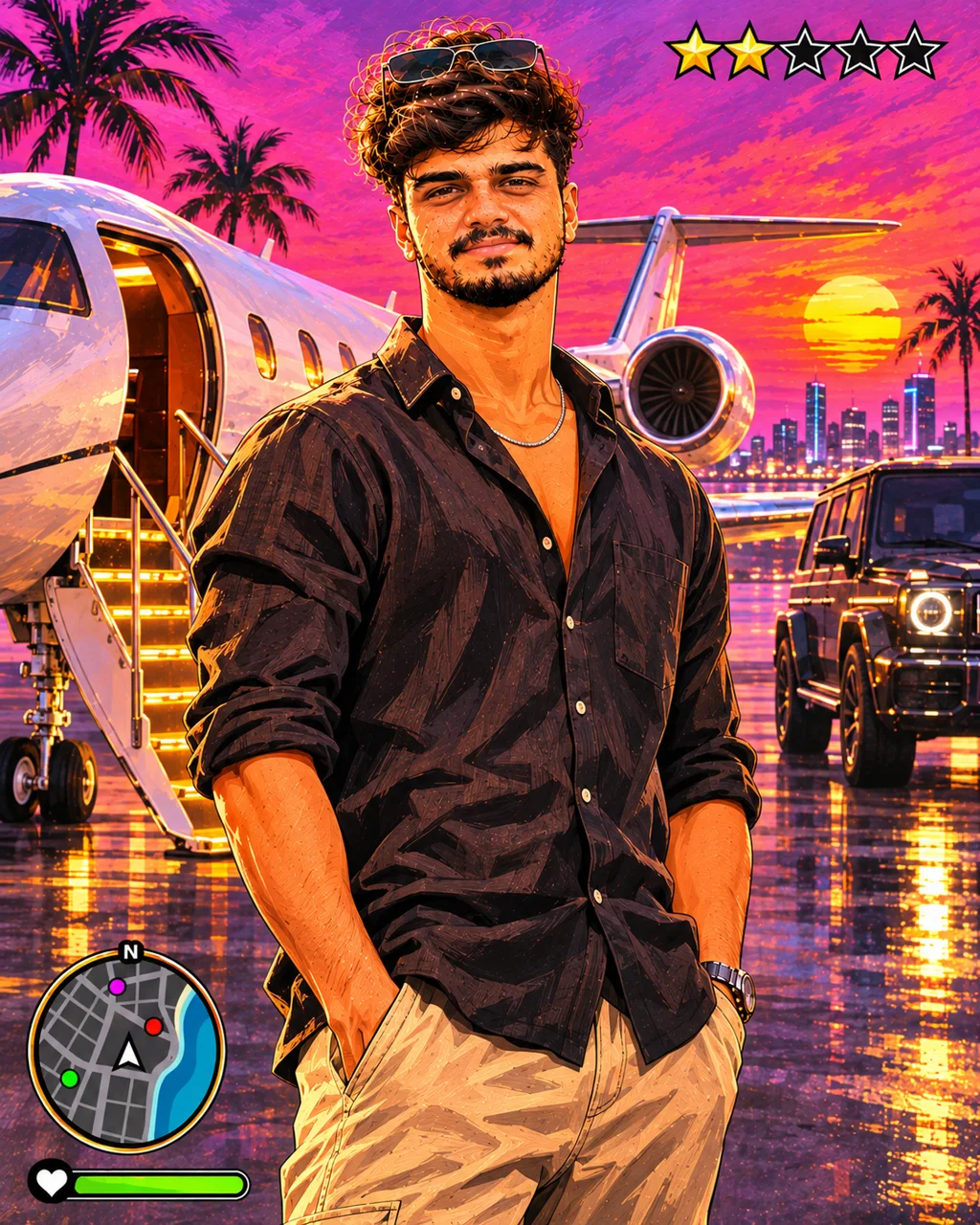
Private Jet Runway Sunset Poster
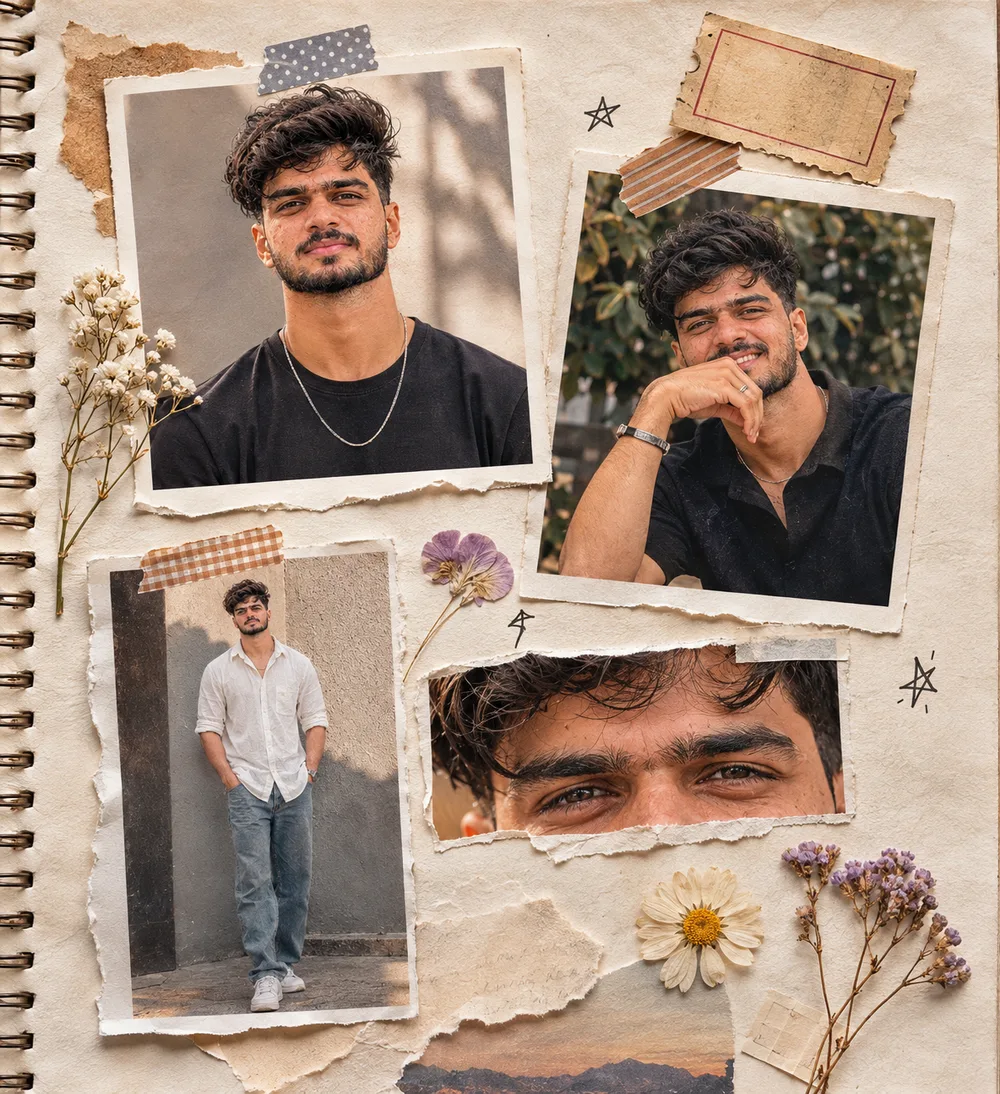
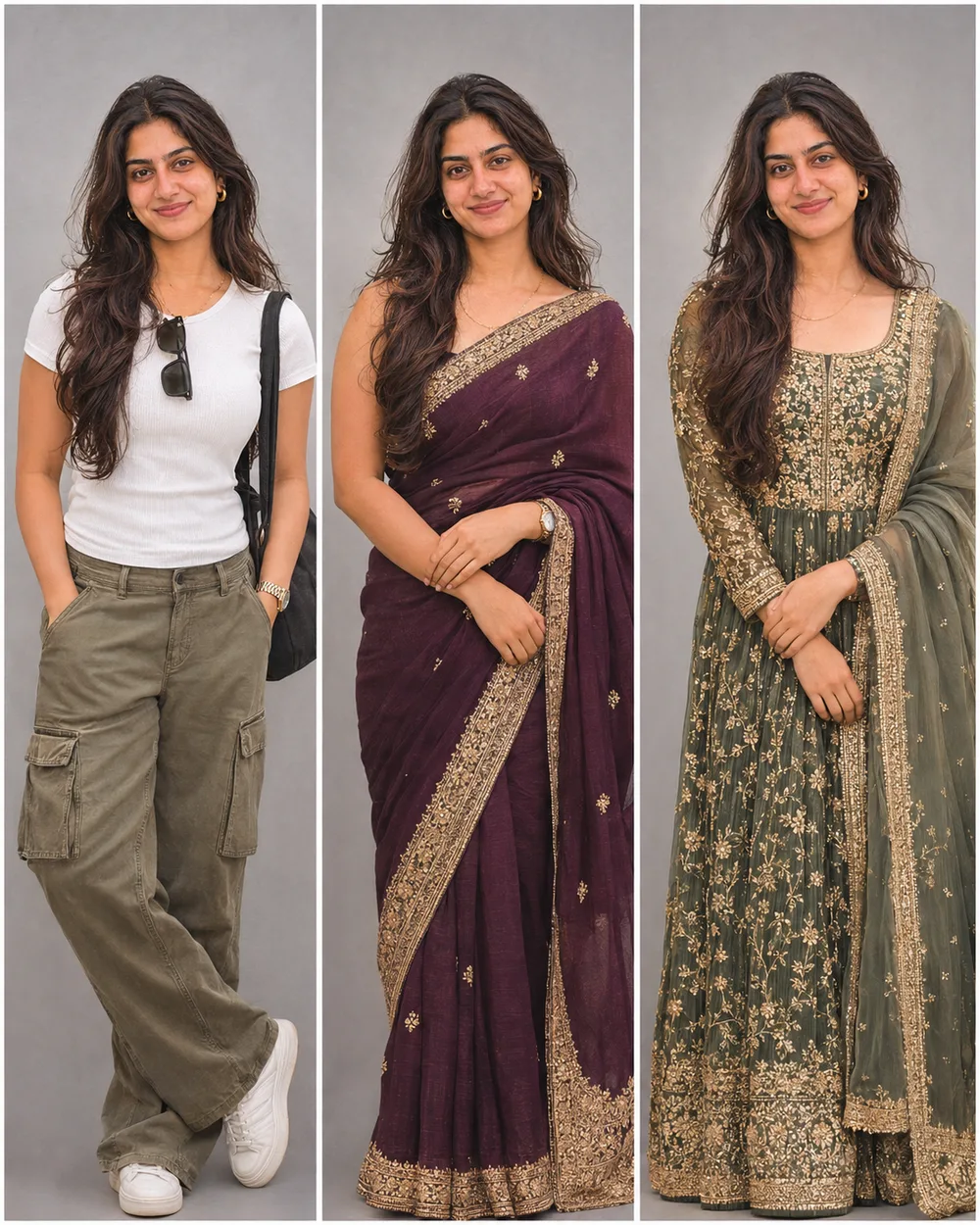
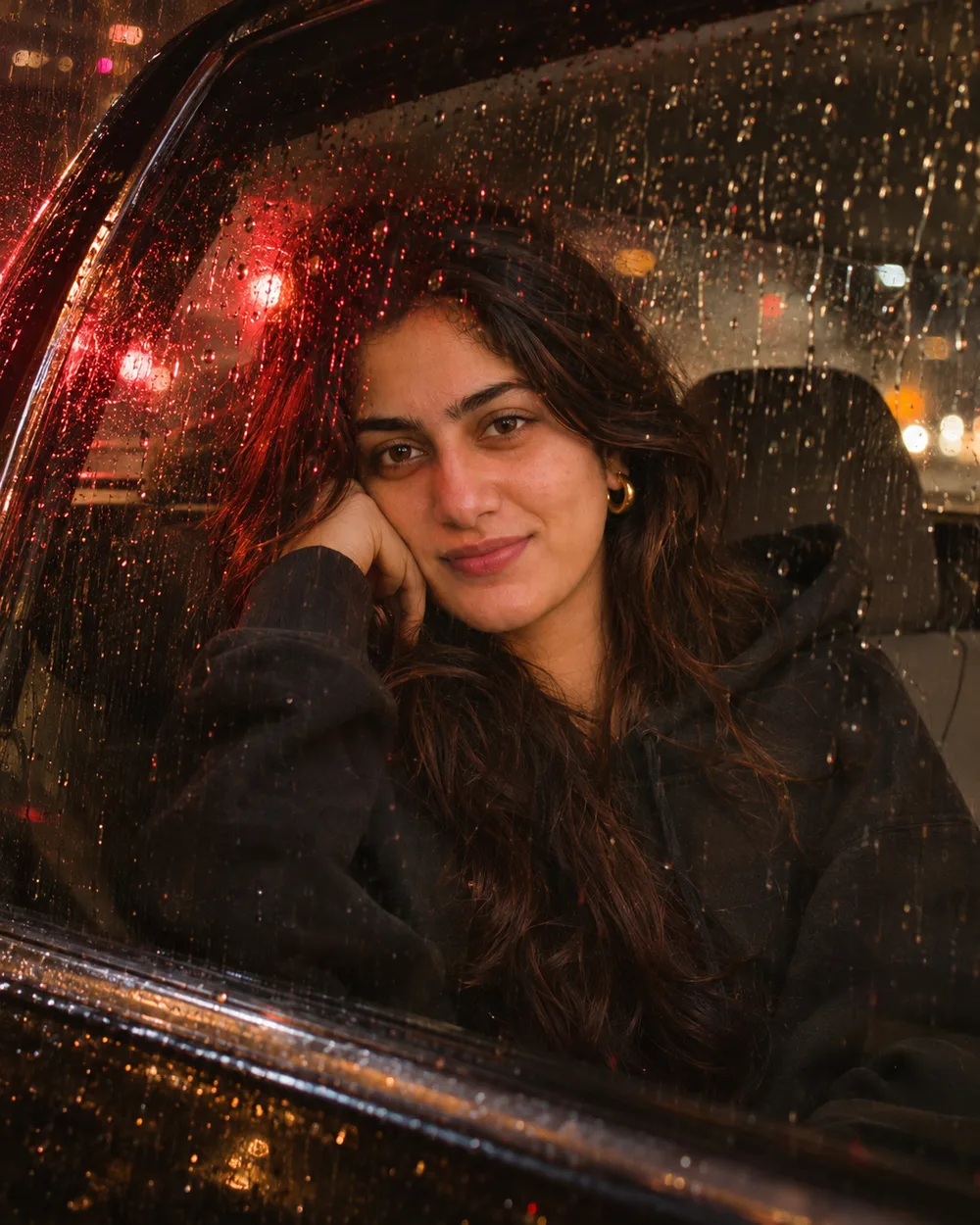
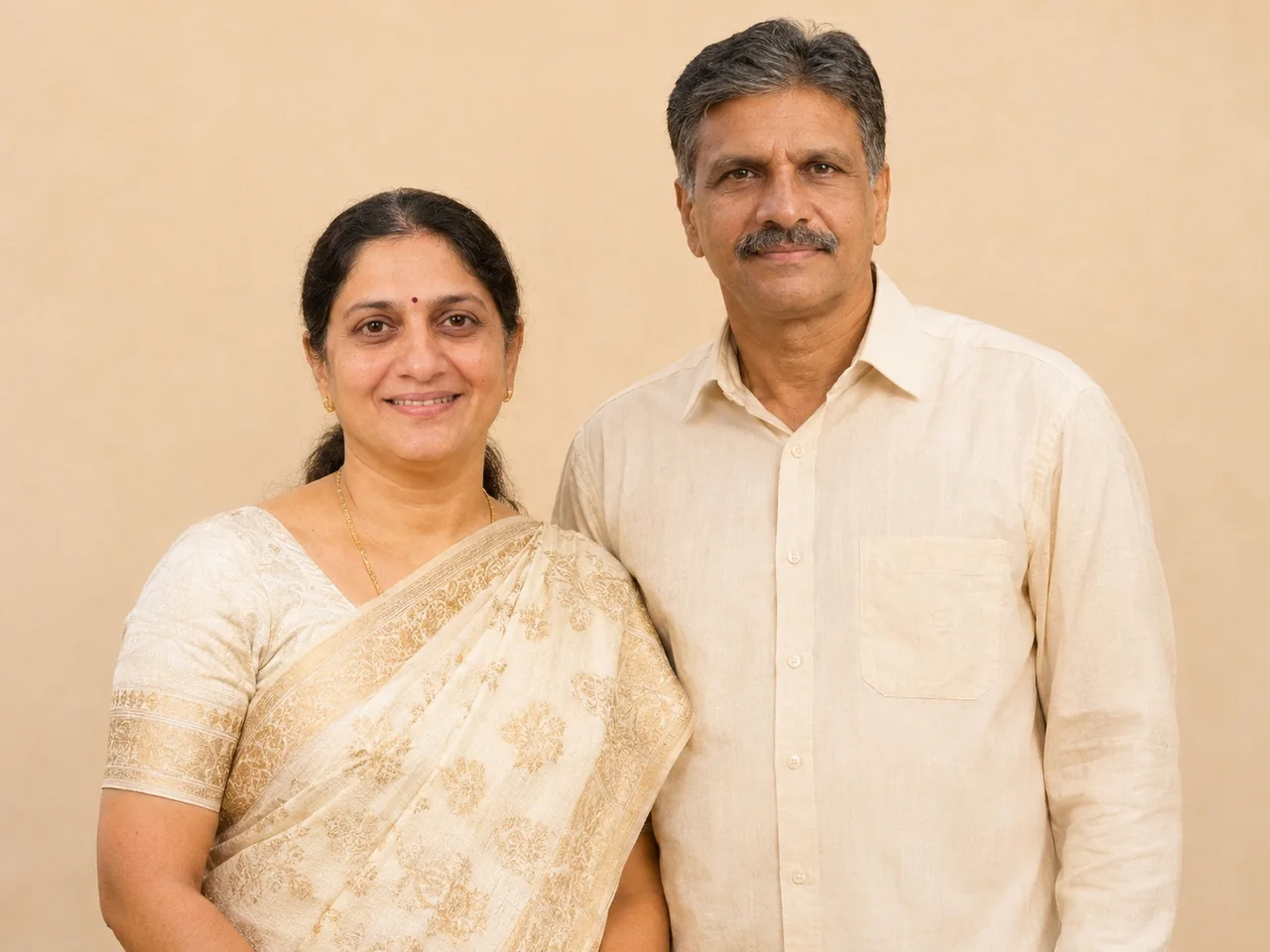
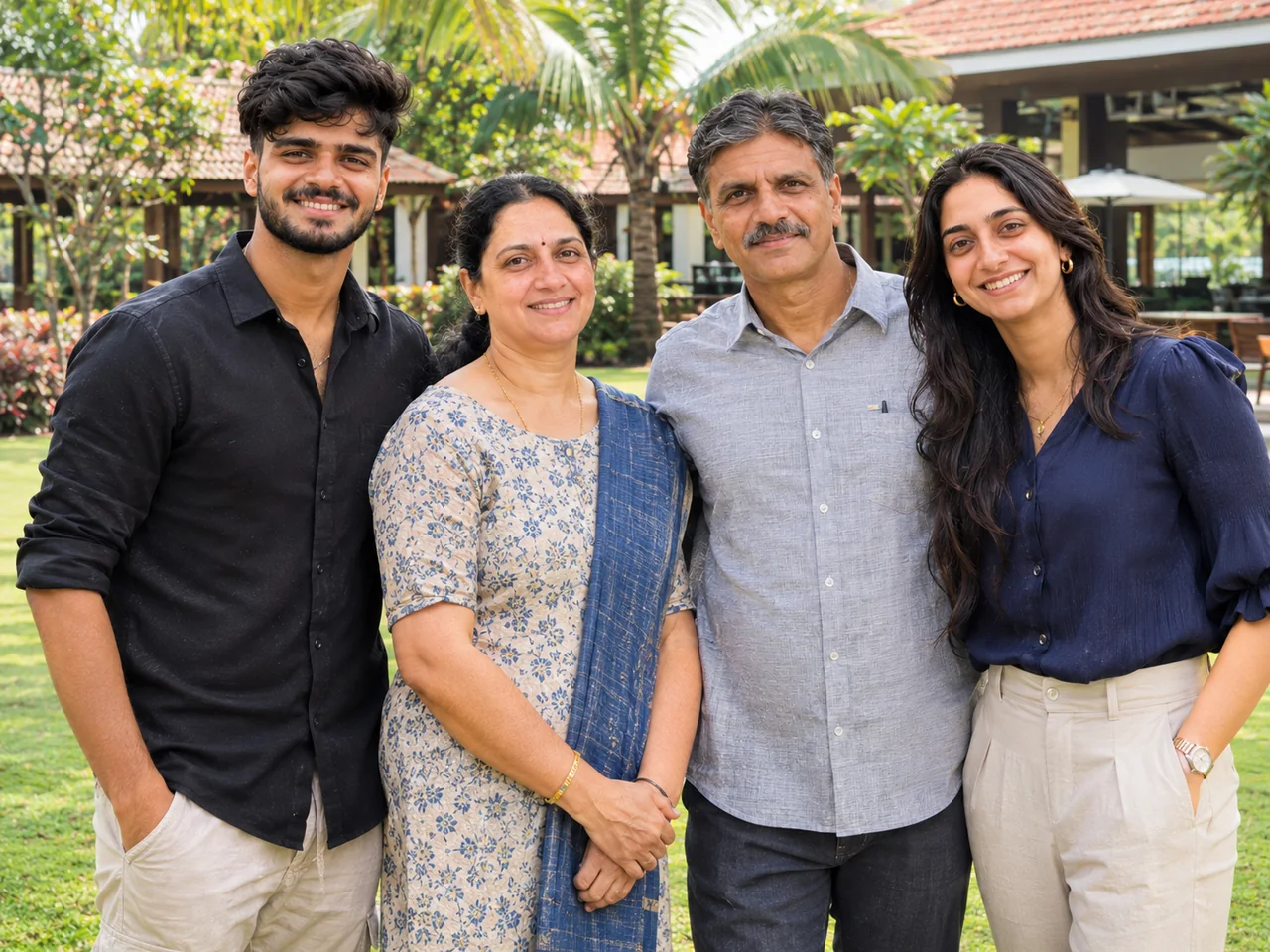
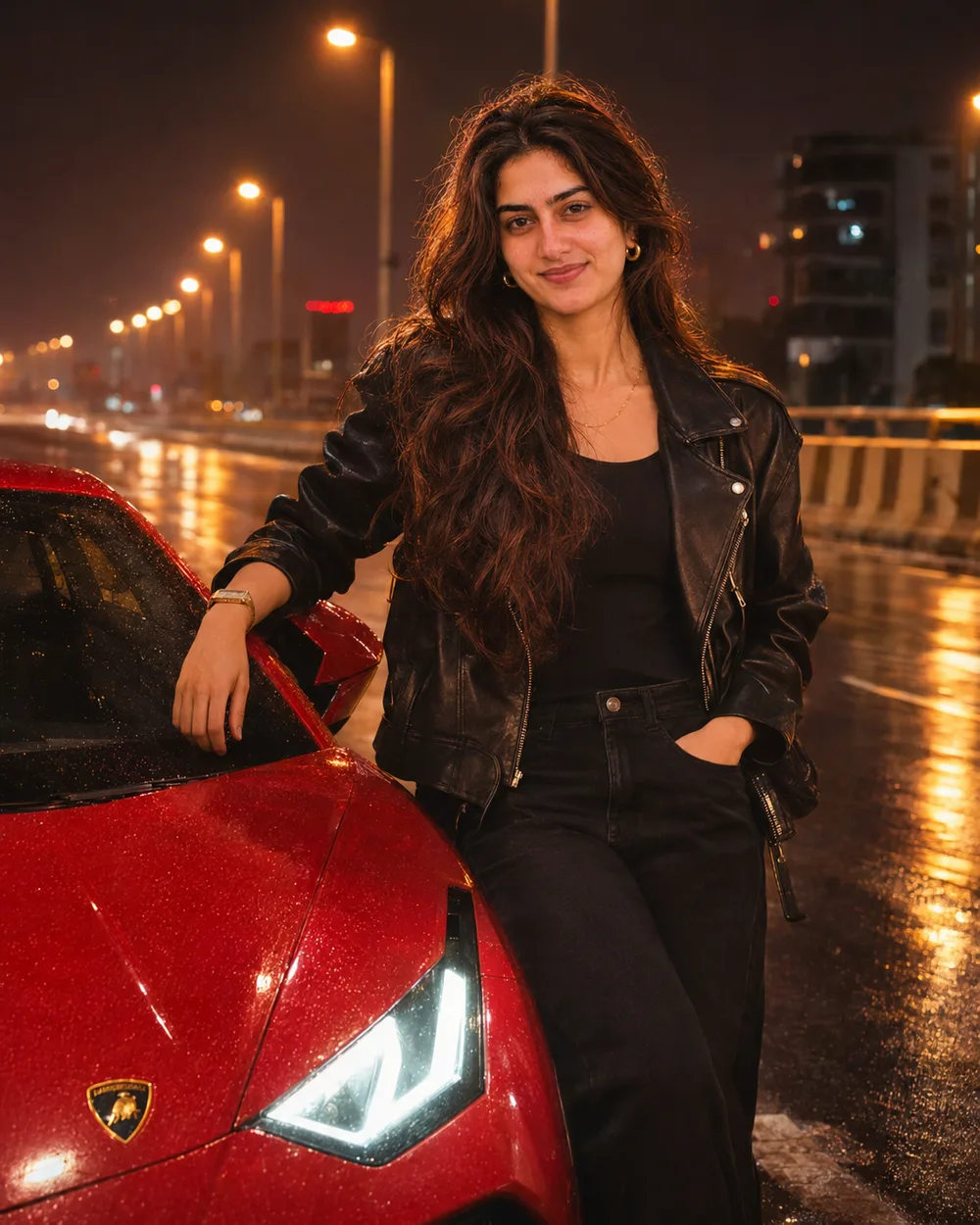
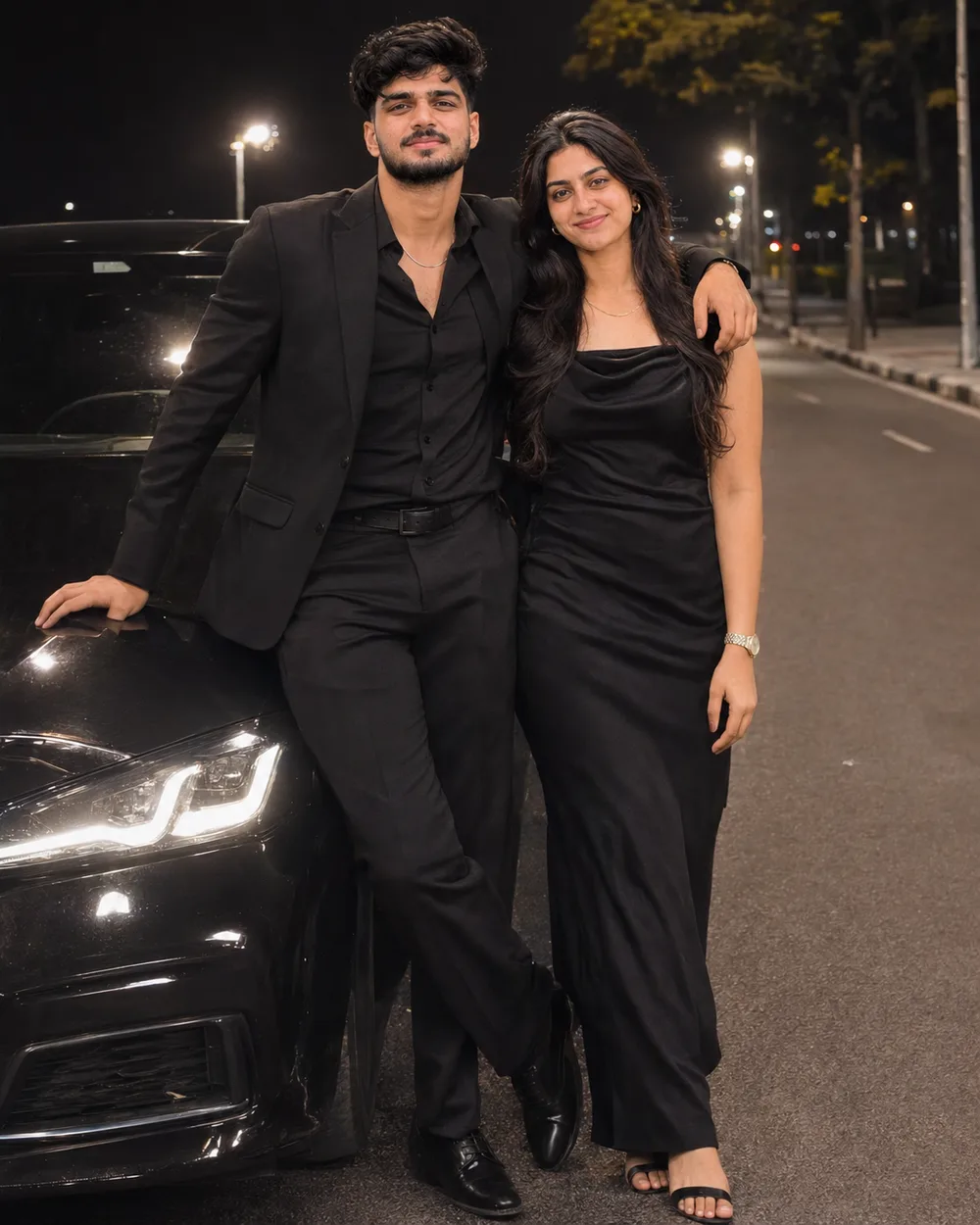
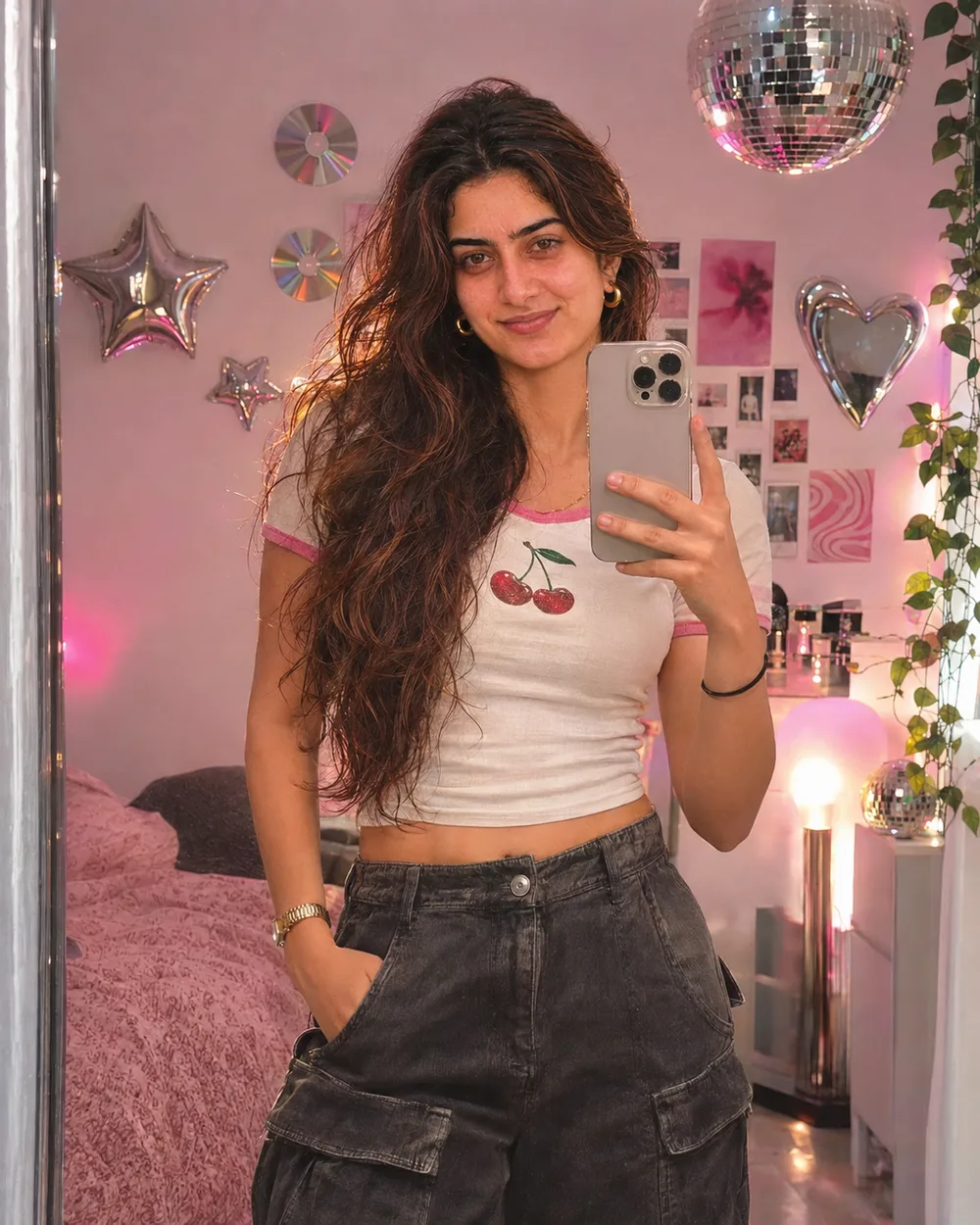
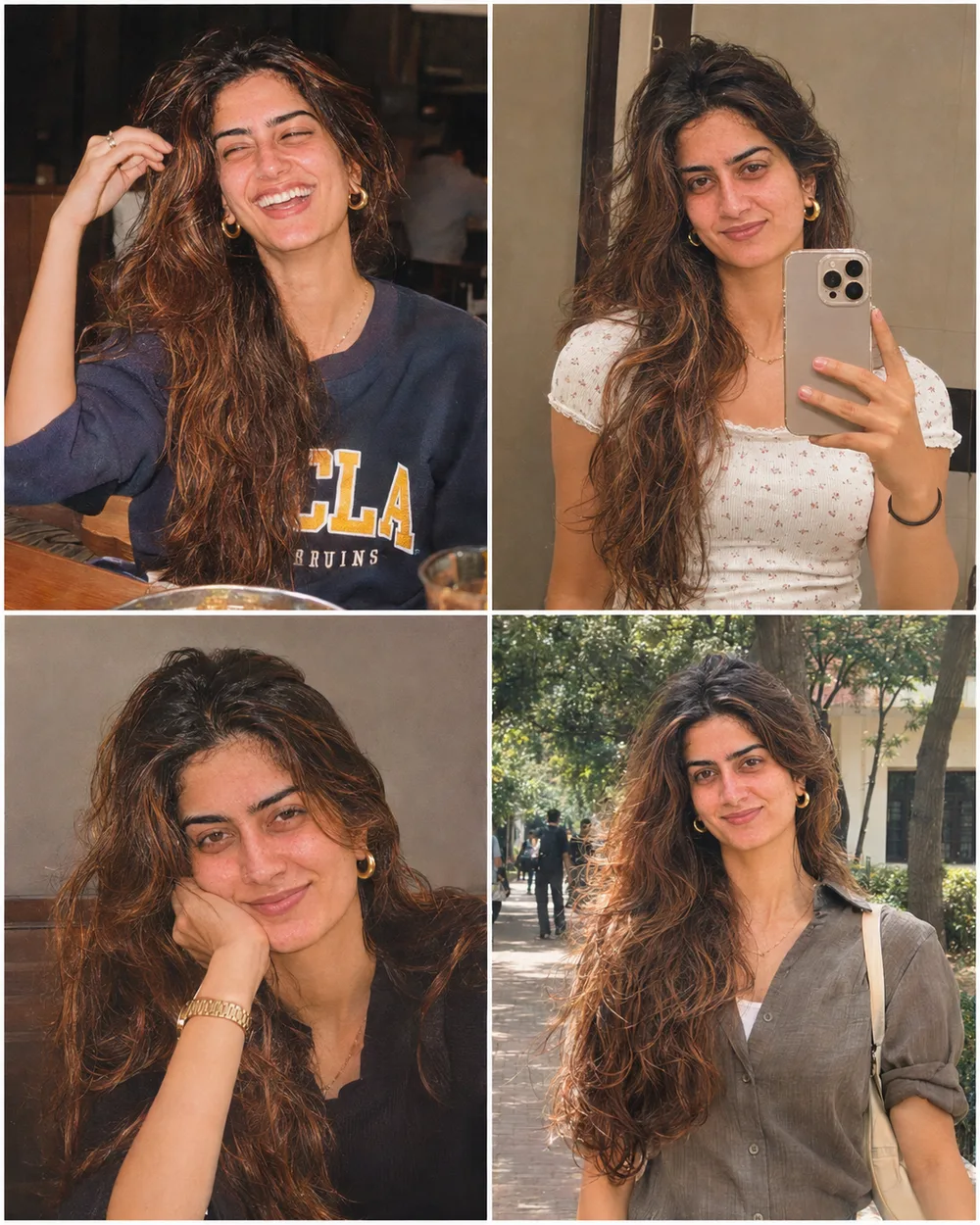
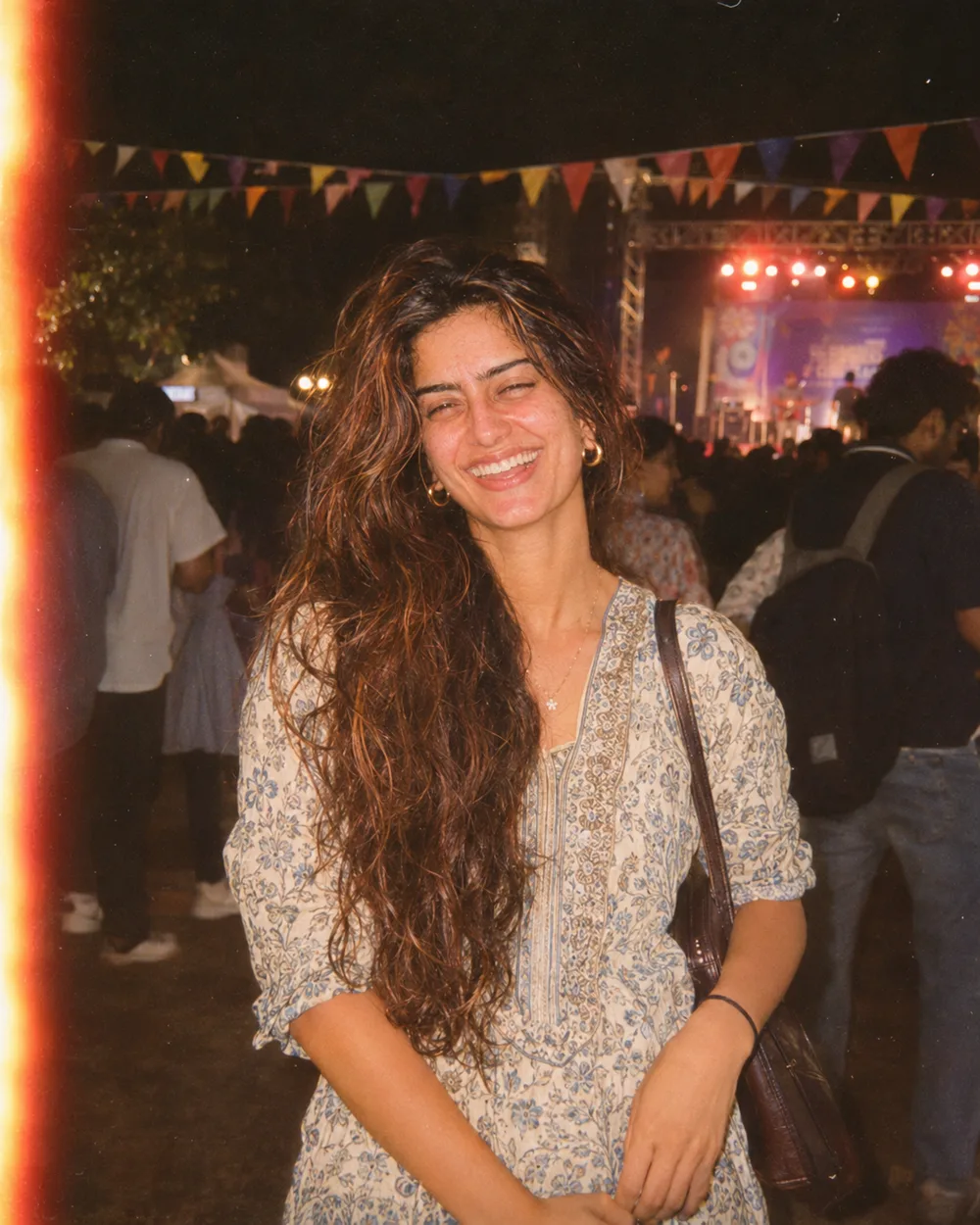
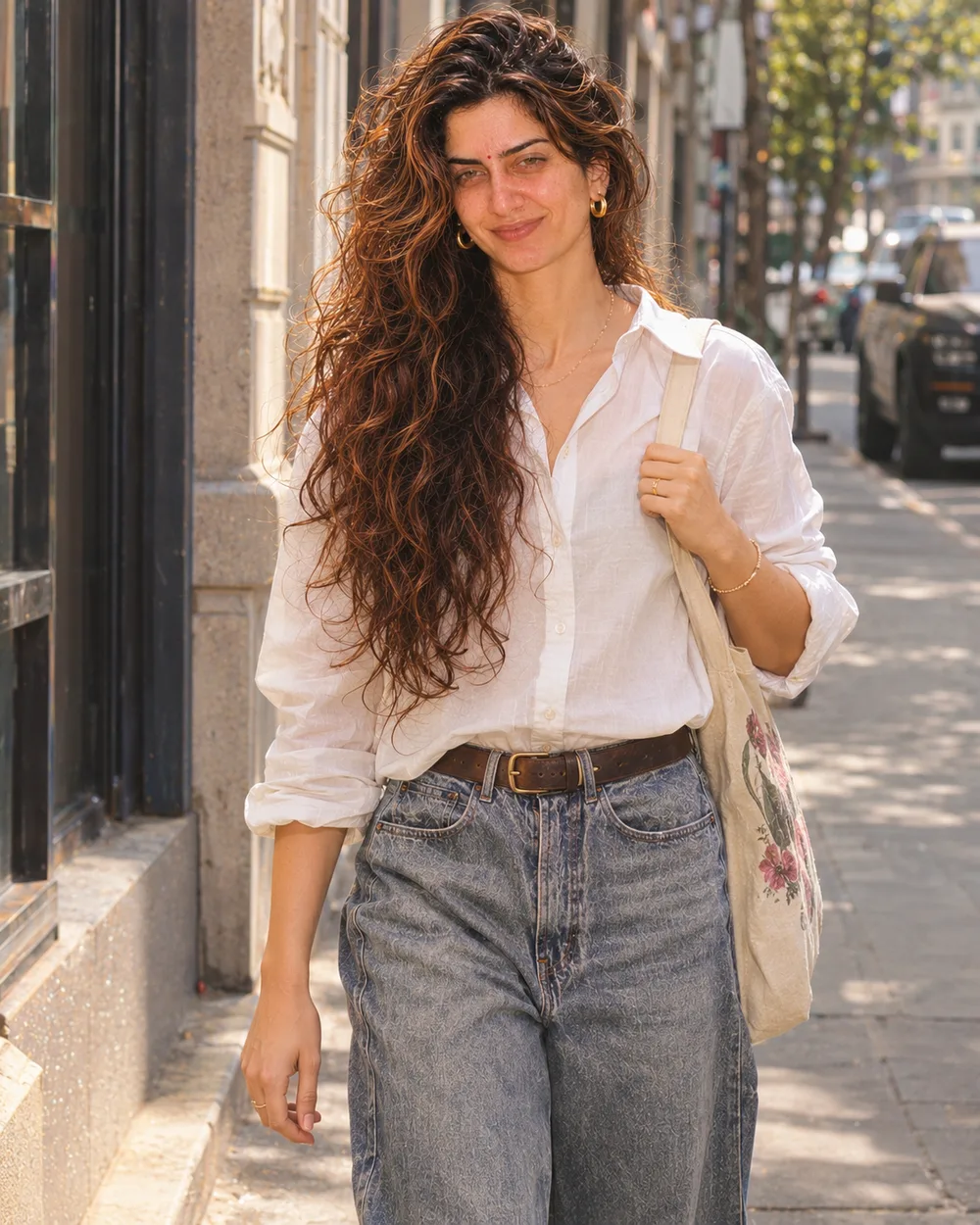
Create a stylised open-world crime-game poster in a bold painted illustration style with clean outlines and saturated colour. I stand in the centre, waist up, wearing a black linen shirt and beige trousers, with sunglasses on my head and a confident smirk, at the foot of the stairs of a sleek white private jet parked on a runway at golden-hour sunset. Behind me are a hot pink and orange sky, palm trees, a glowing city skyline and a black luxury SUV. The jet has no text, no logos and no airline markings. Add original game-style screen elements: a row of five gold stars in the top-right corner (two filled, three empty), a round minimap in the bottom-left corner and a slim green health bar. No title, no readable words, no real game logos and no studio branding. Keep my face a clear, recognisable likeness.












































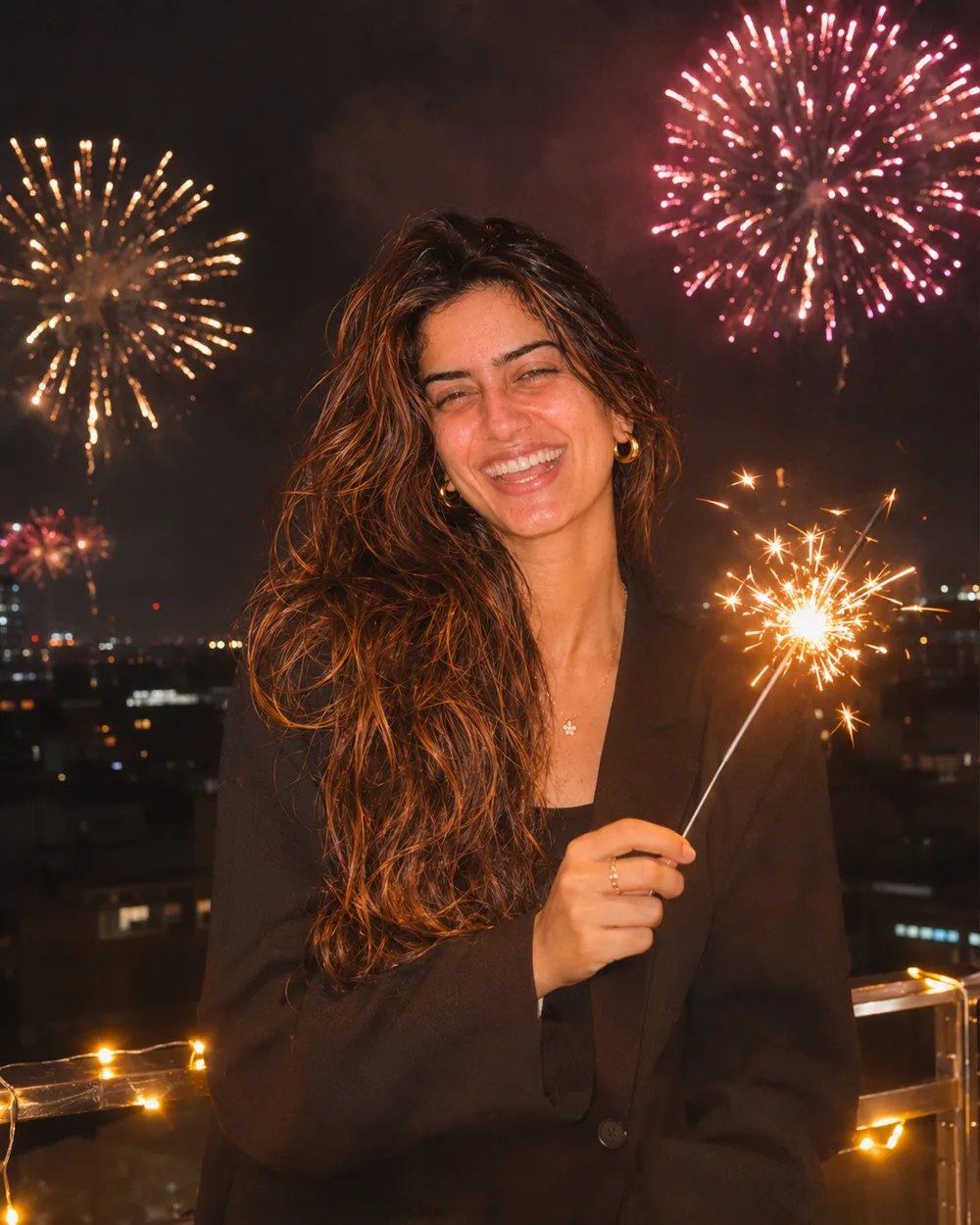

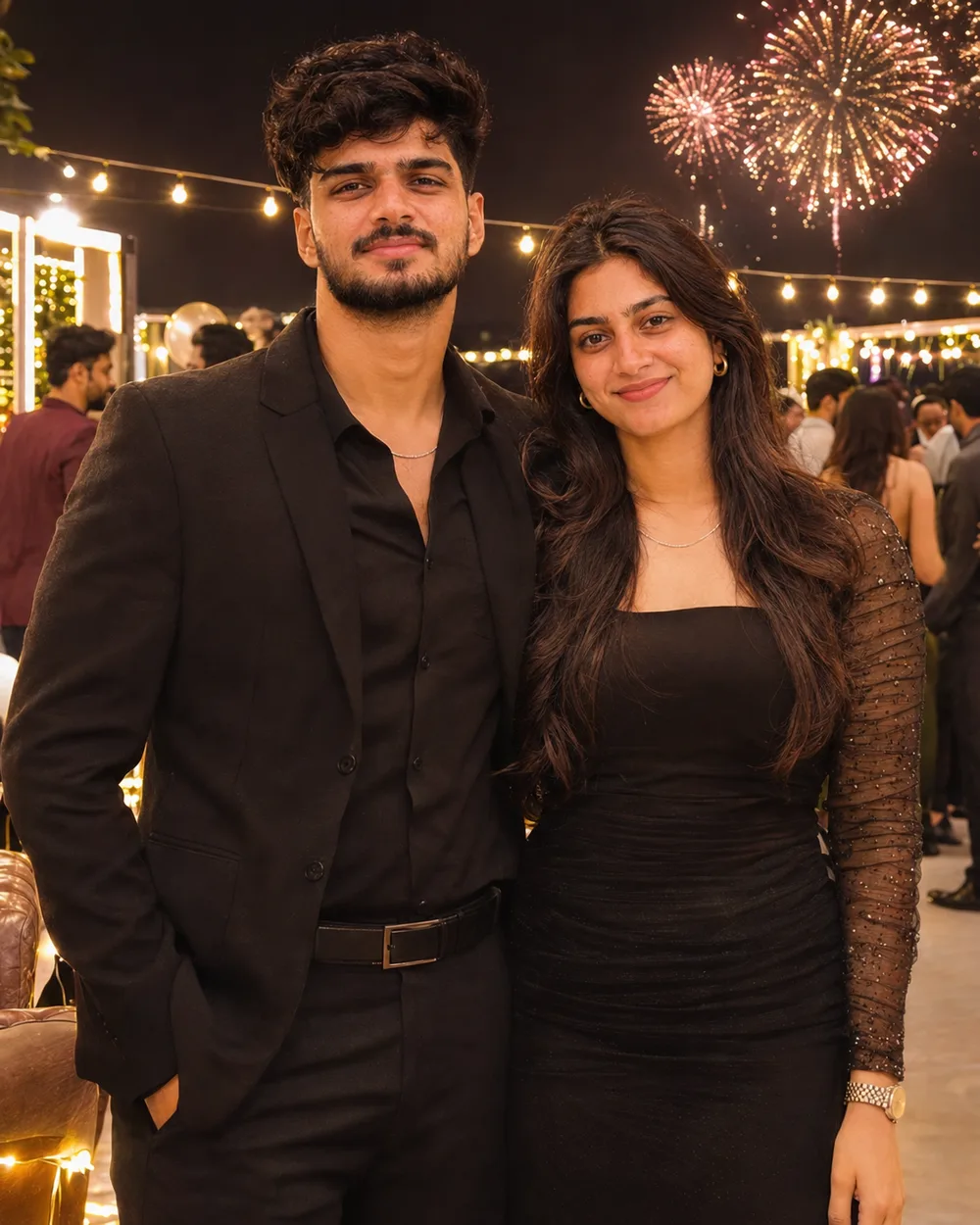
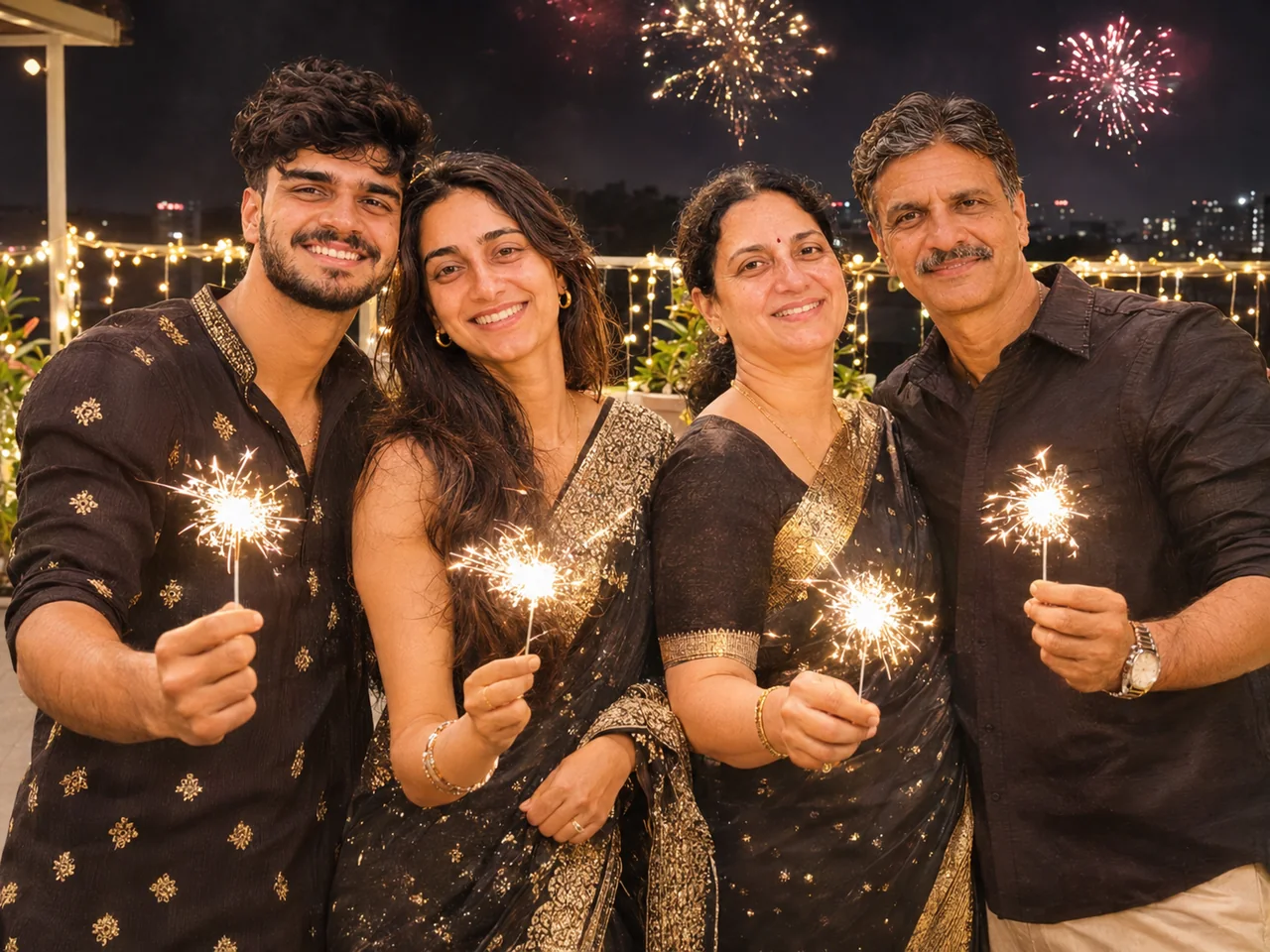










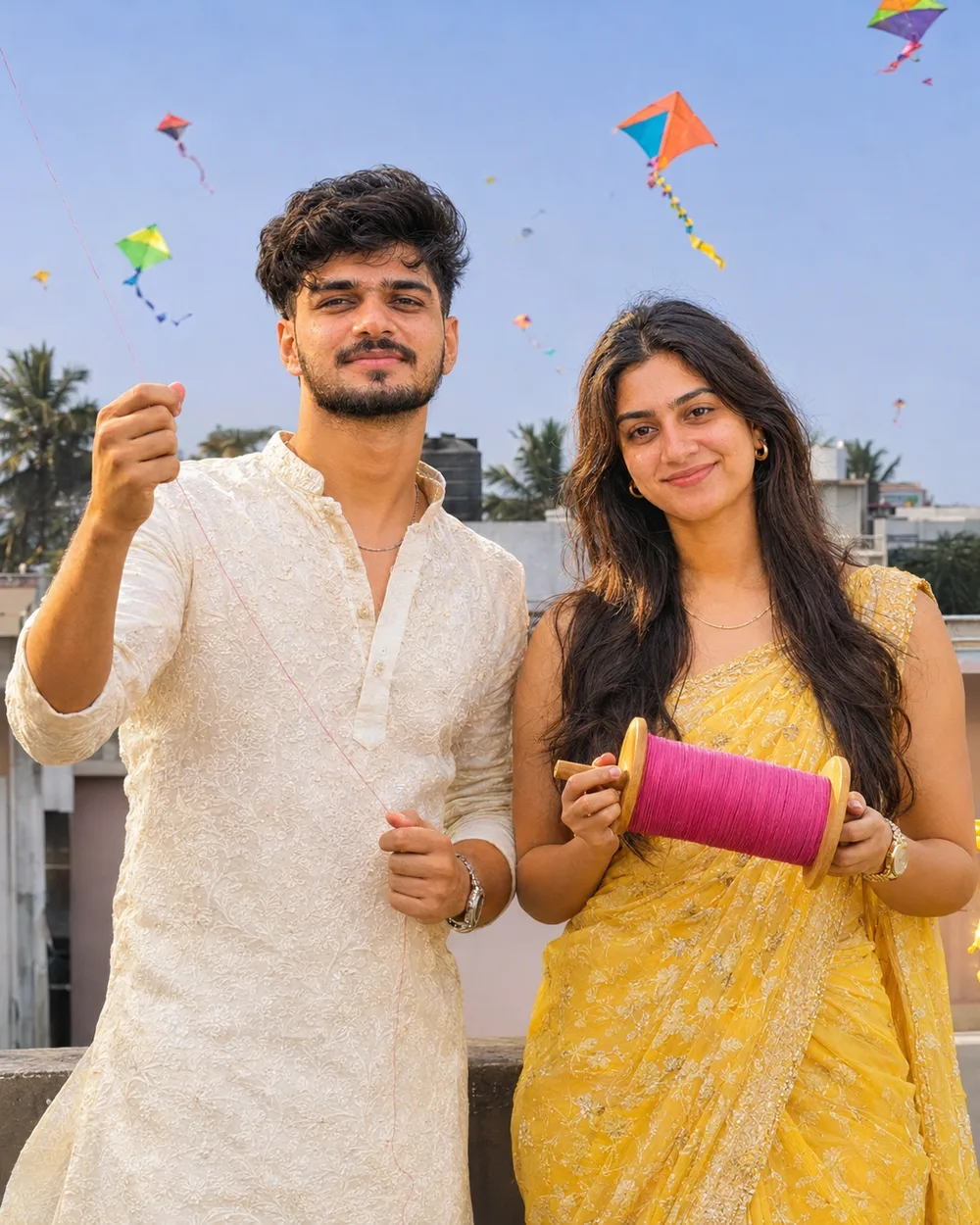
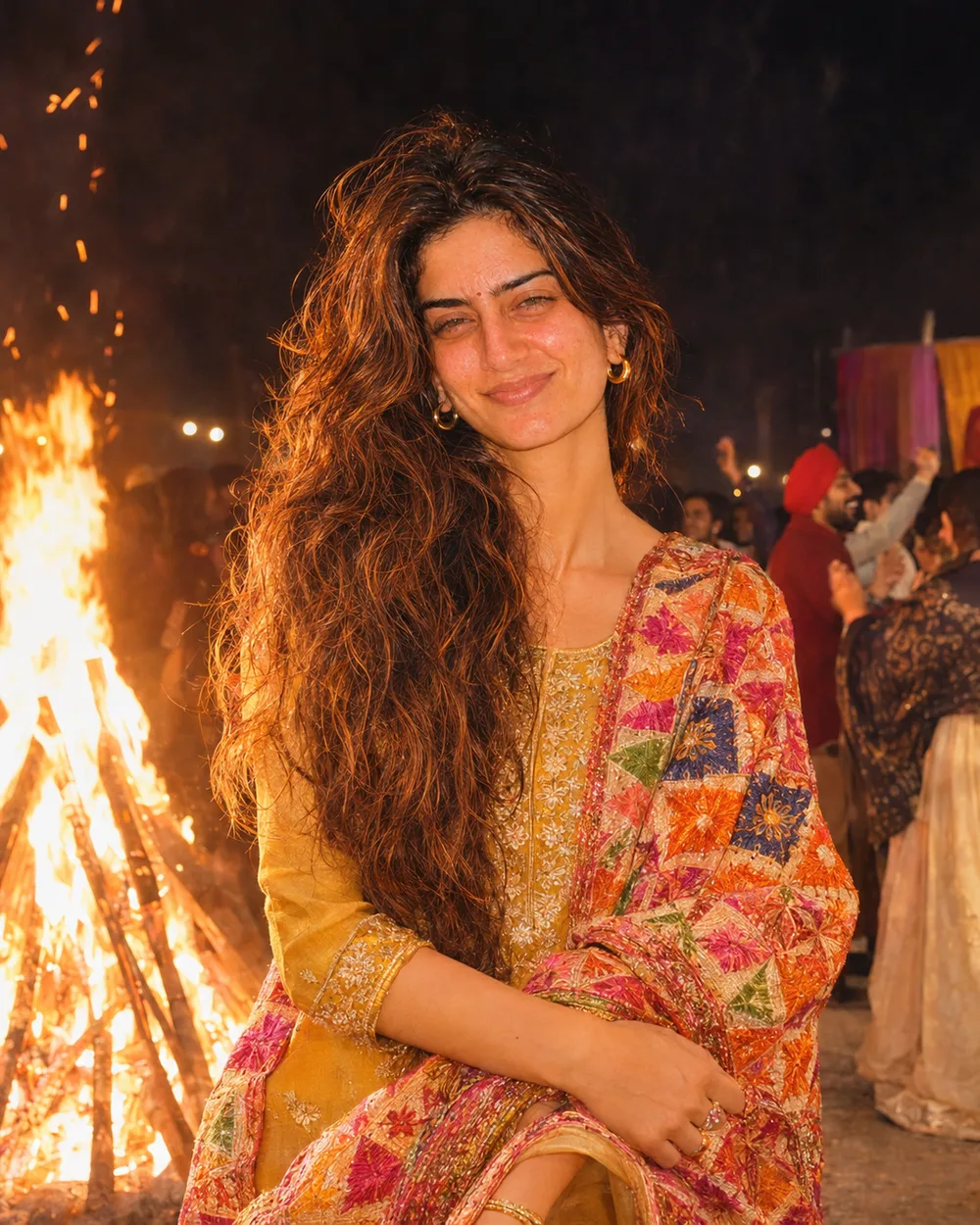

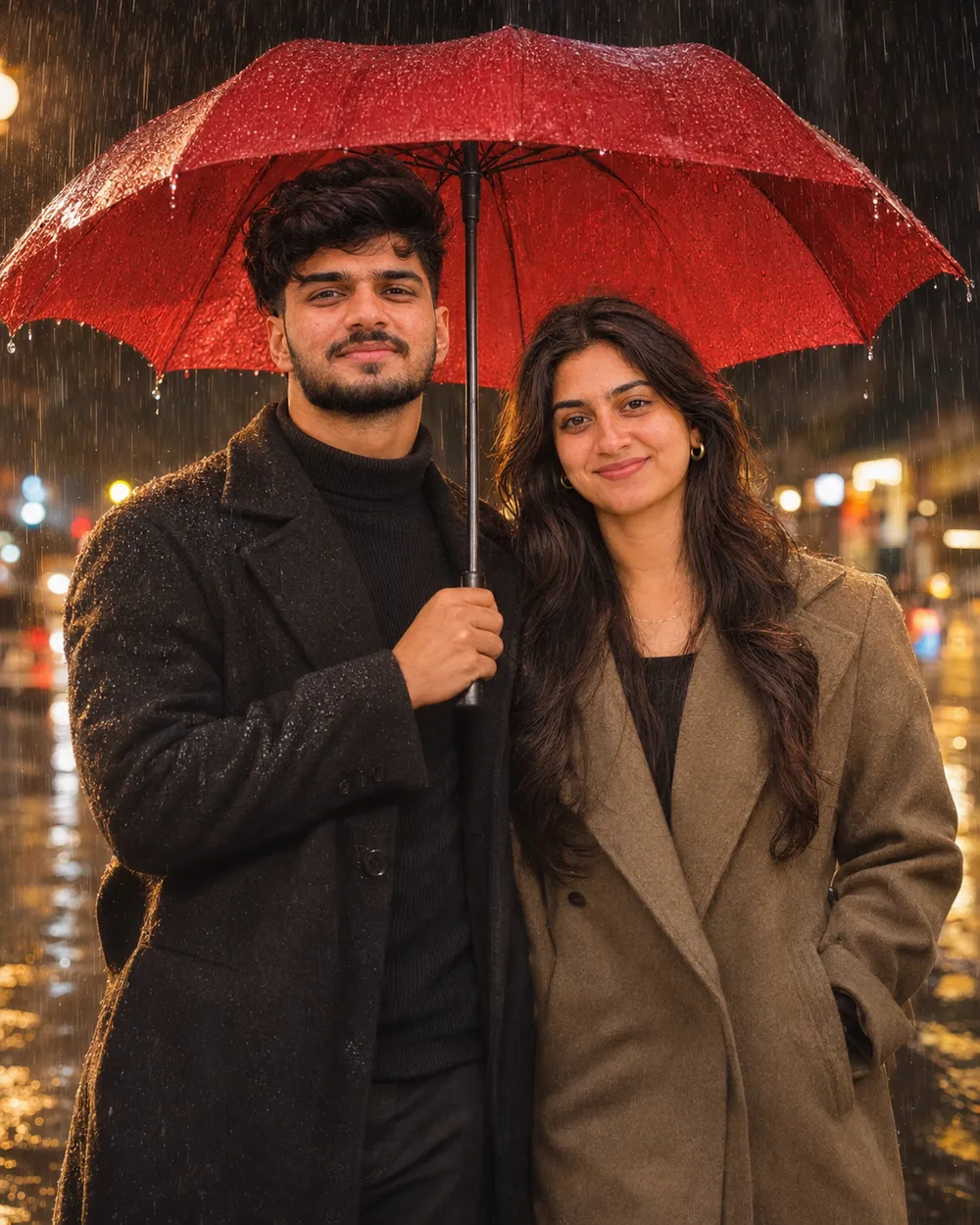
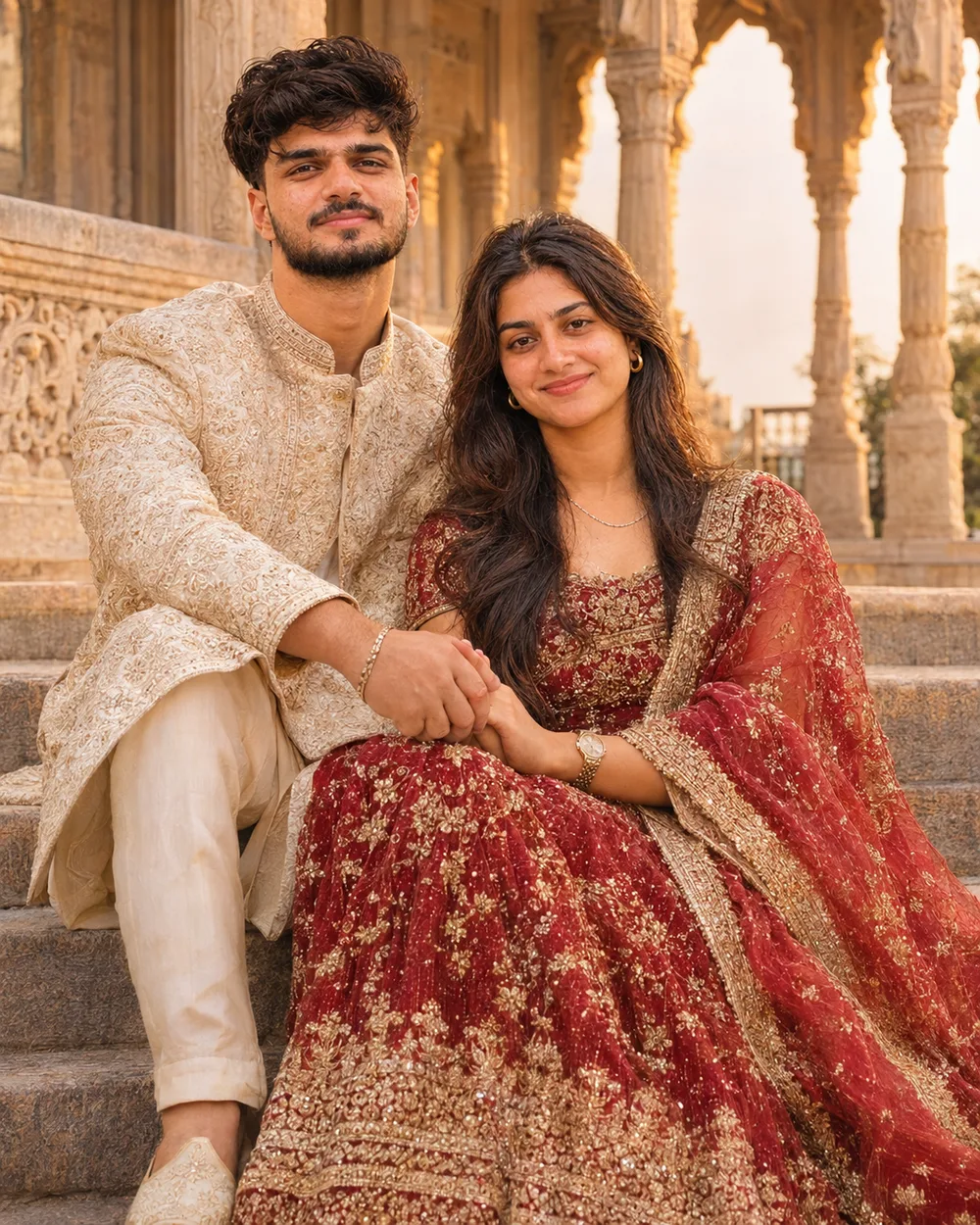

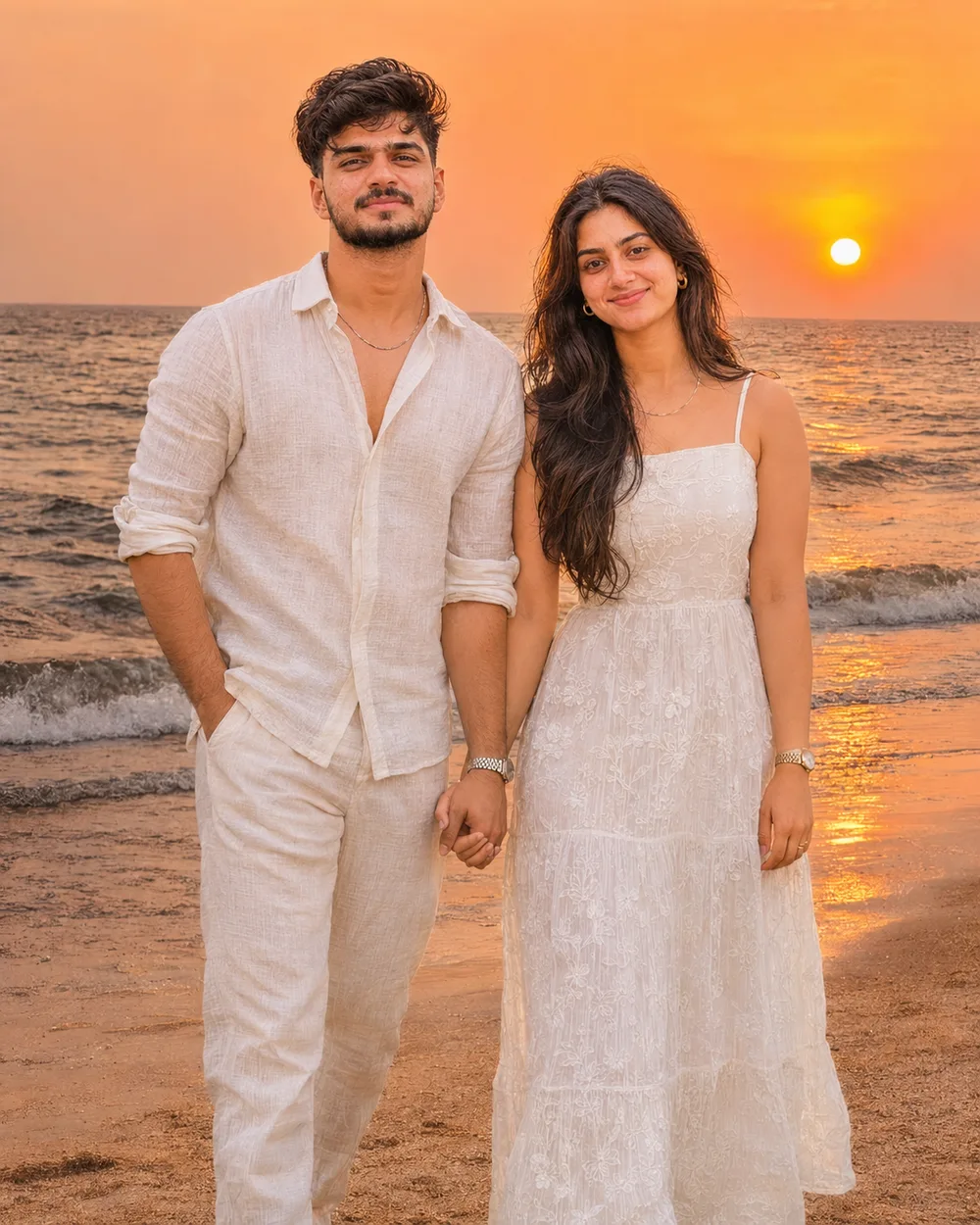
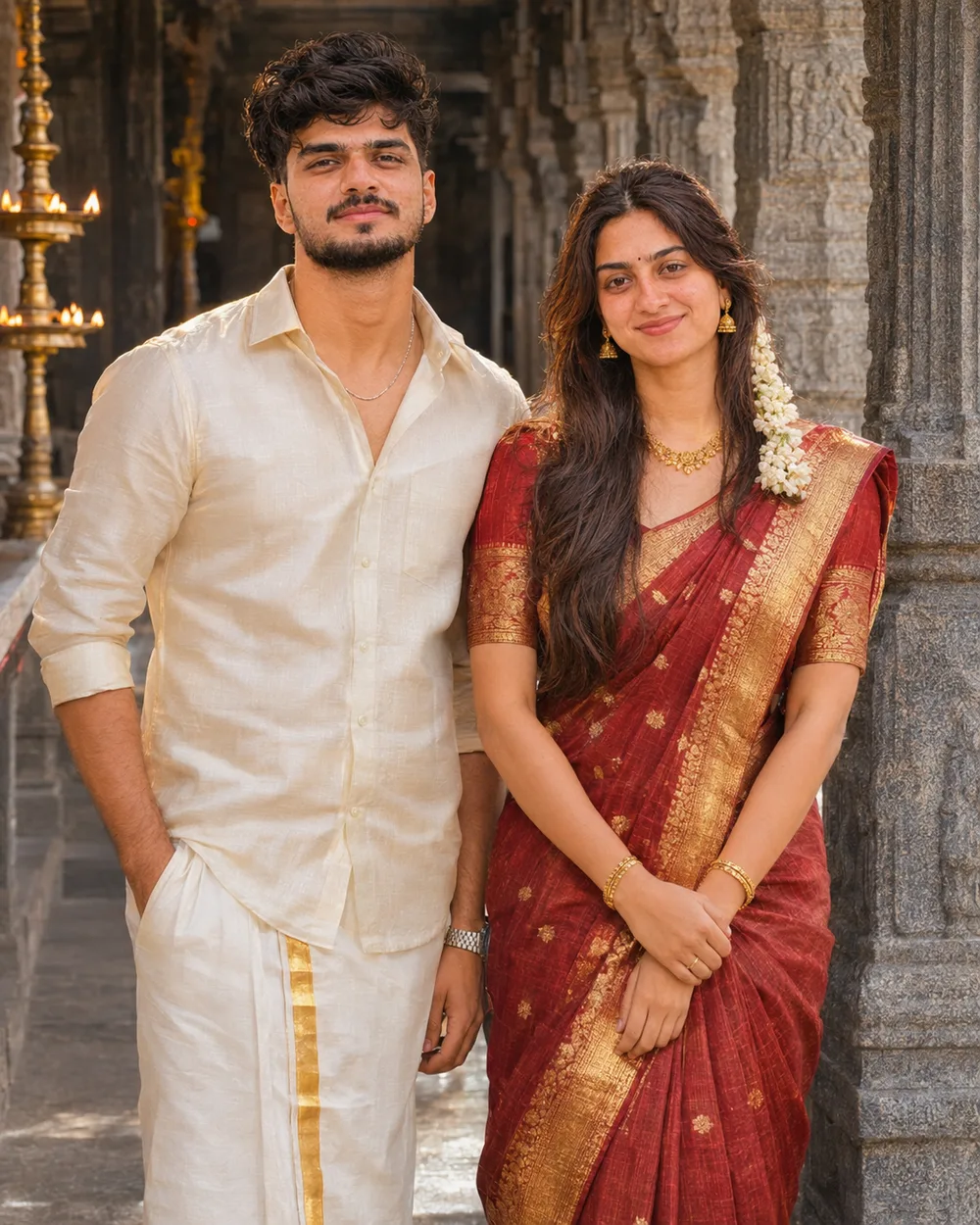
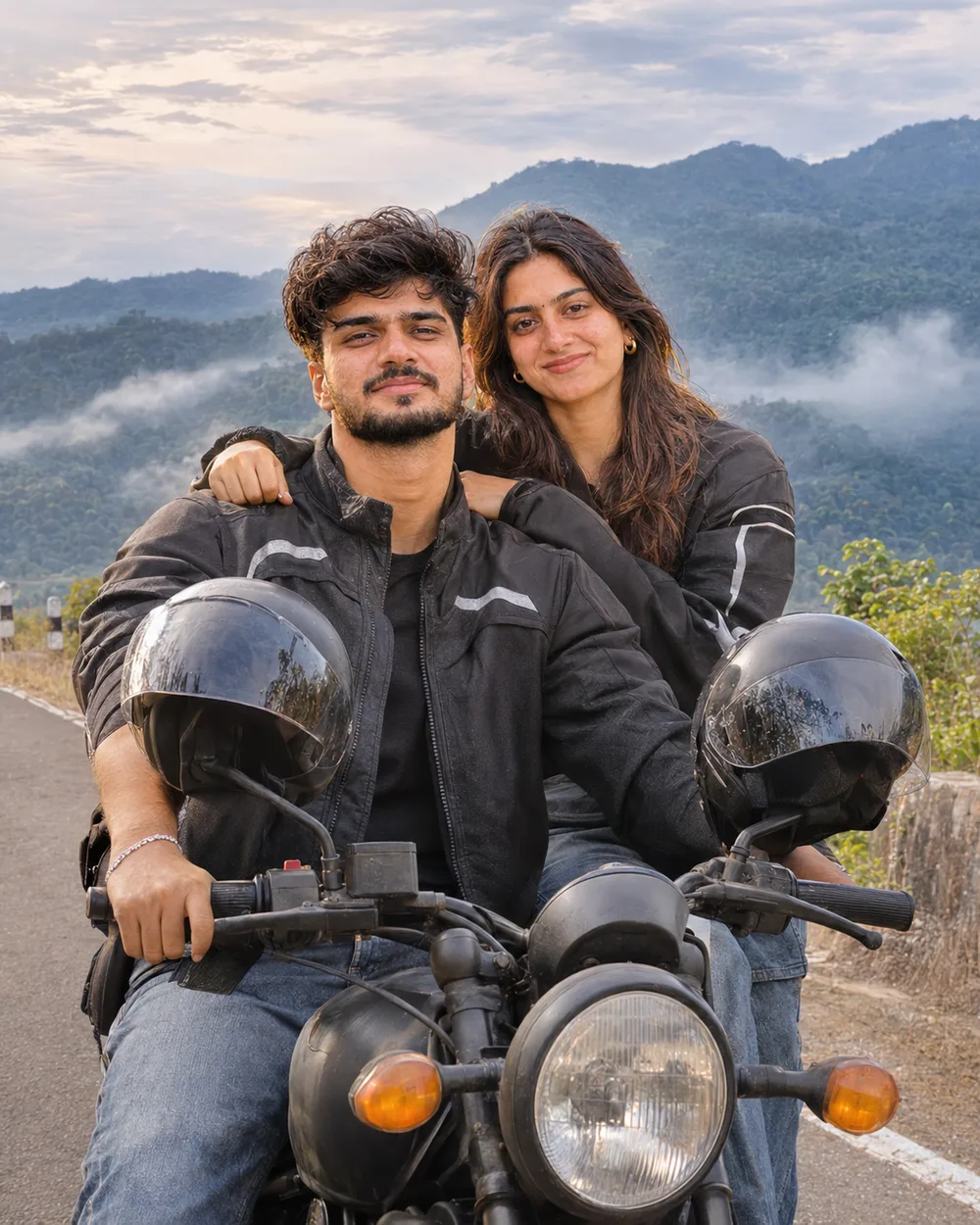
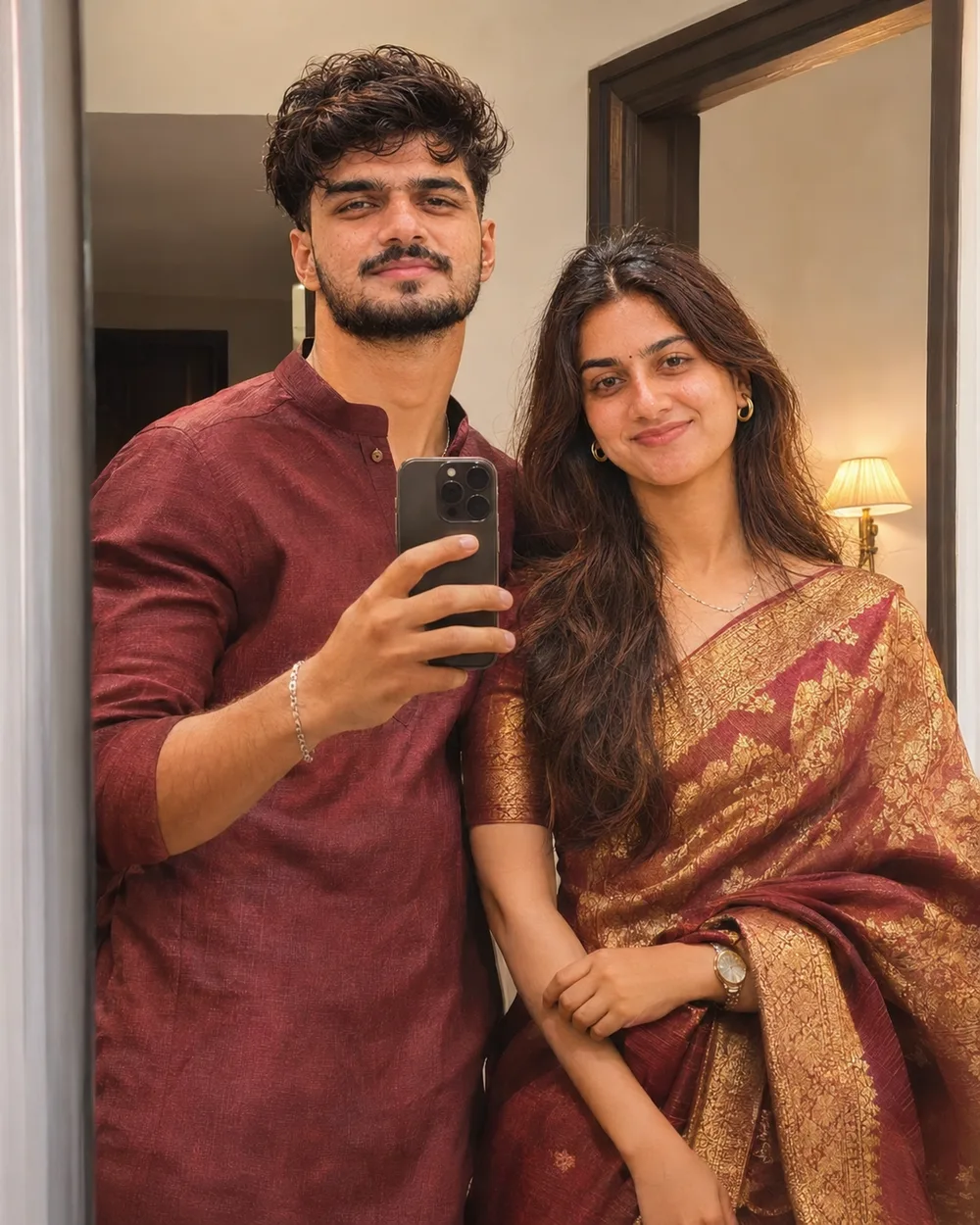

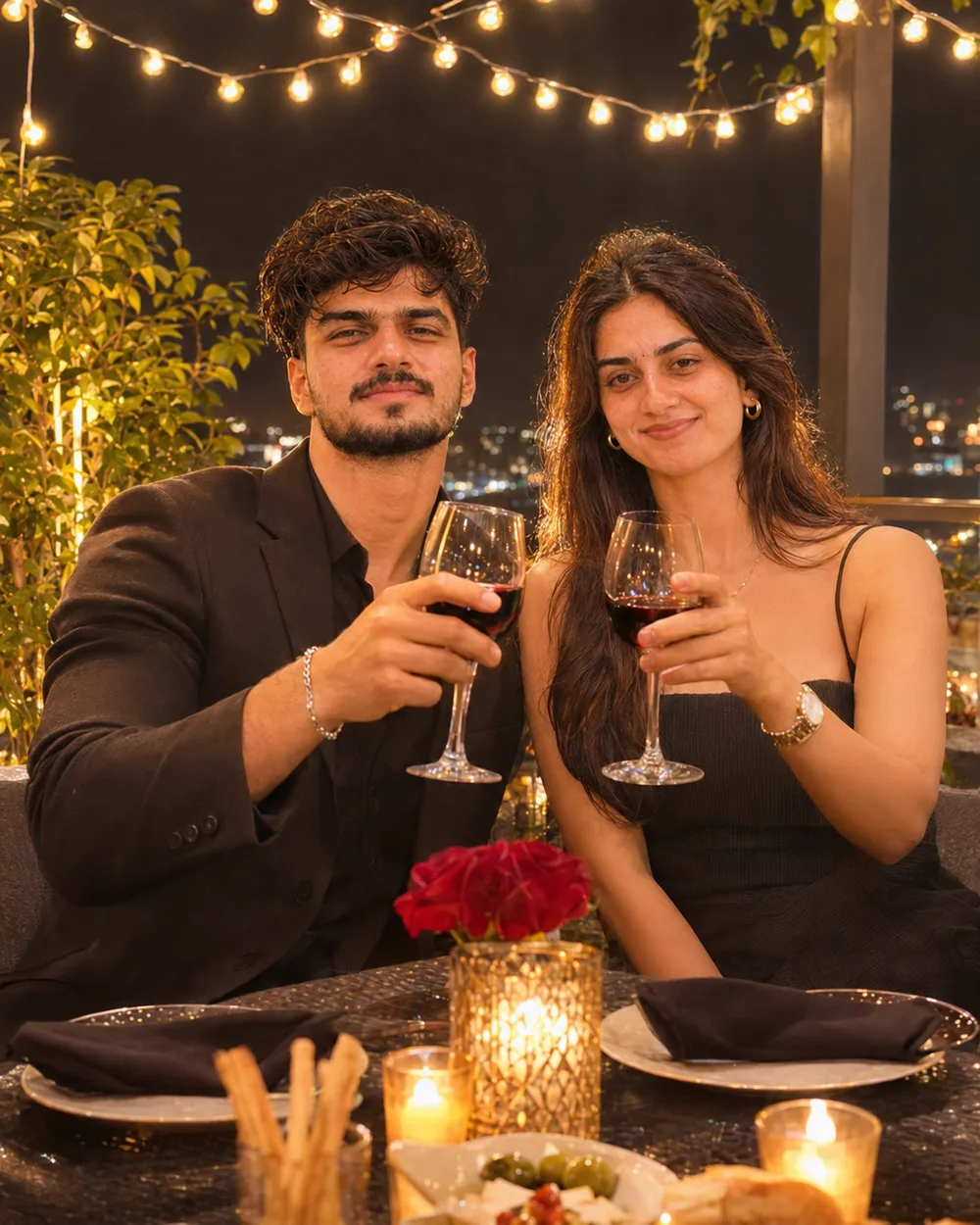
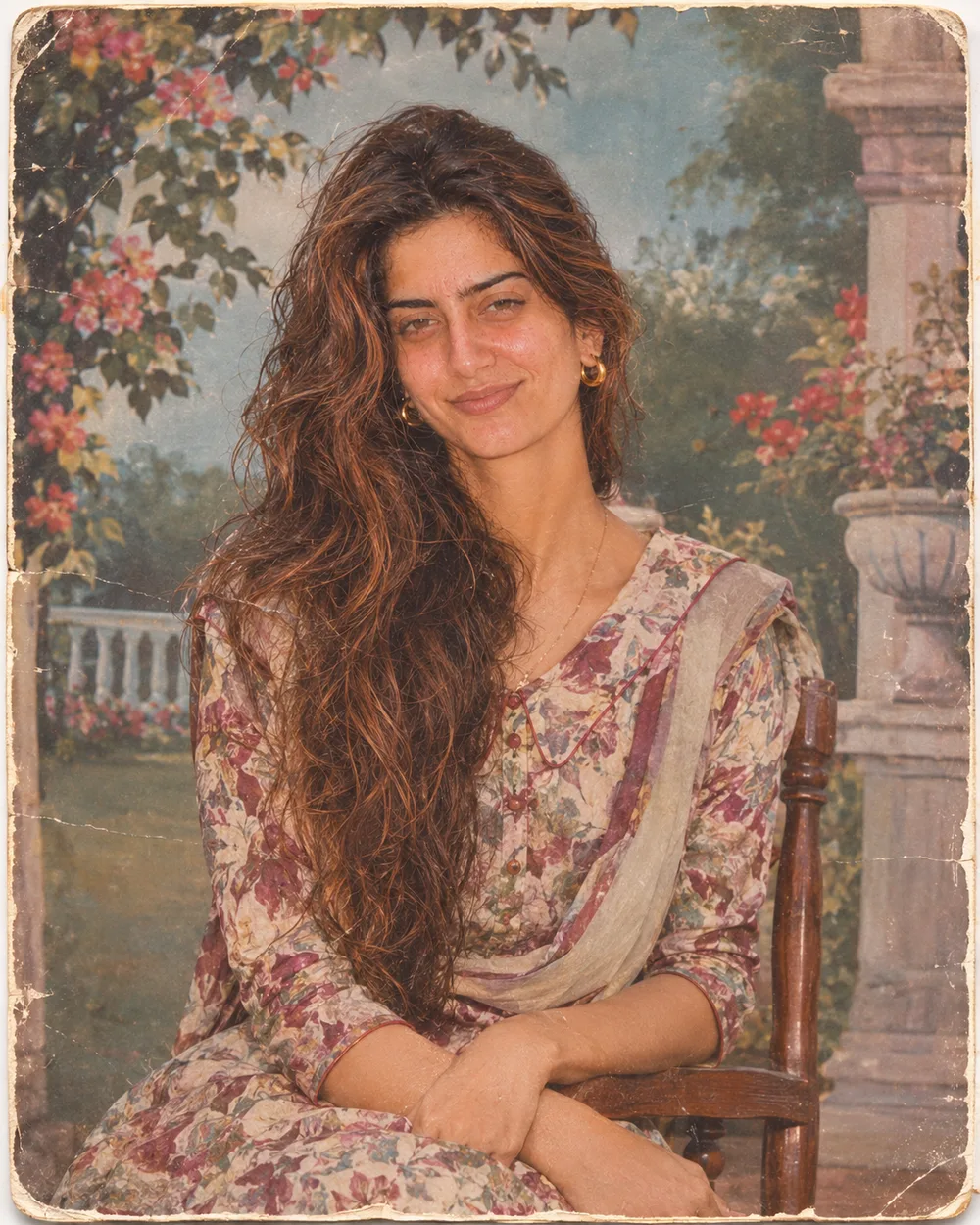

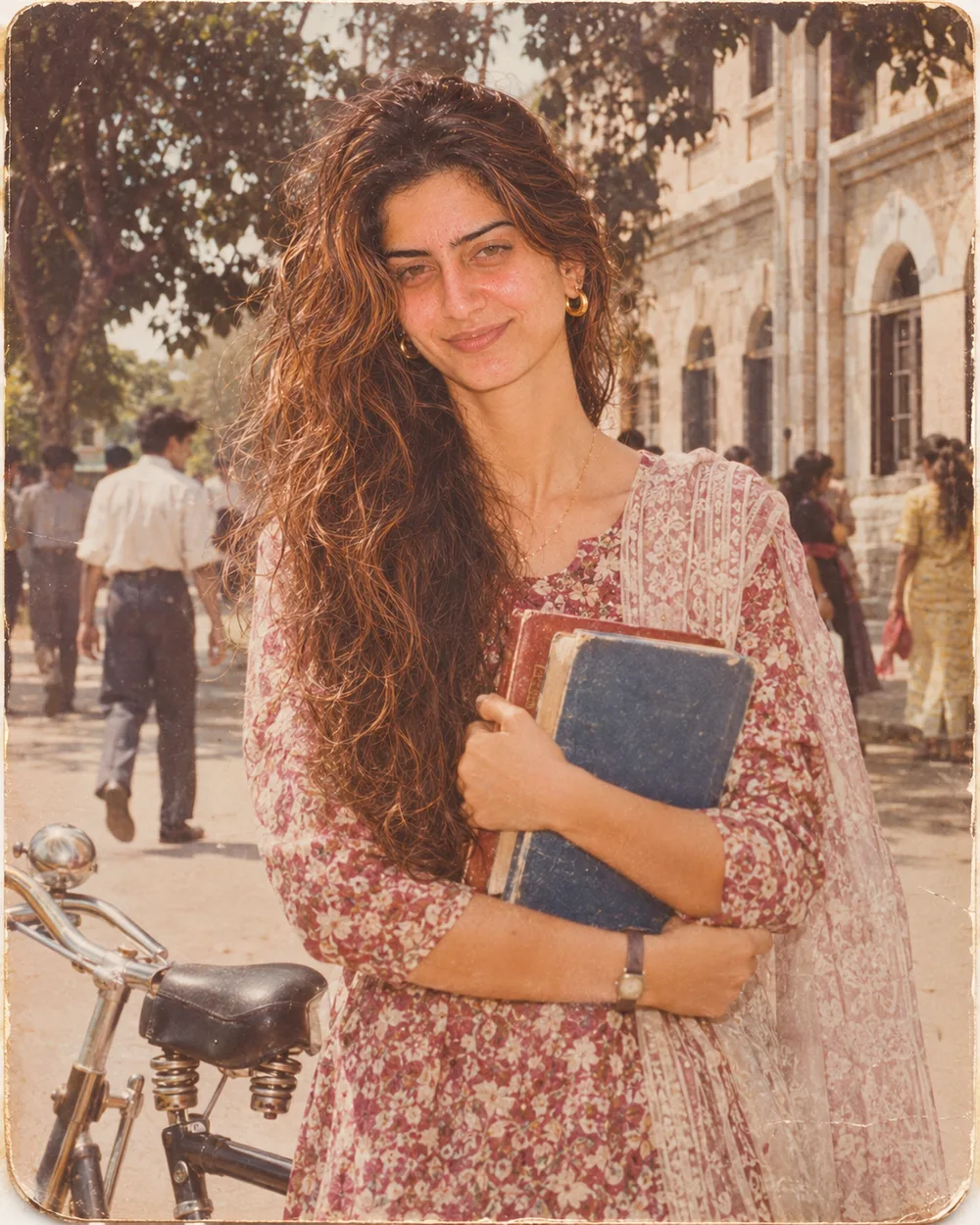

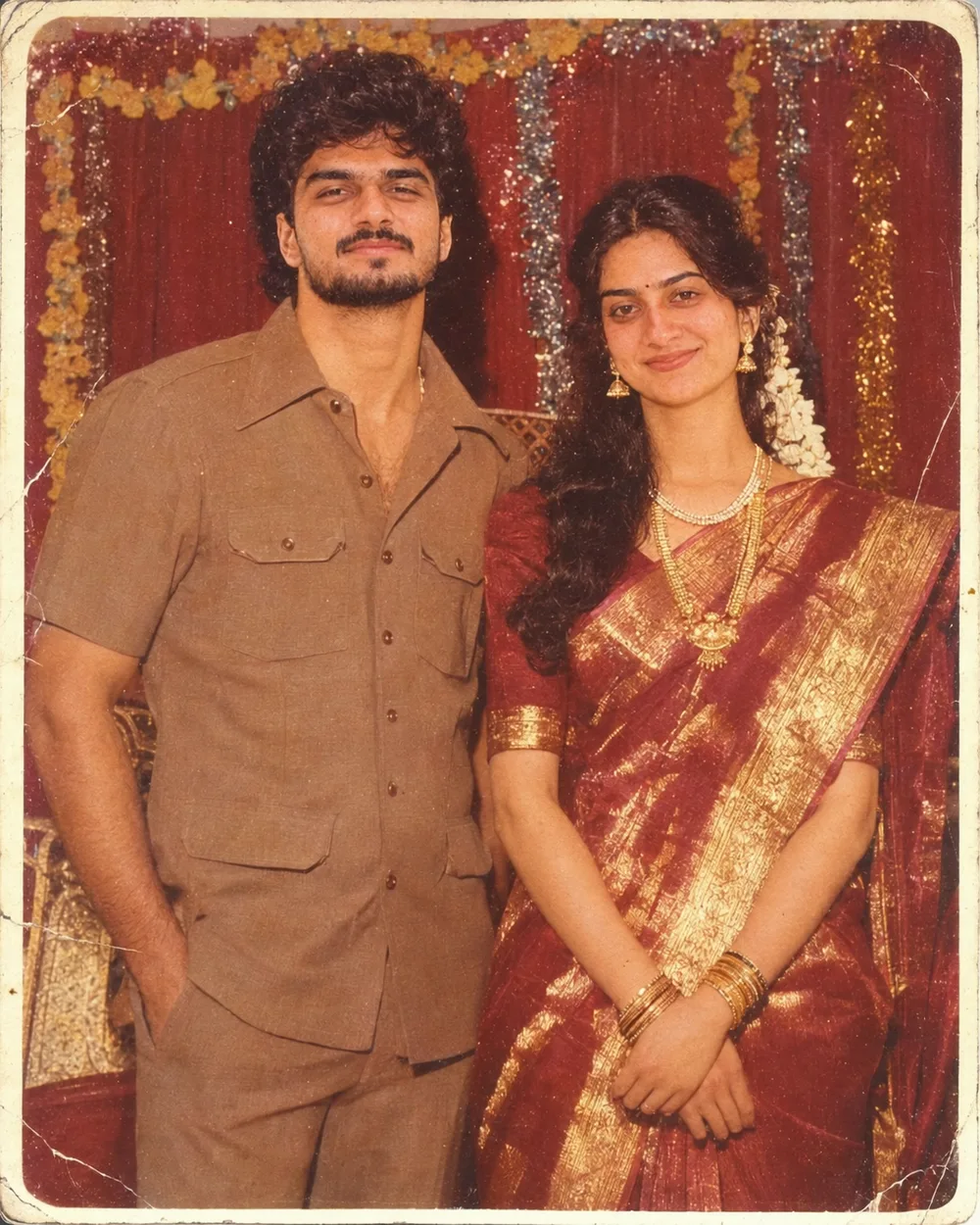
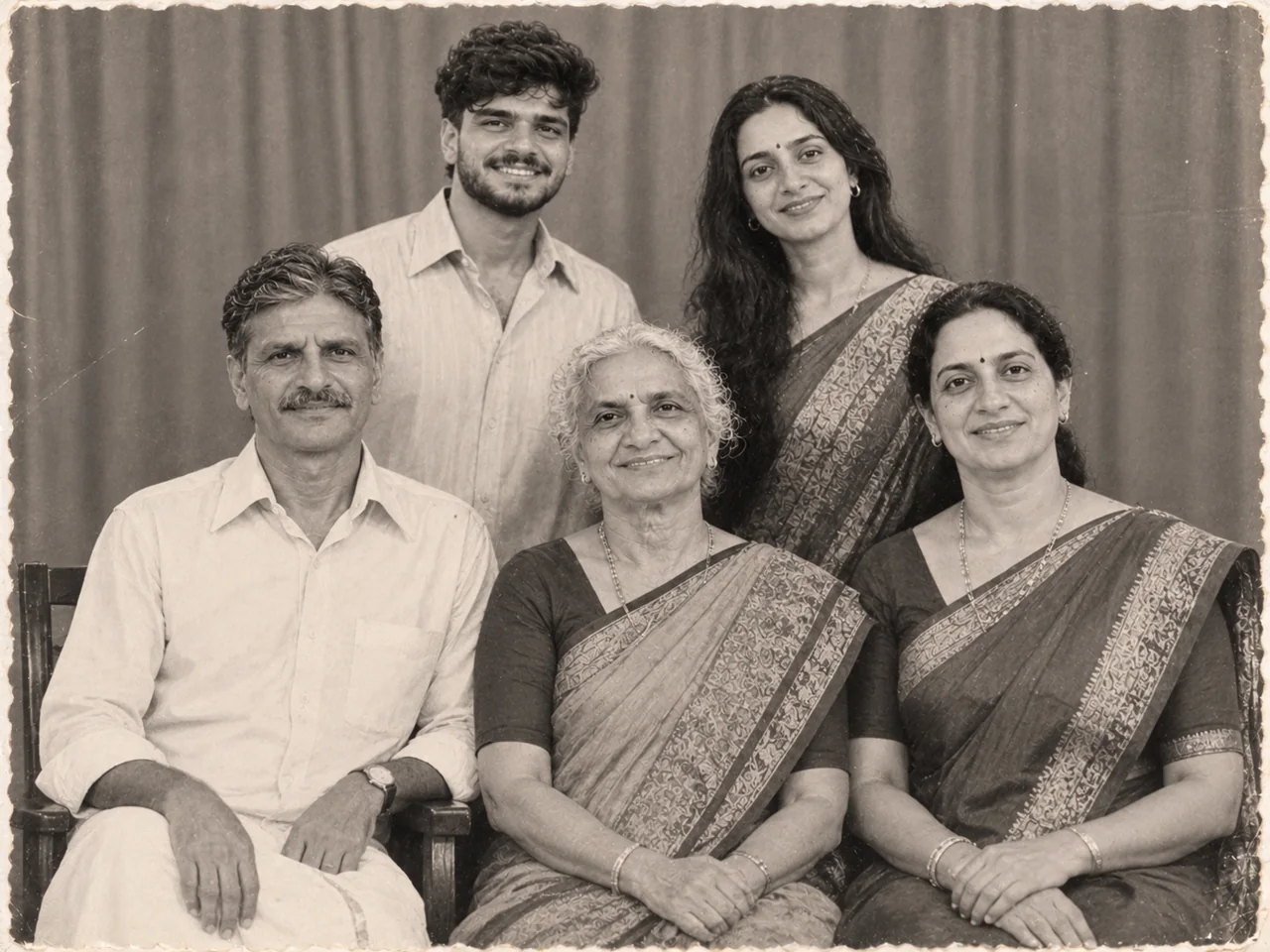










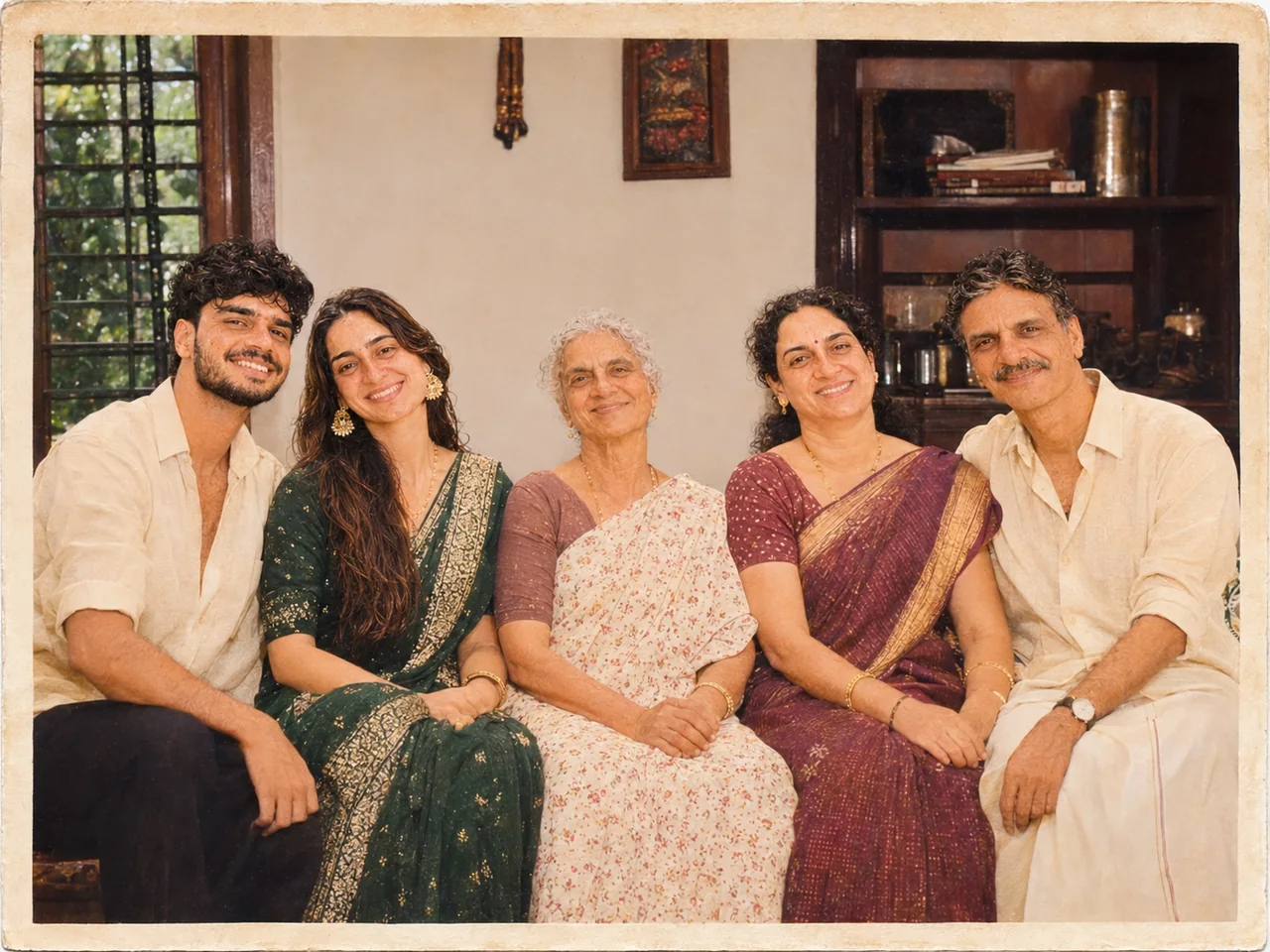
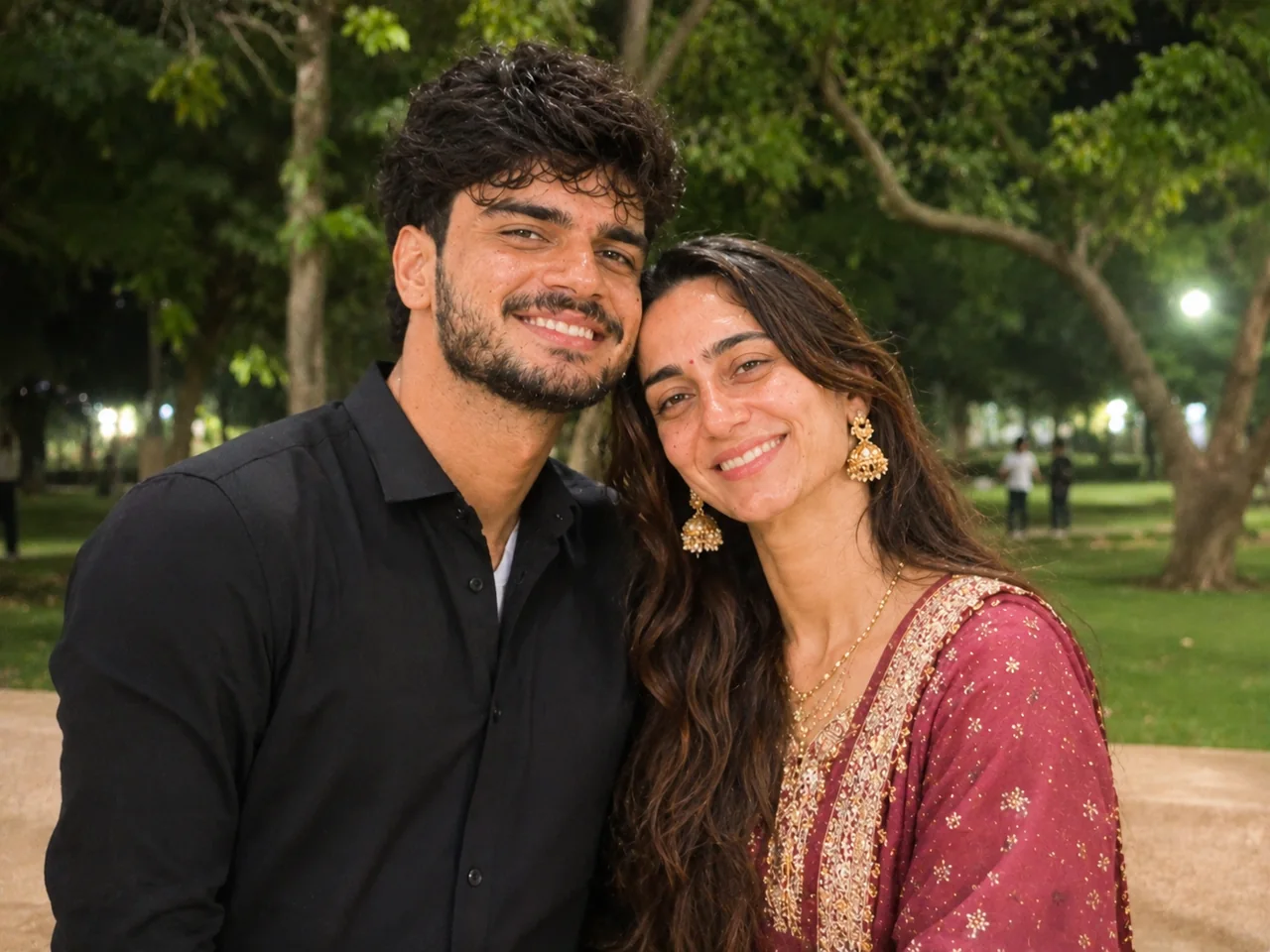




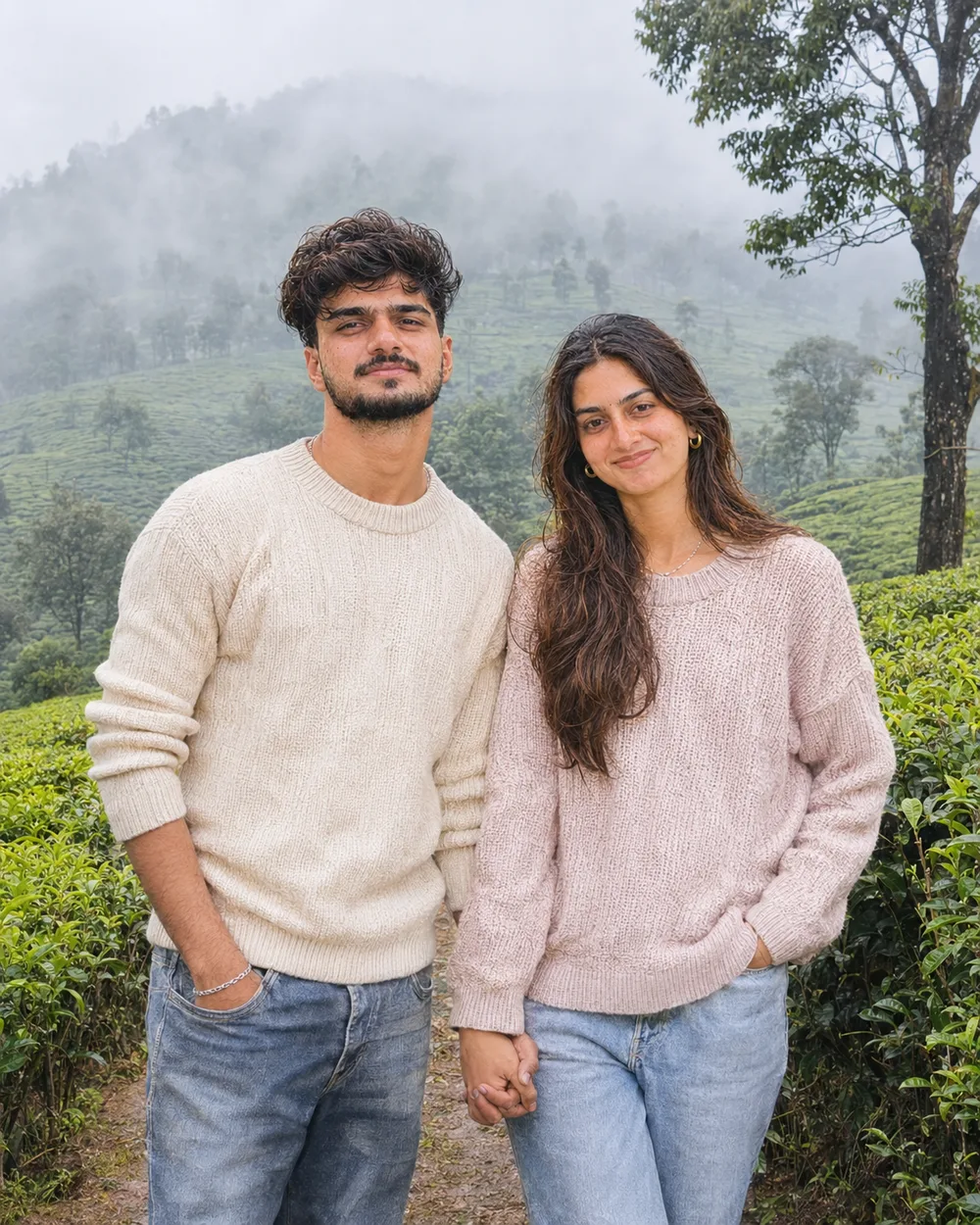
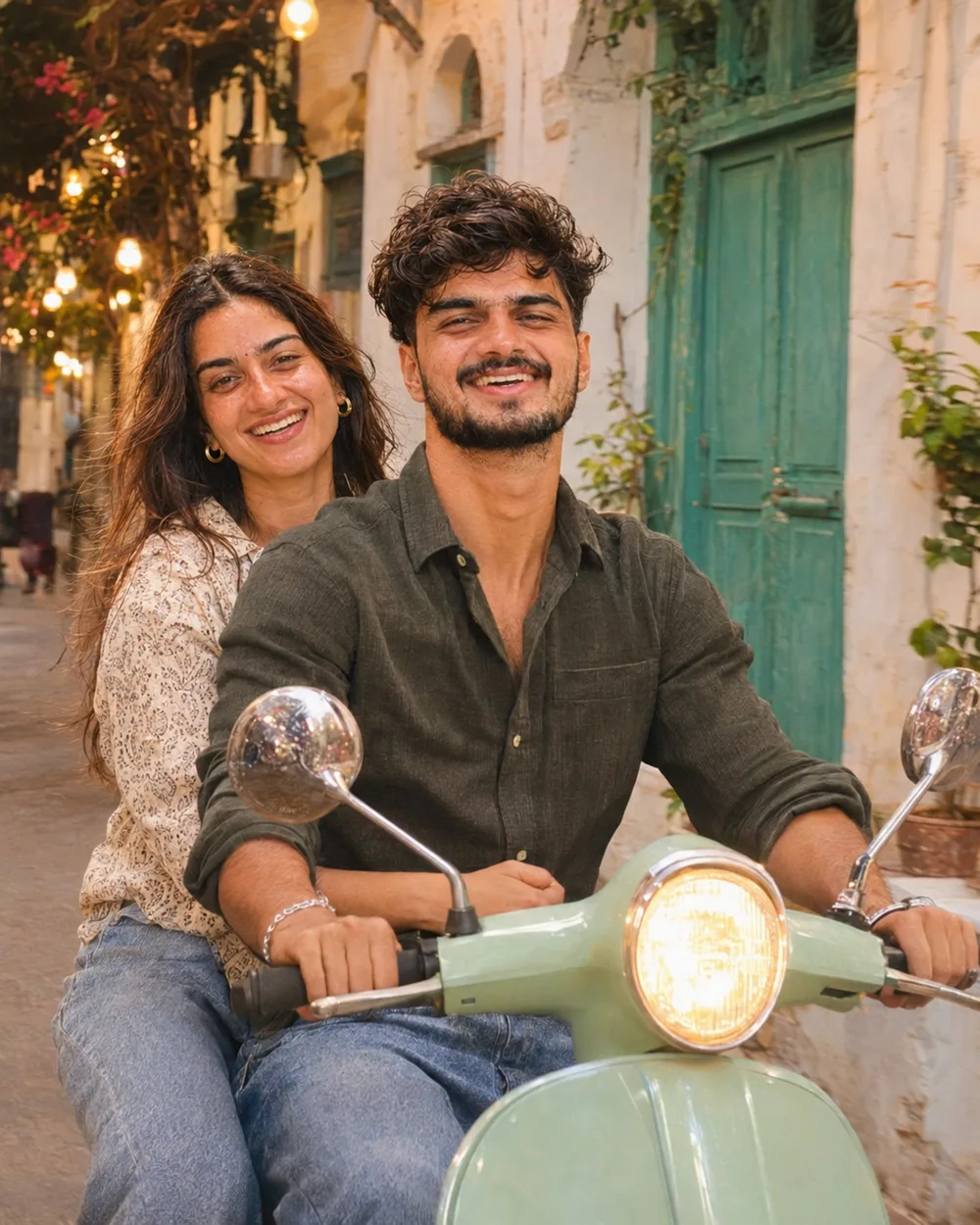



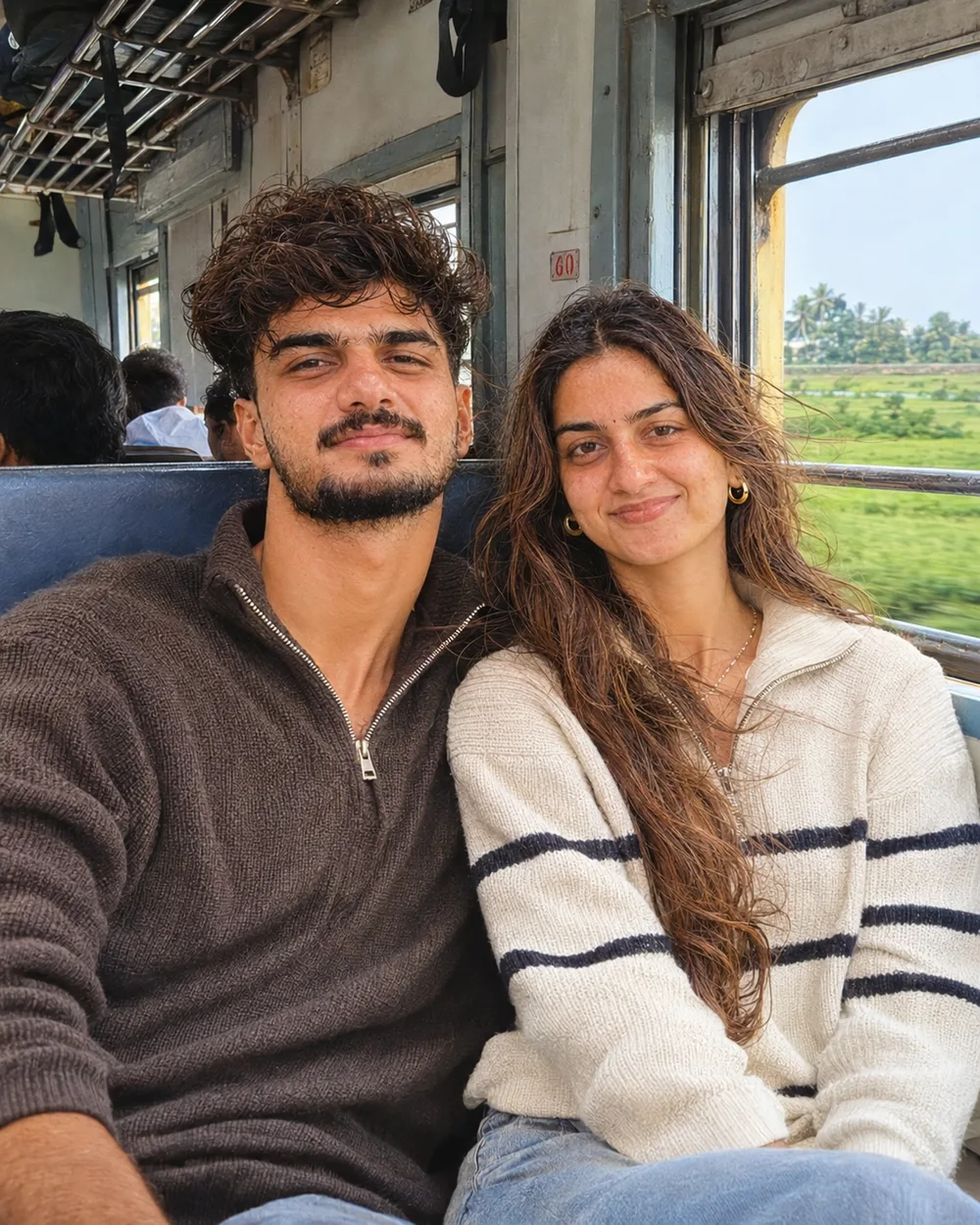

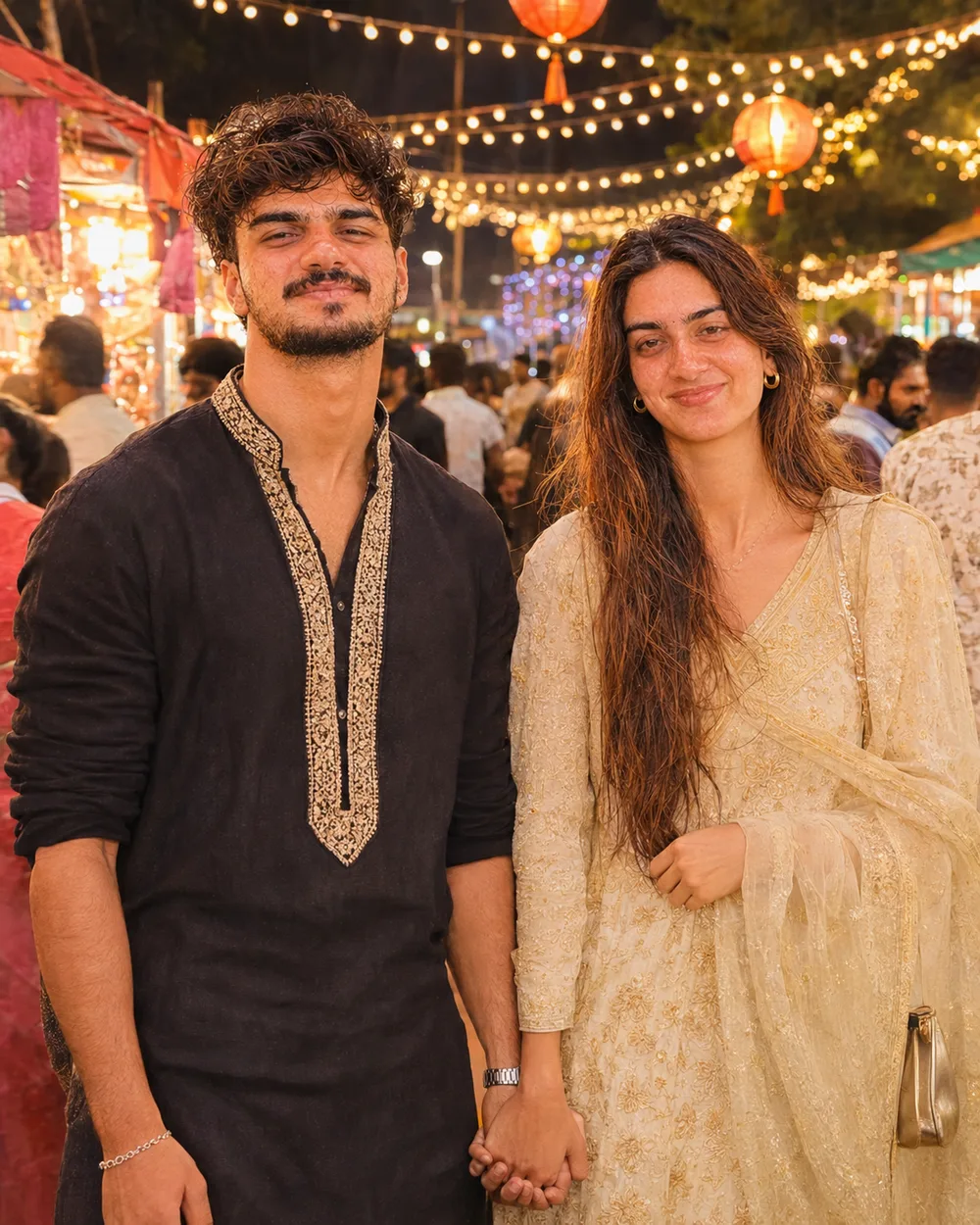
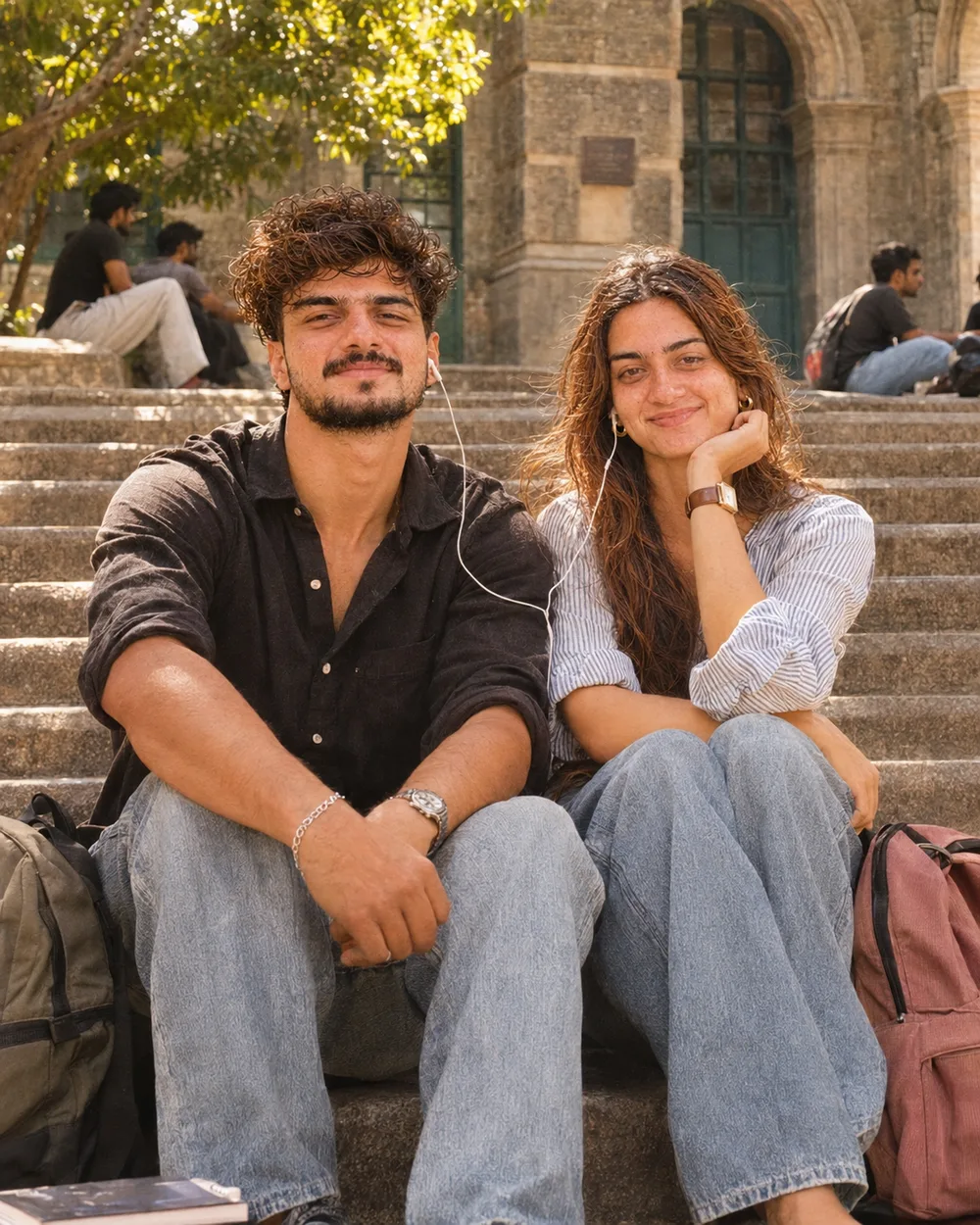
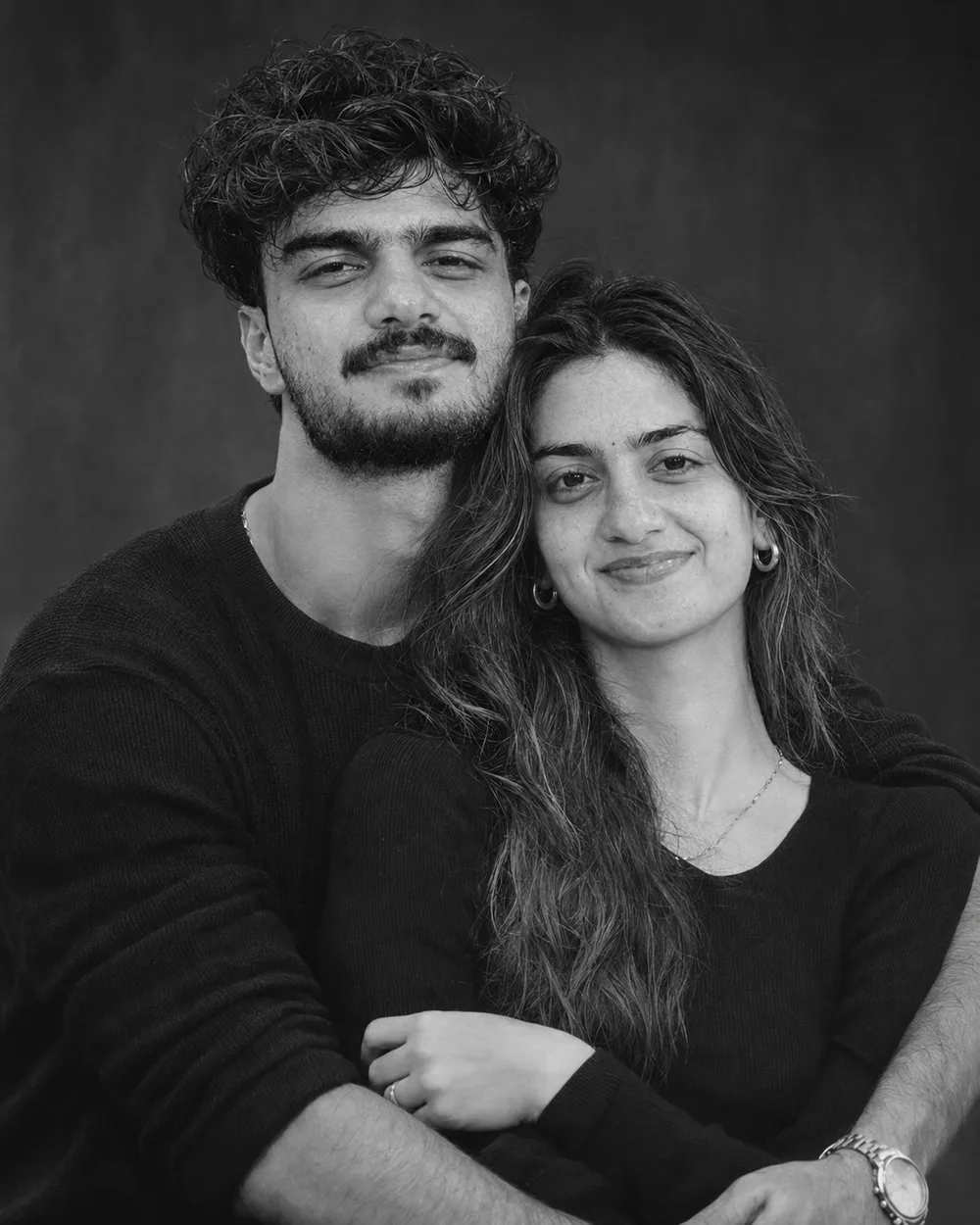

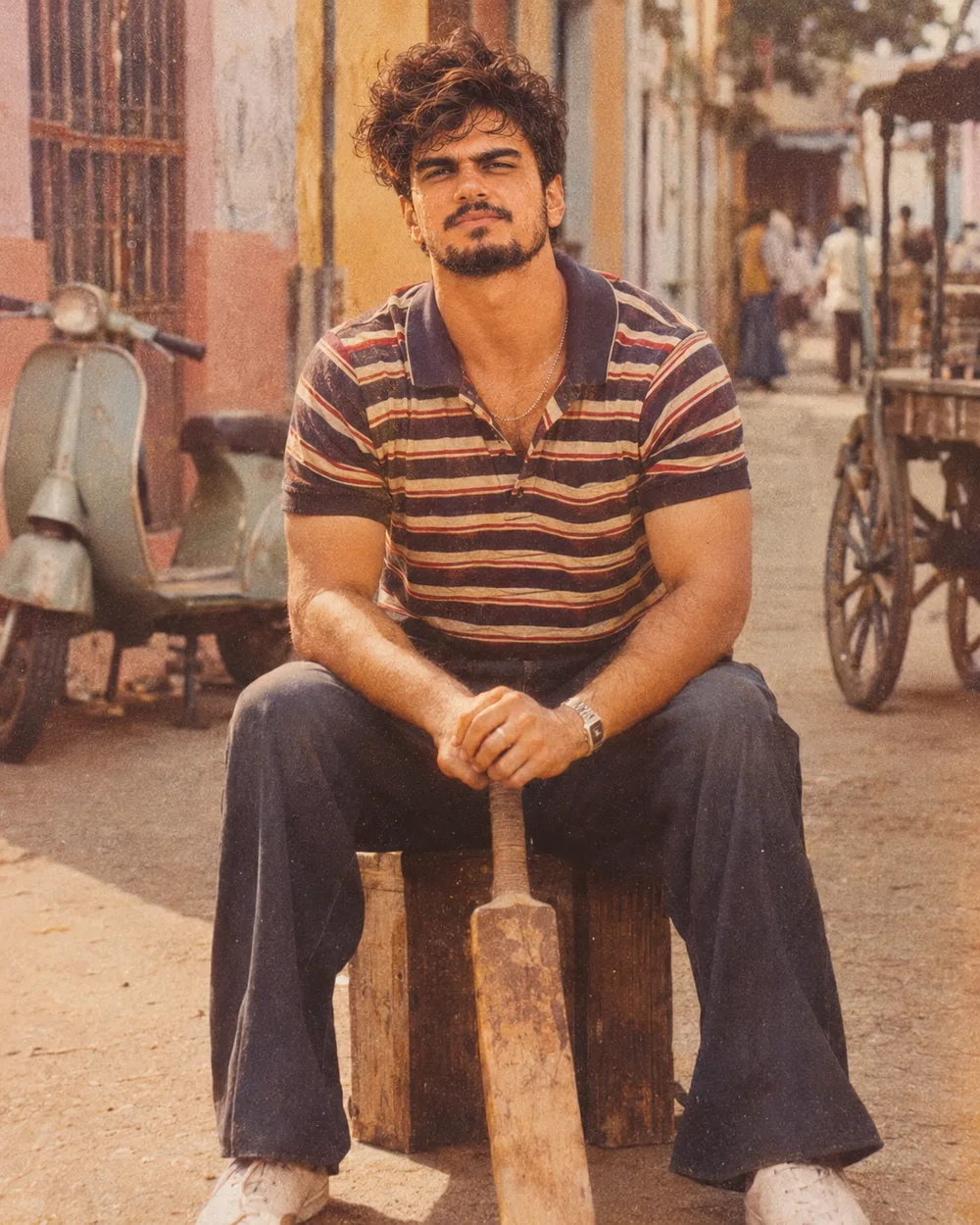
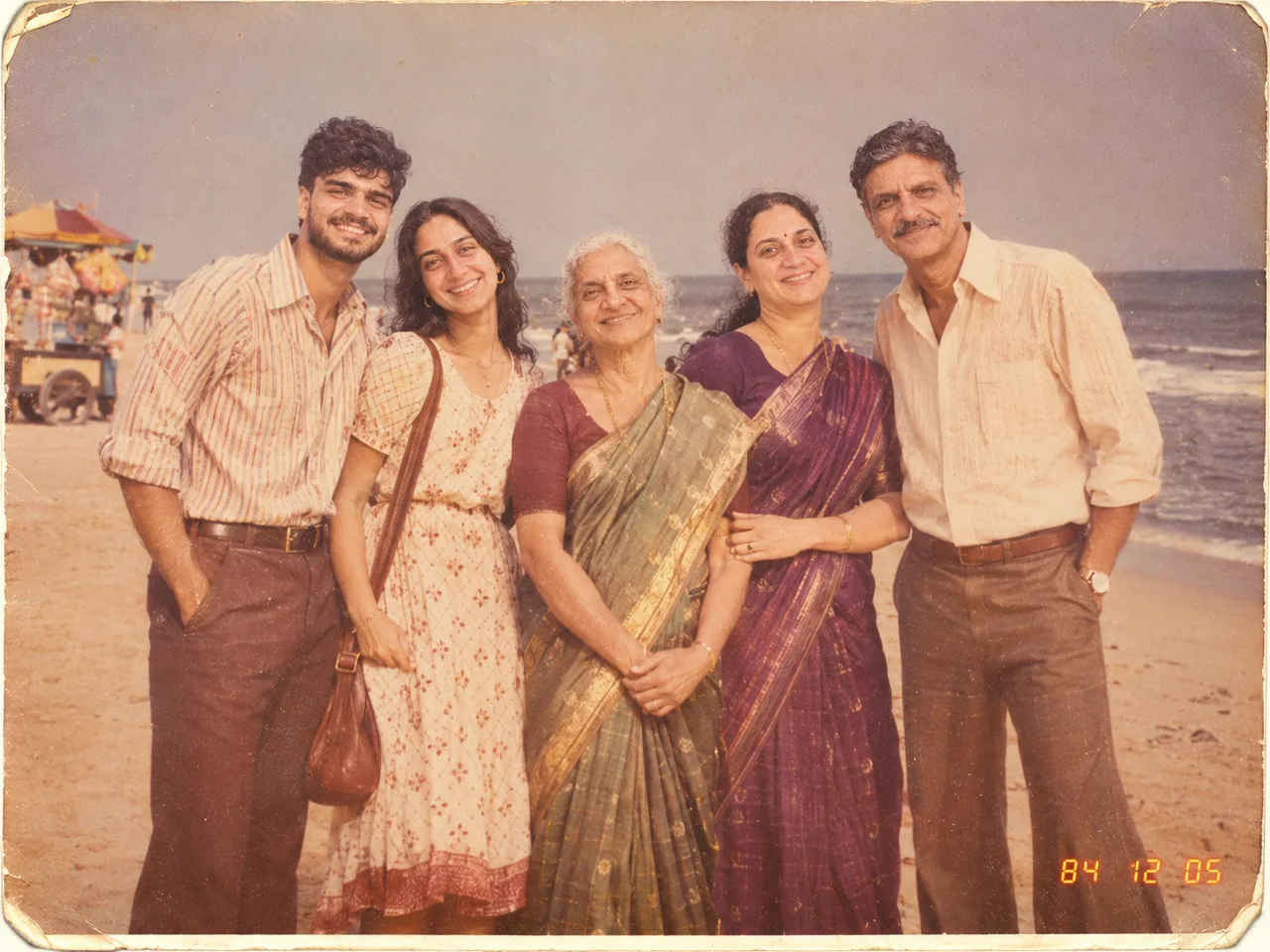
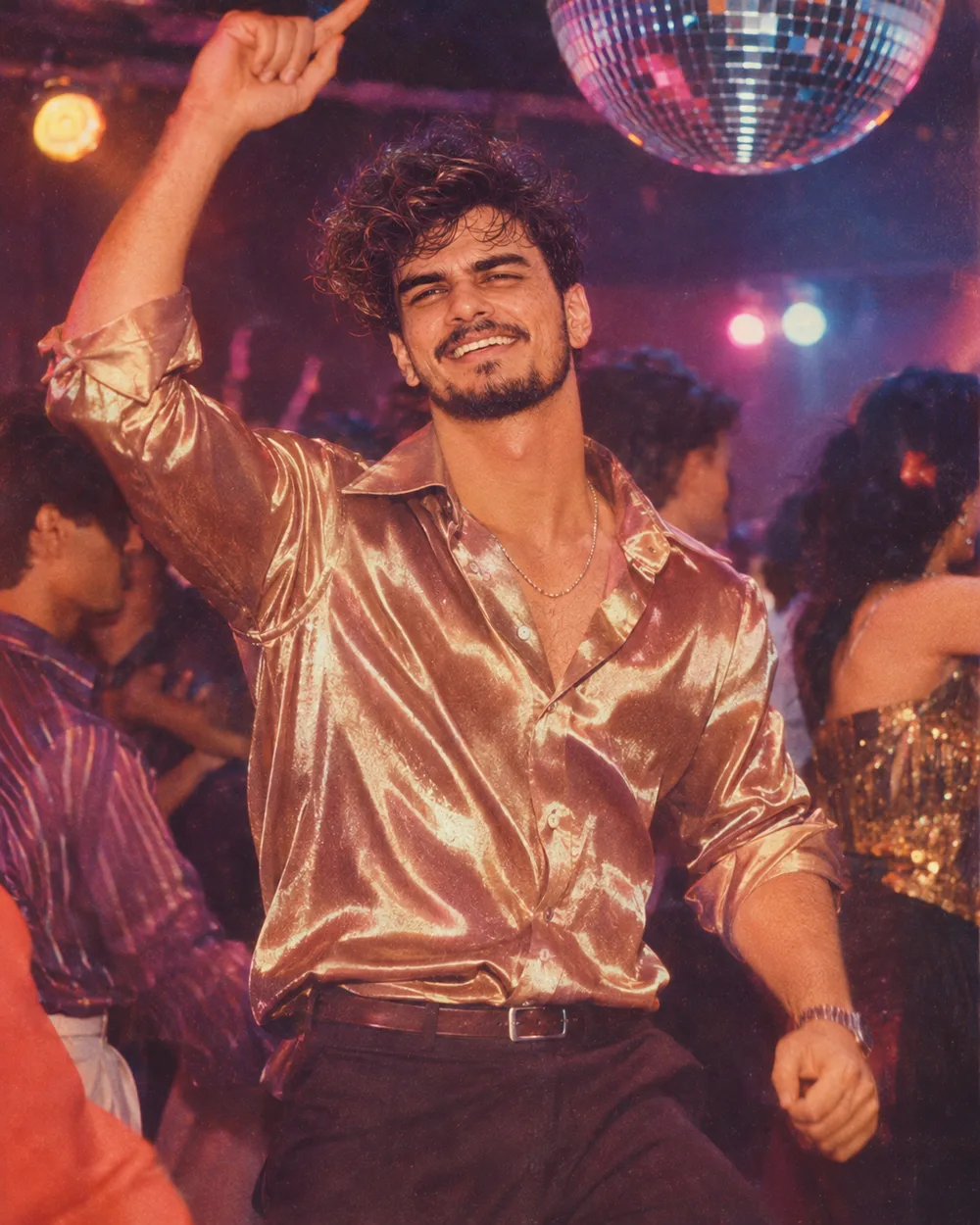
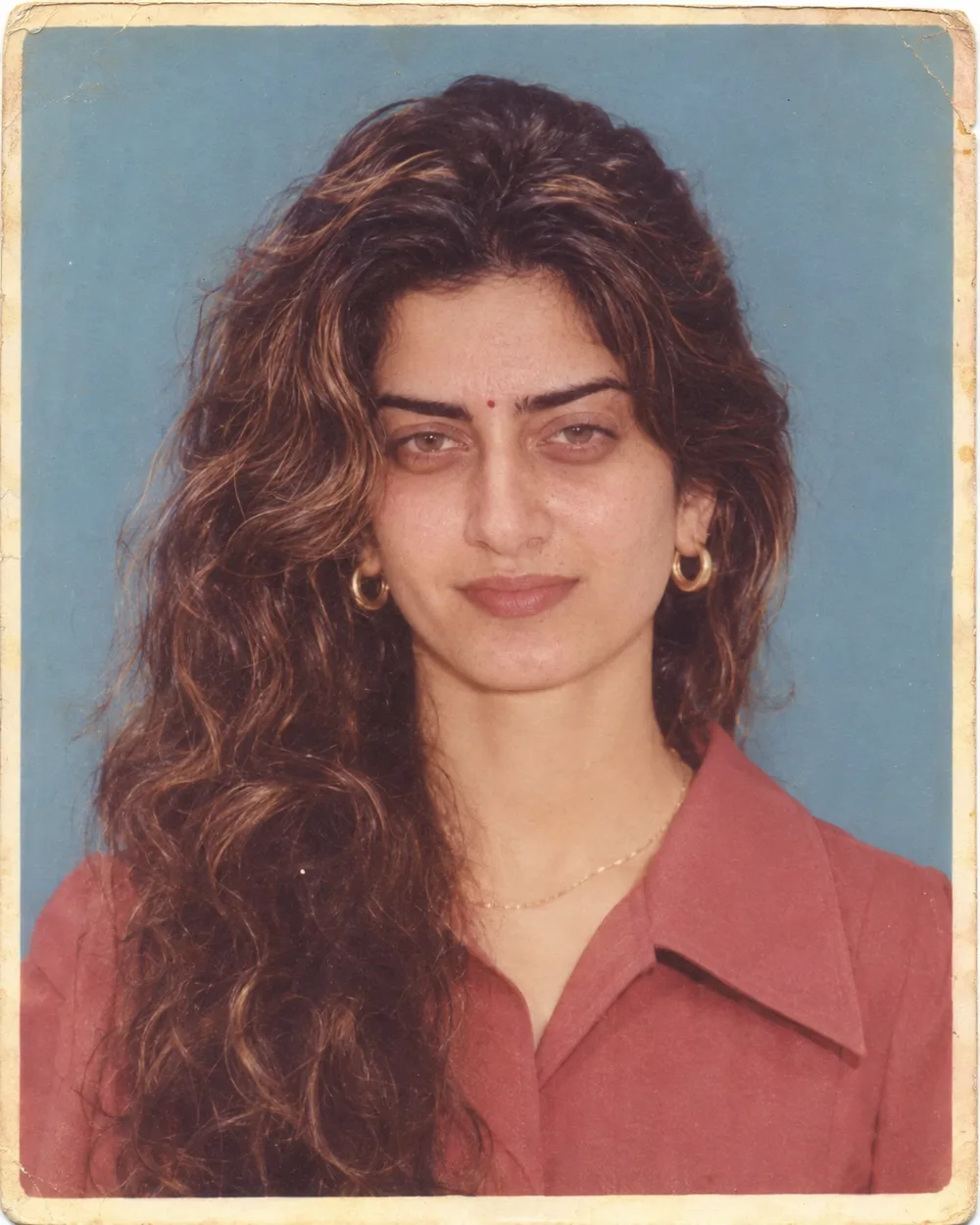

















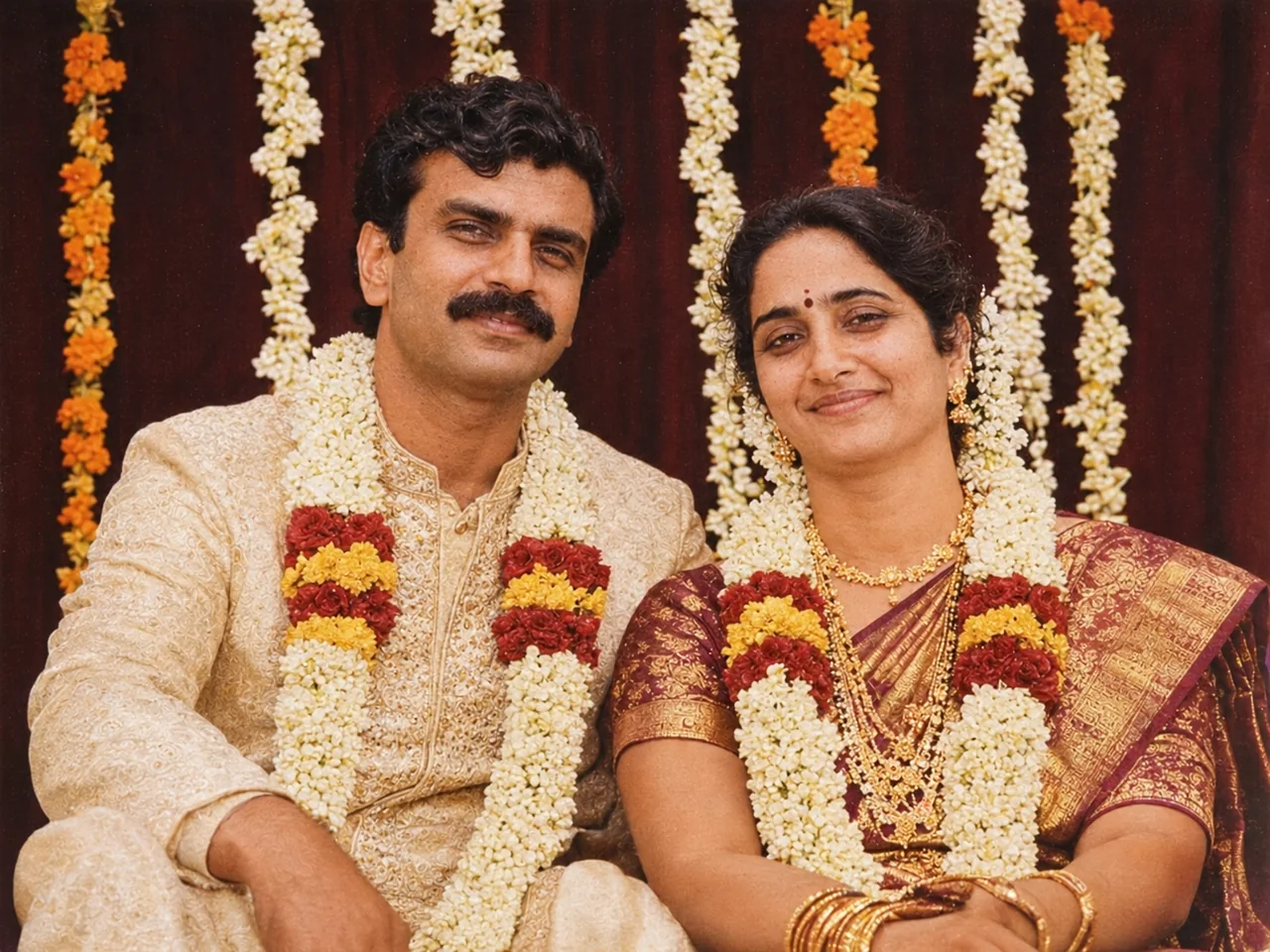
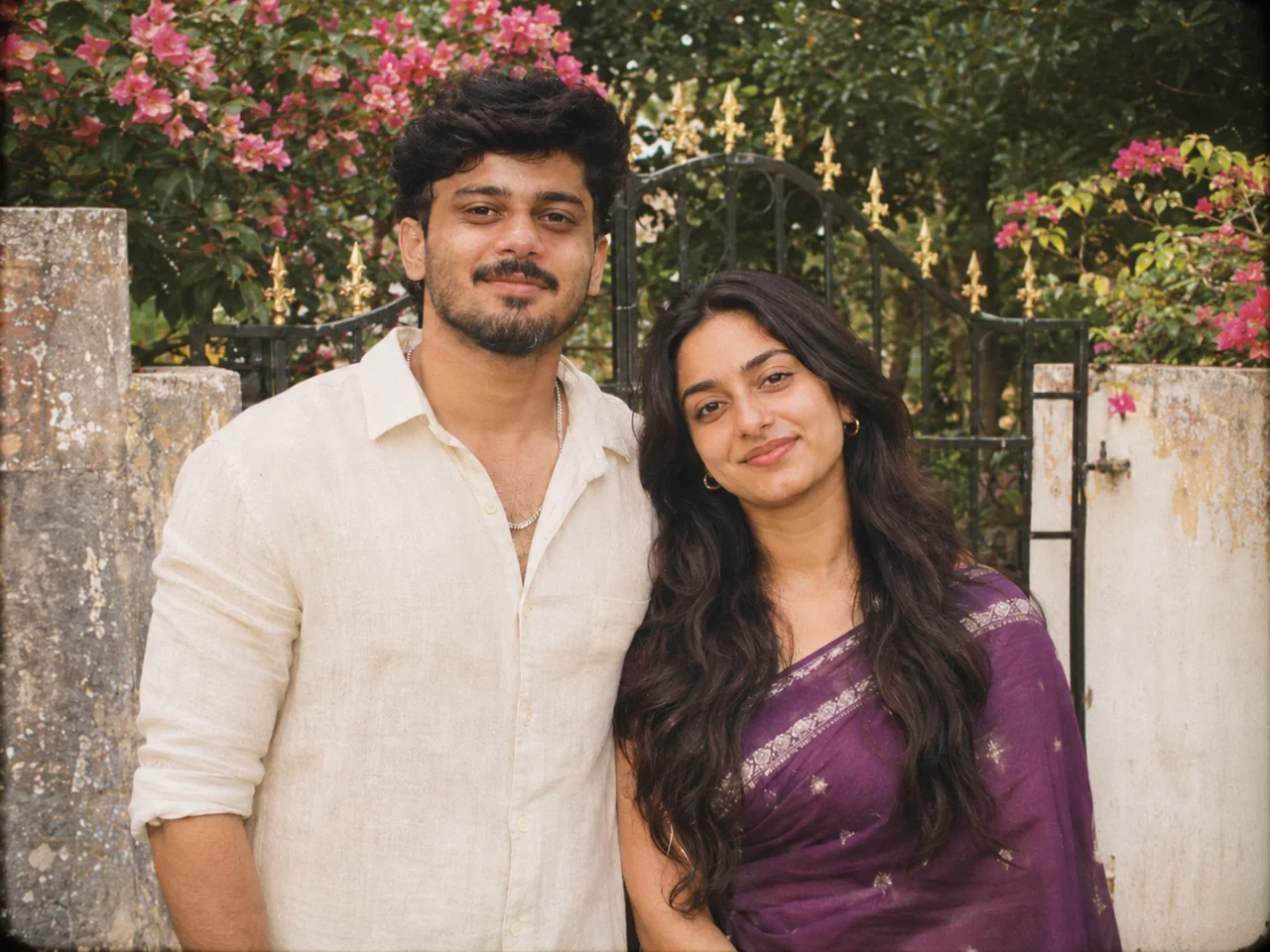




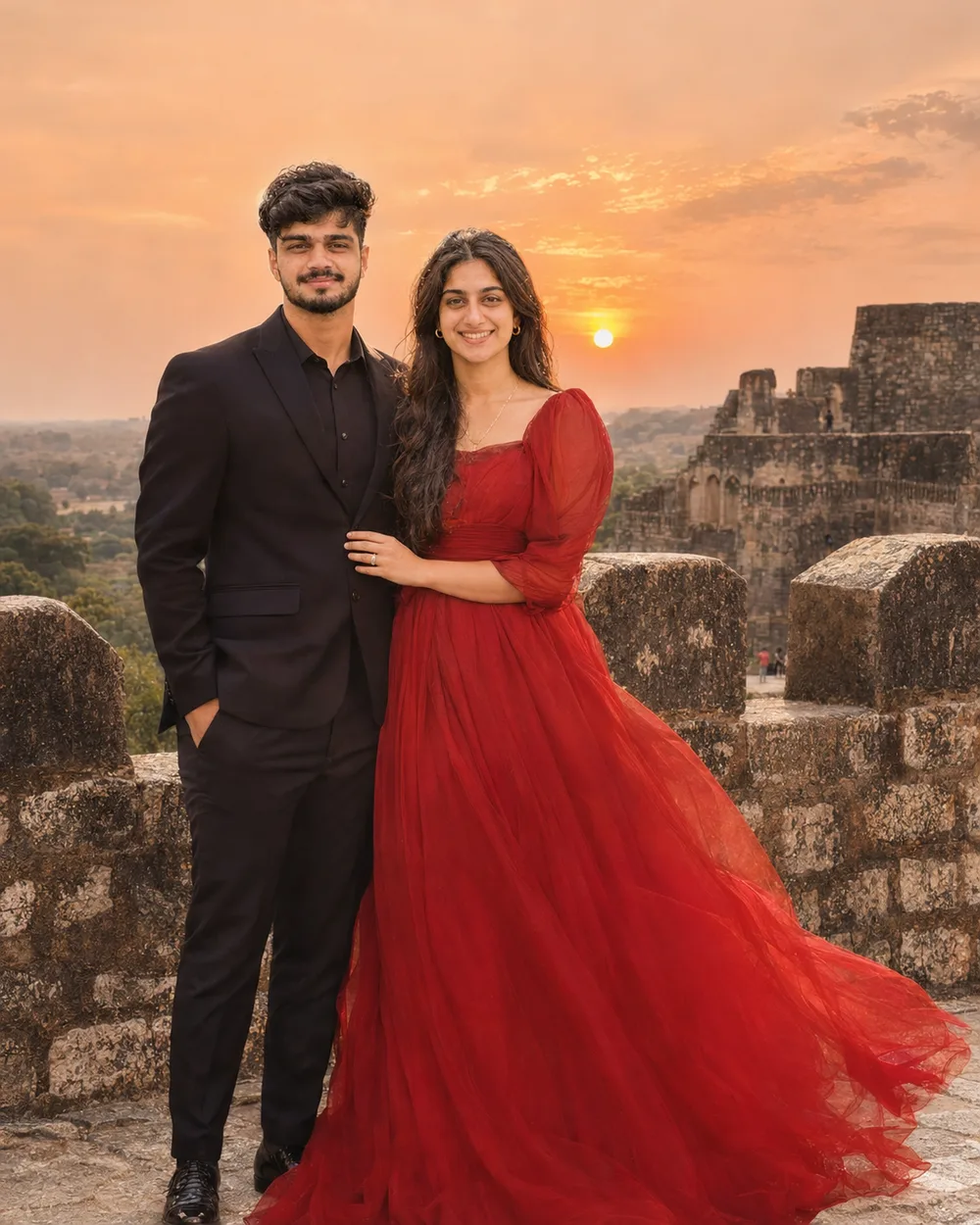
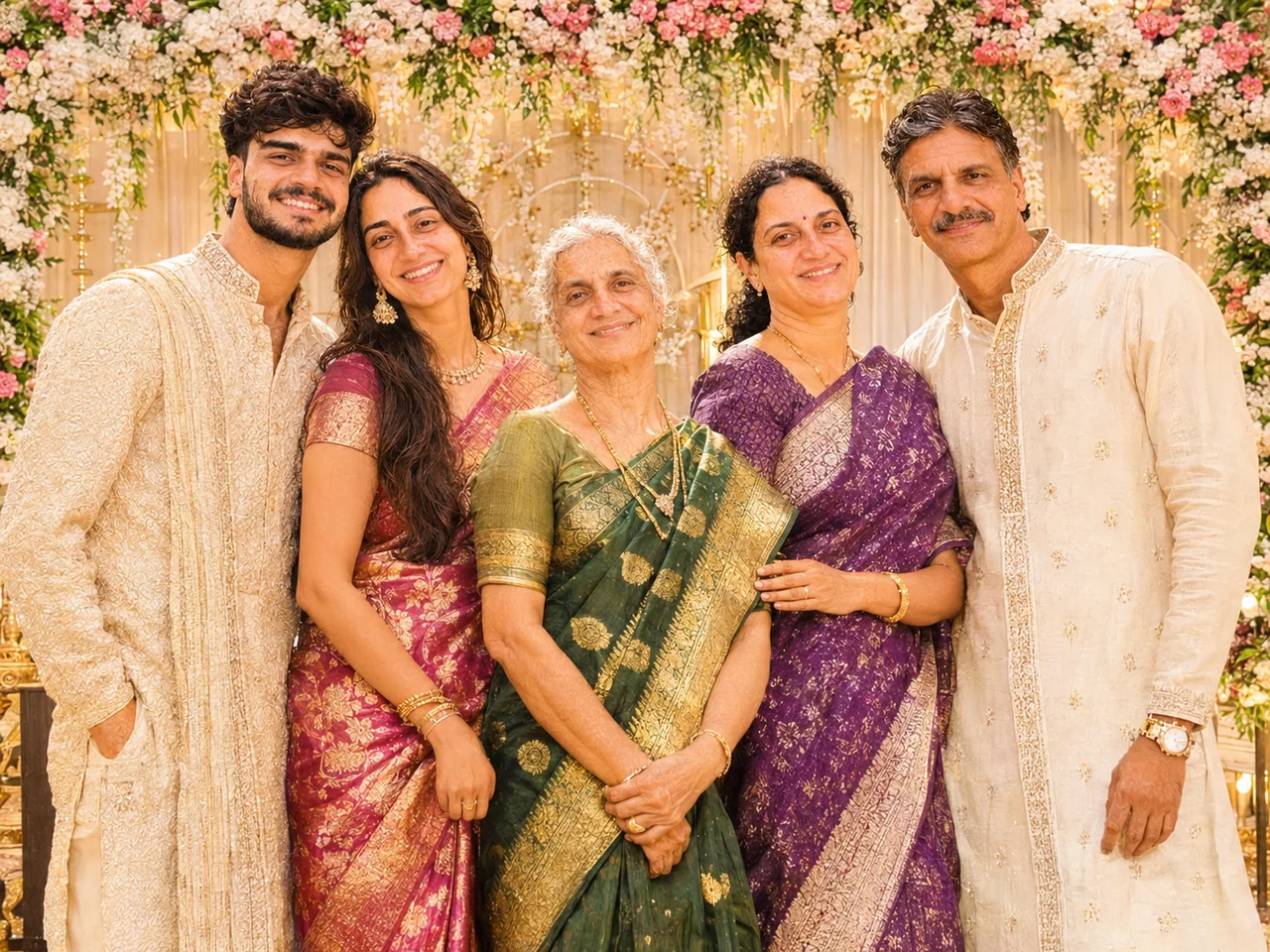
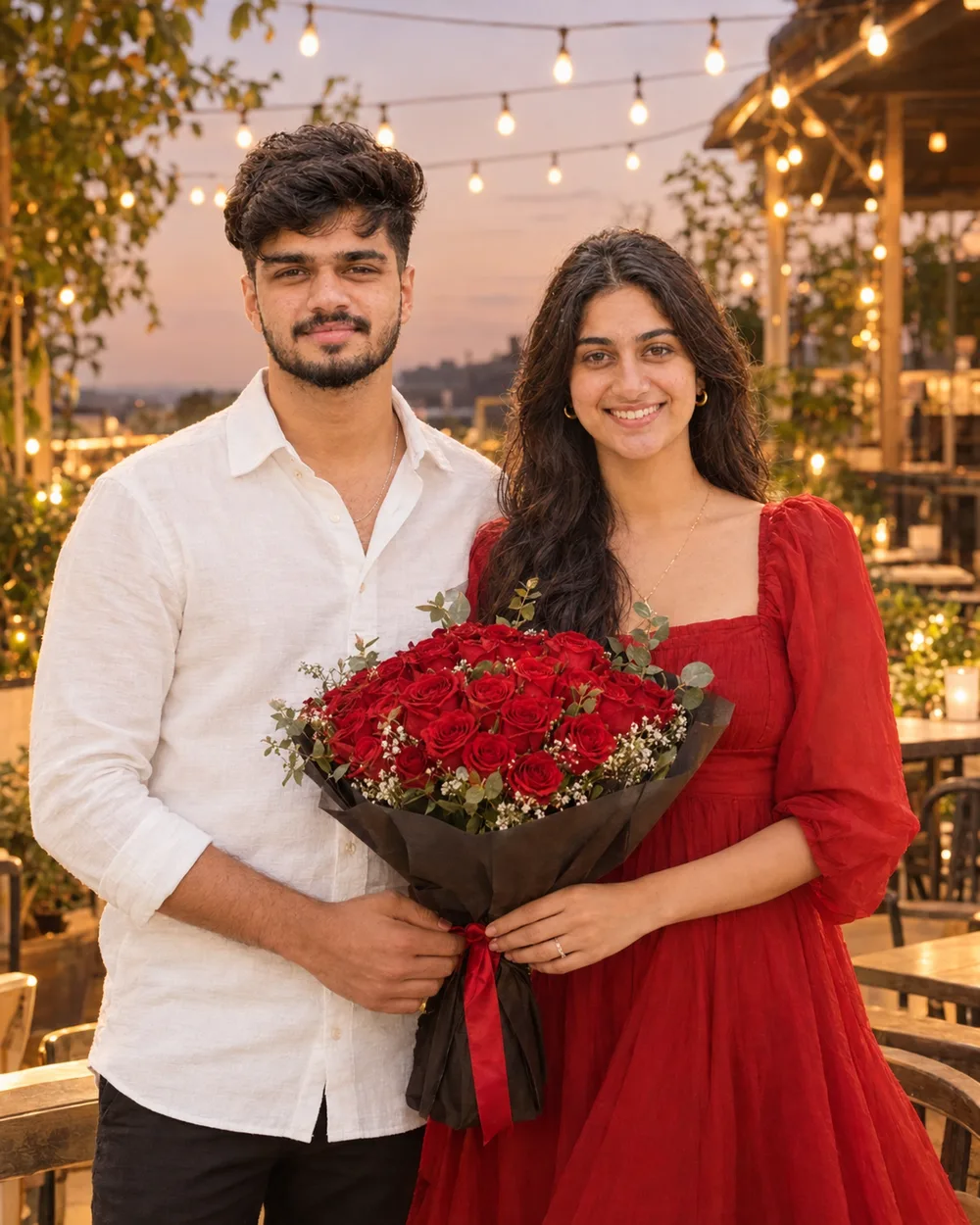
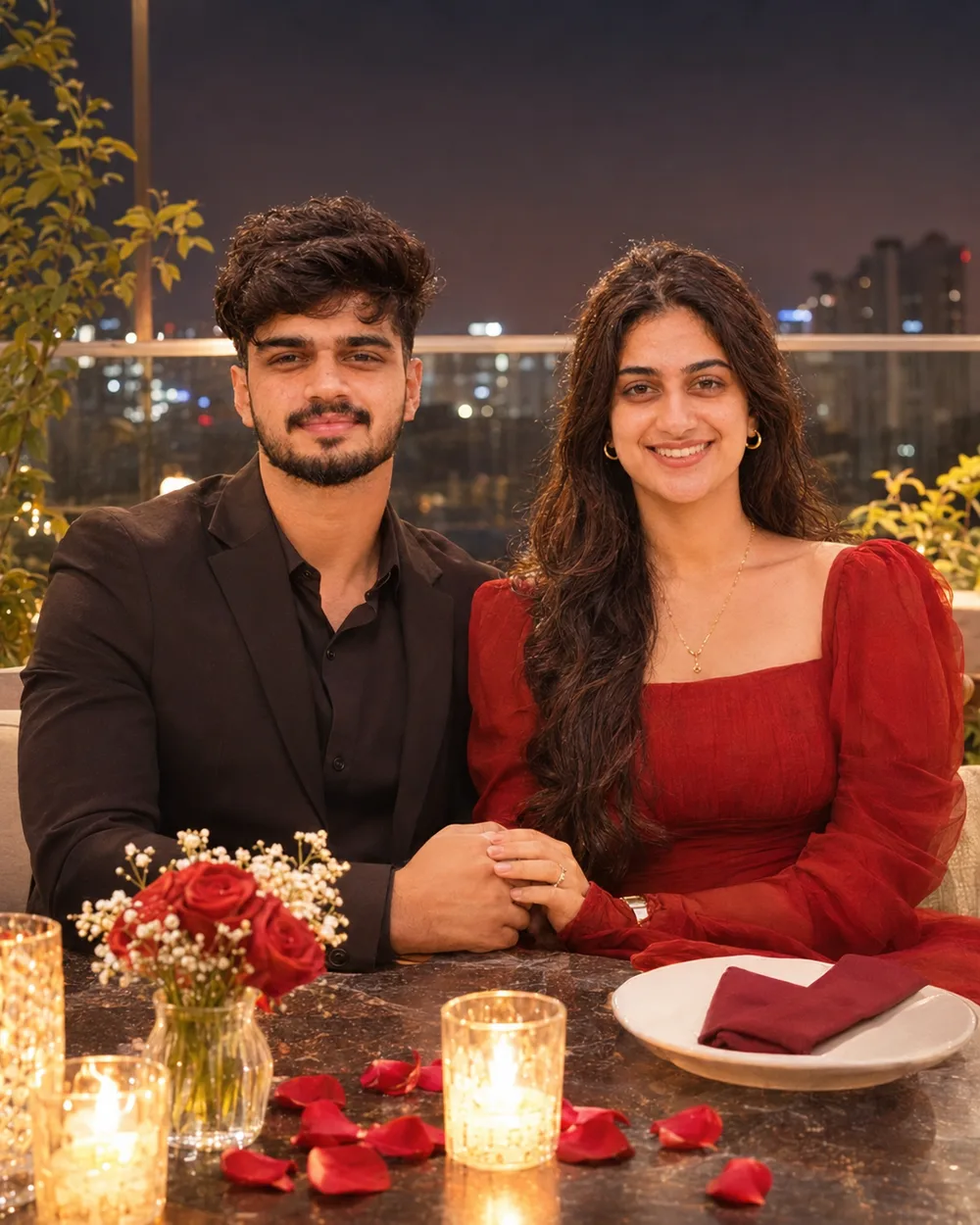
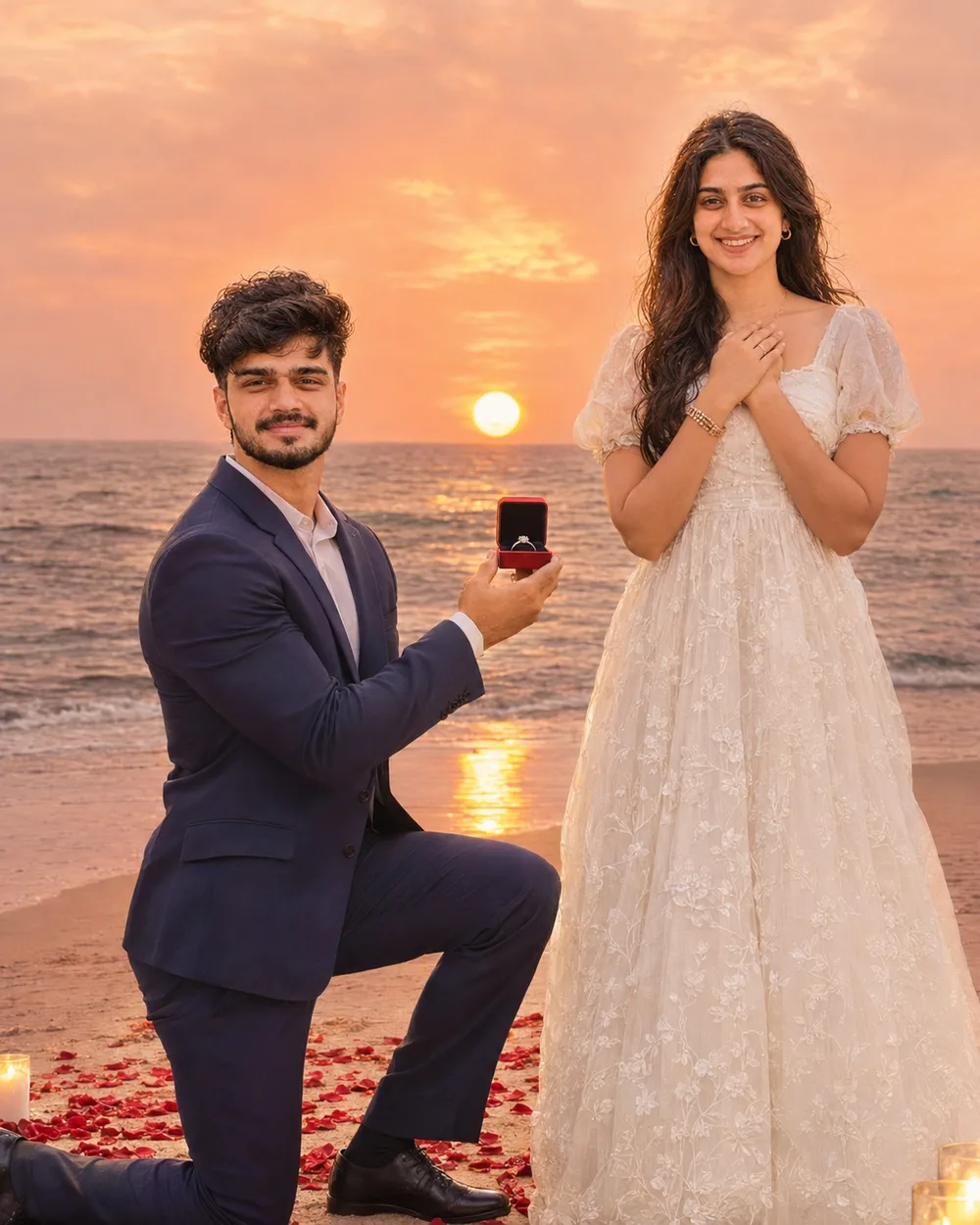


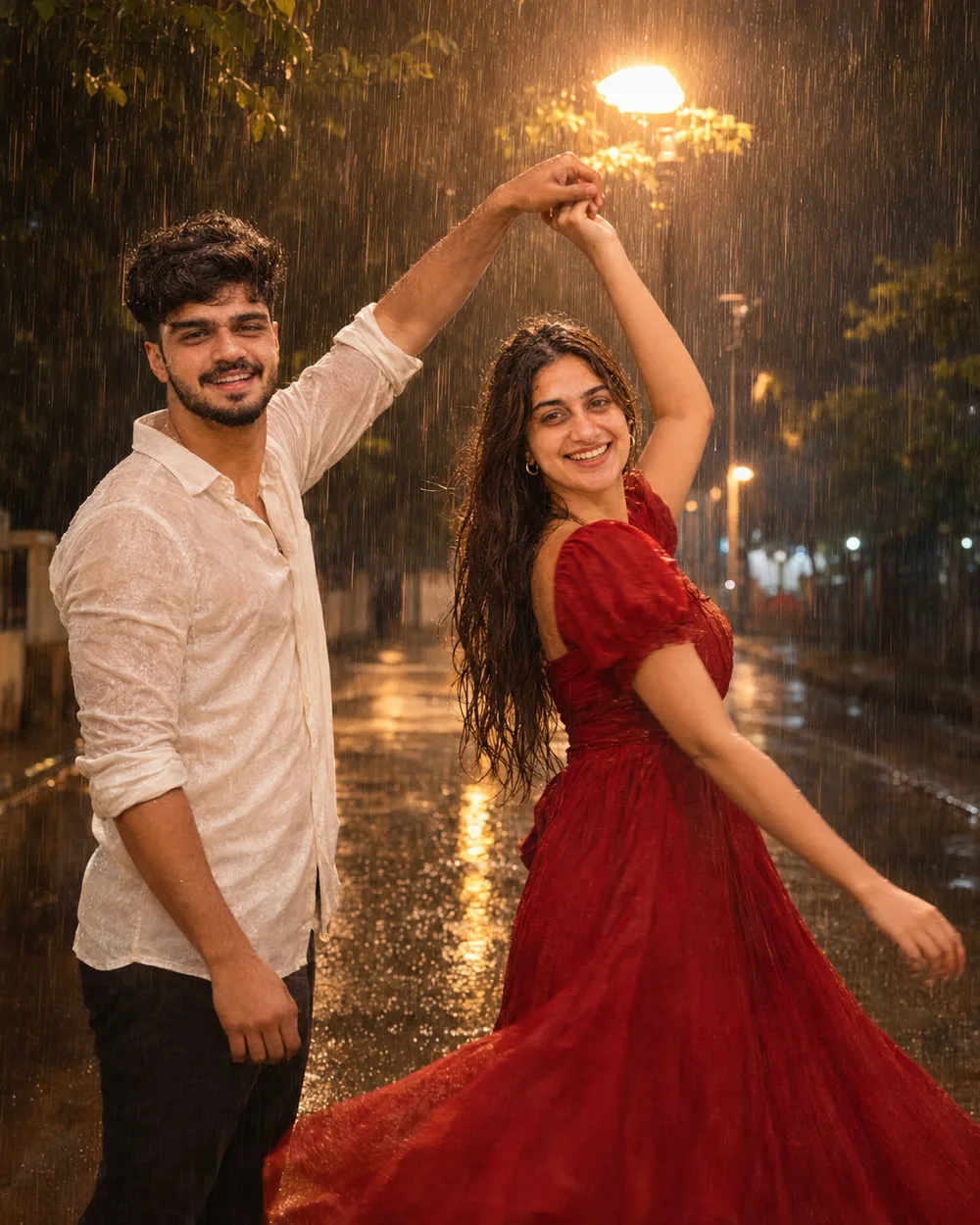

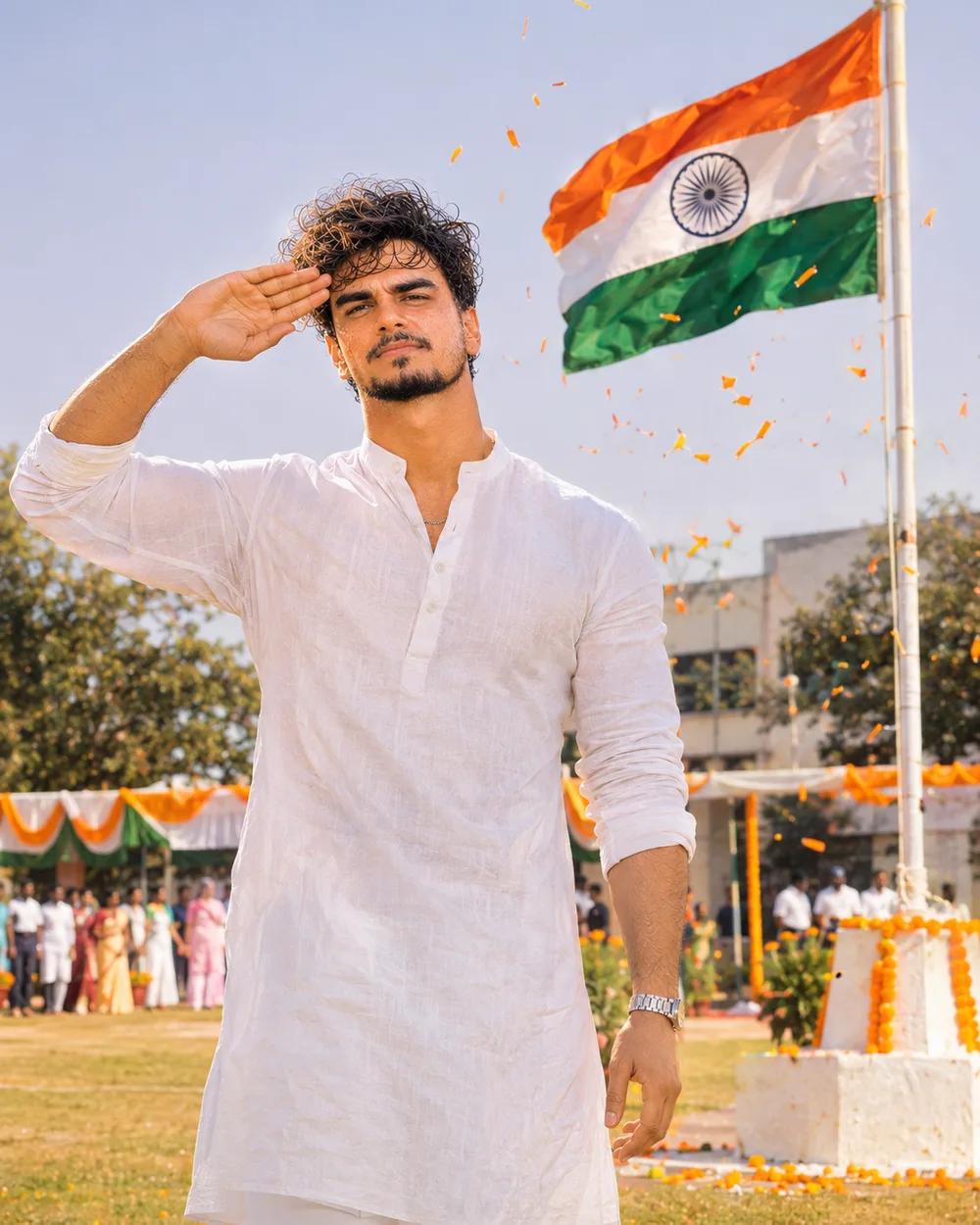
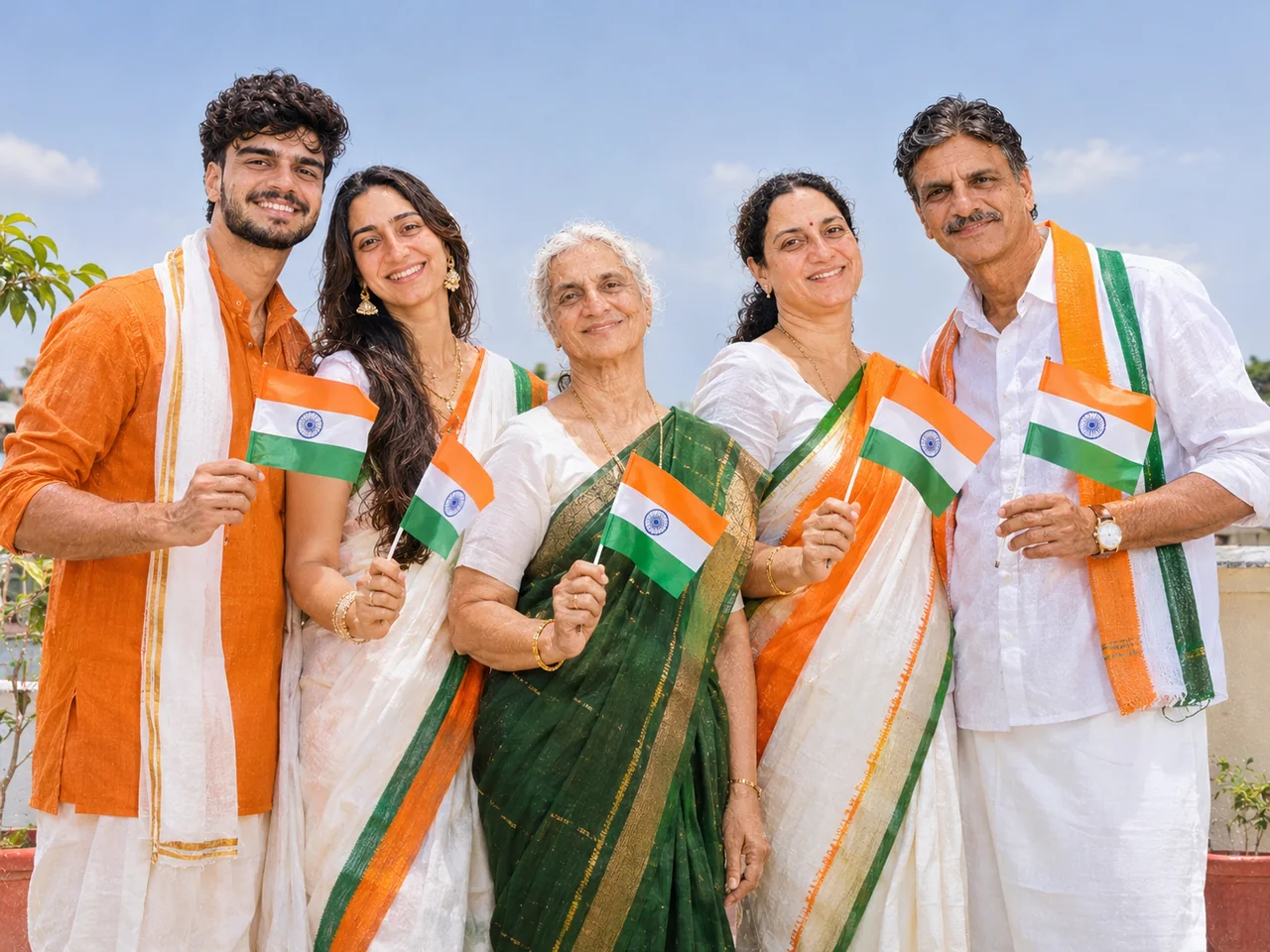
























 Before
 Before
 Before
 Before
 Before
 Before
 Before
 Before