View full promptJust tap Copy and paste it with your photo. You do not need to read it.
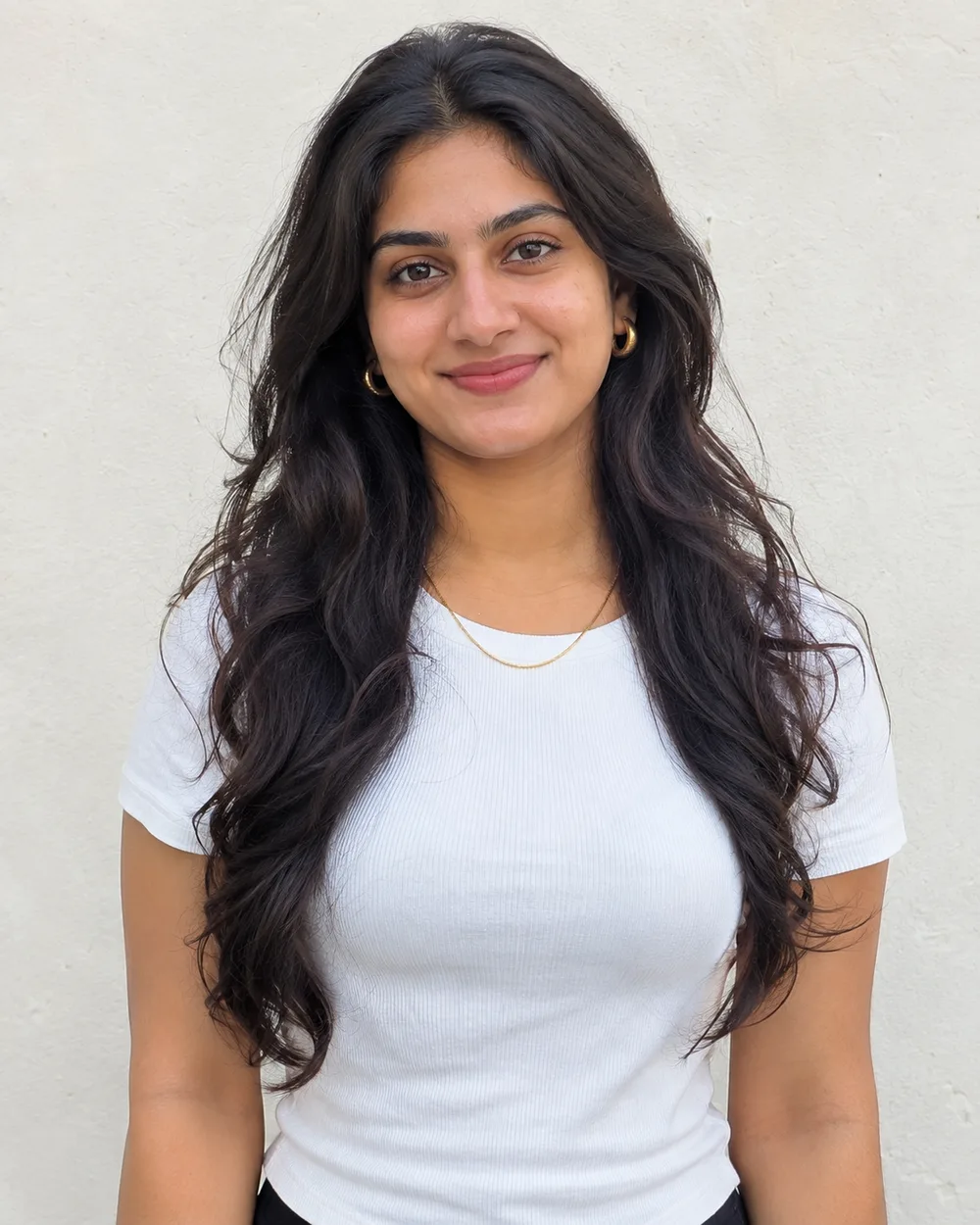
IDENTITY LOCK: Use my uploaded photo as the only identity reference. Keep my exact face: face shape, eyes, eyebrows, nose, lips, jawline, skin tone, facial hair, moles and marks, and my real age. Keep my exact hair texture, length, parting and hairline, and my body proportions, as they are. Do not beautify, slim, lighten, smooth or age my face, and do not replace it with a similar-looking person. If I wear glasses in the photo, keep them.
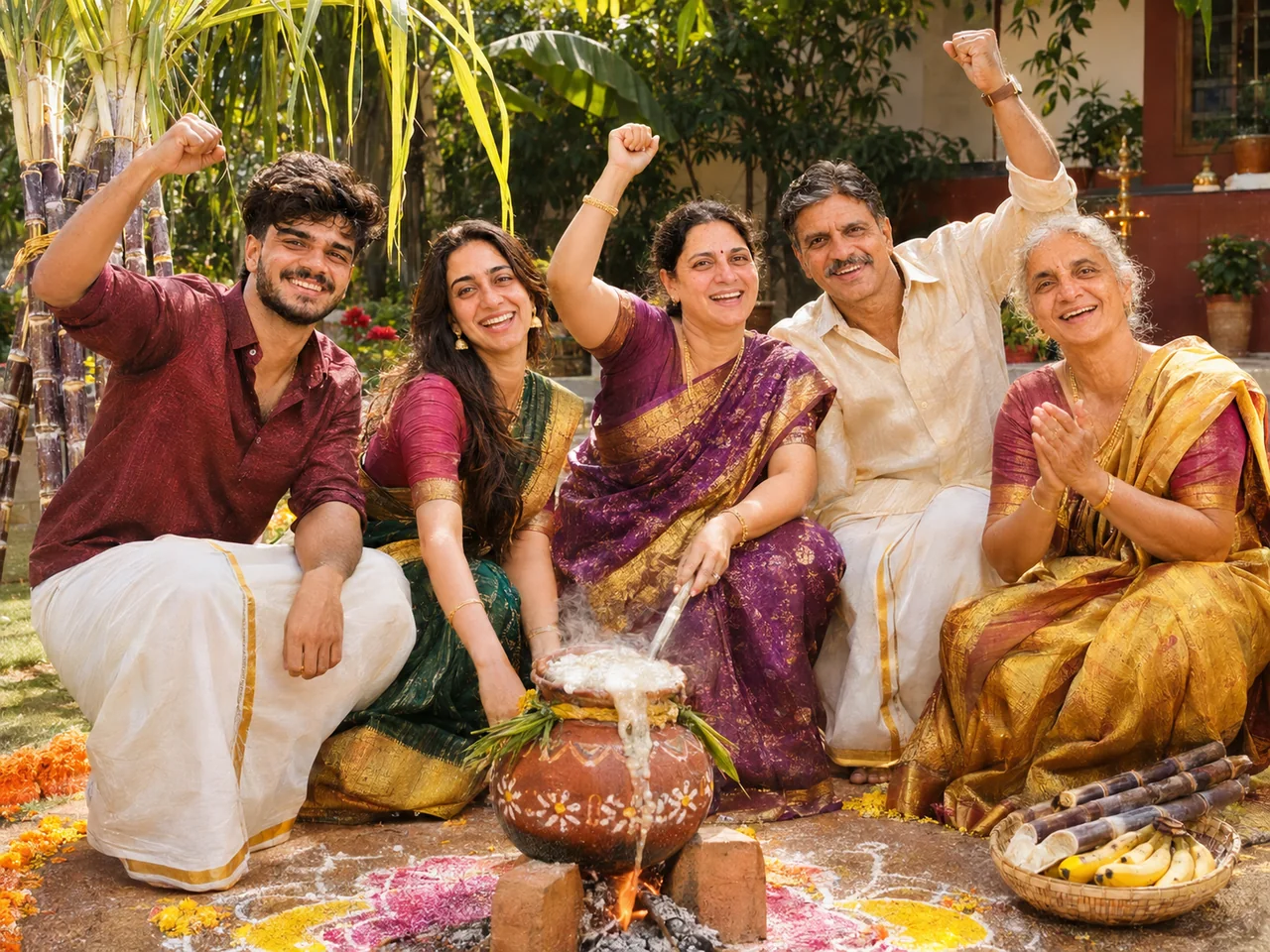
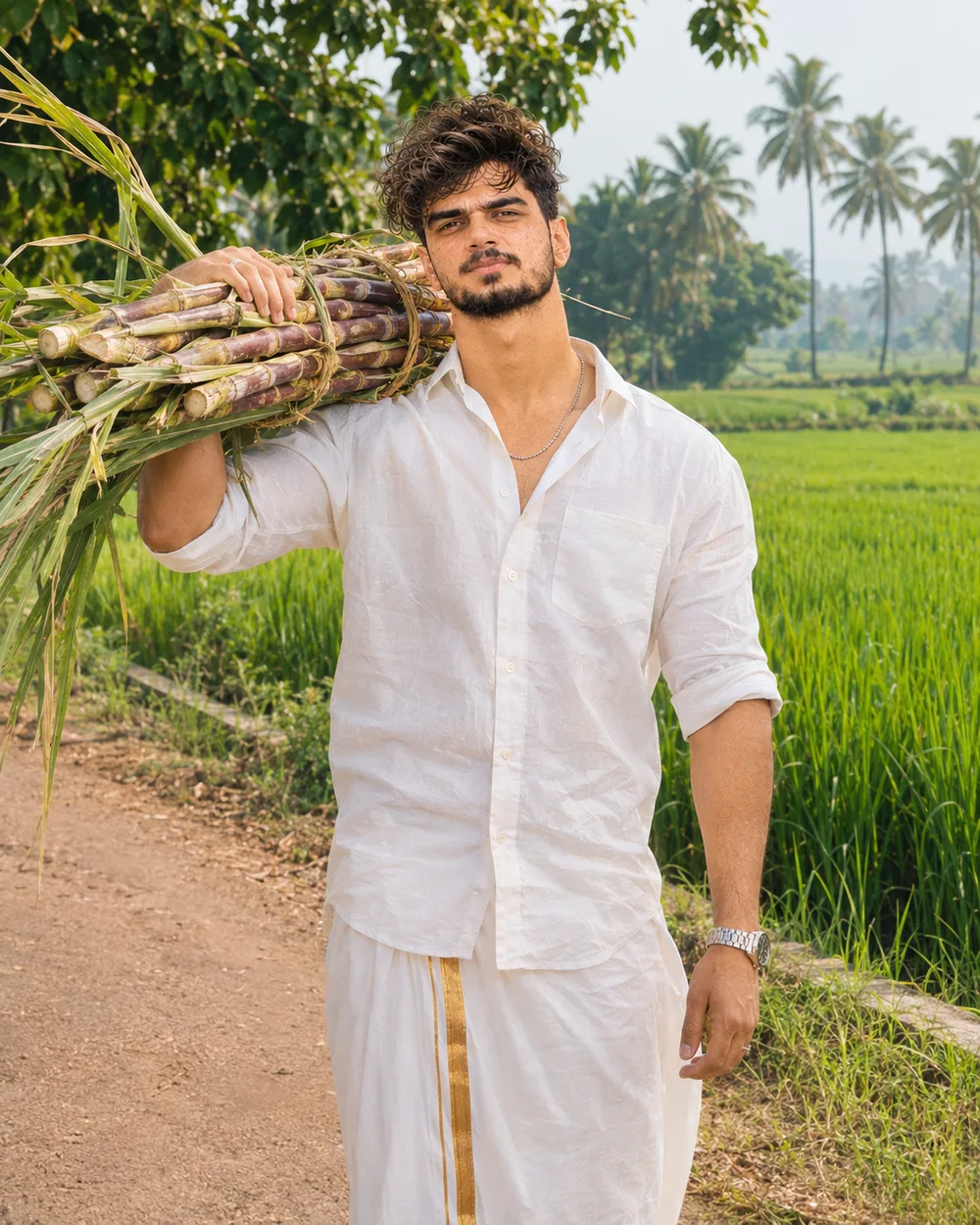
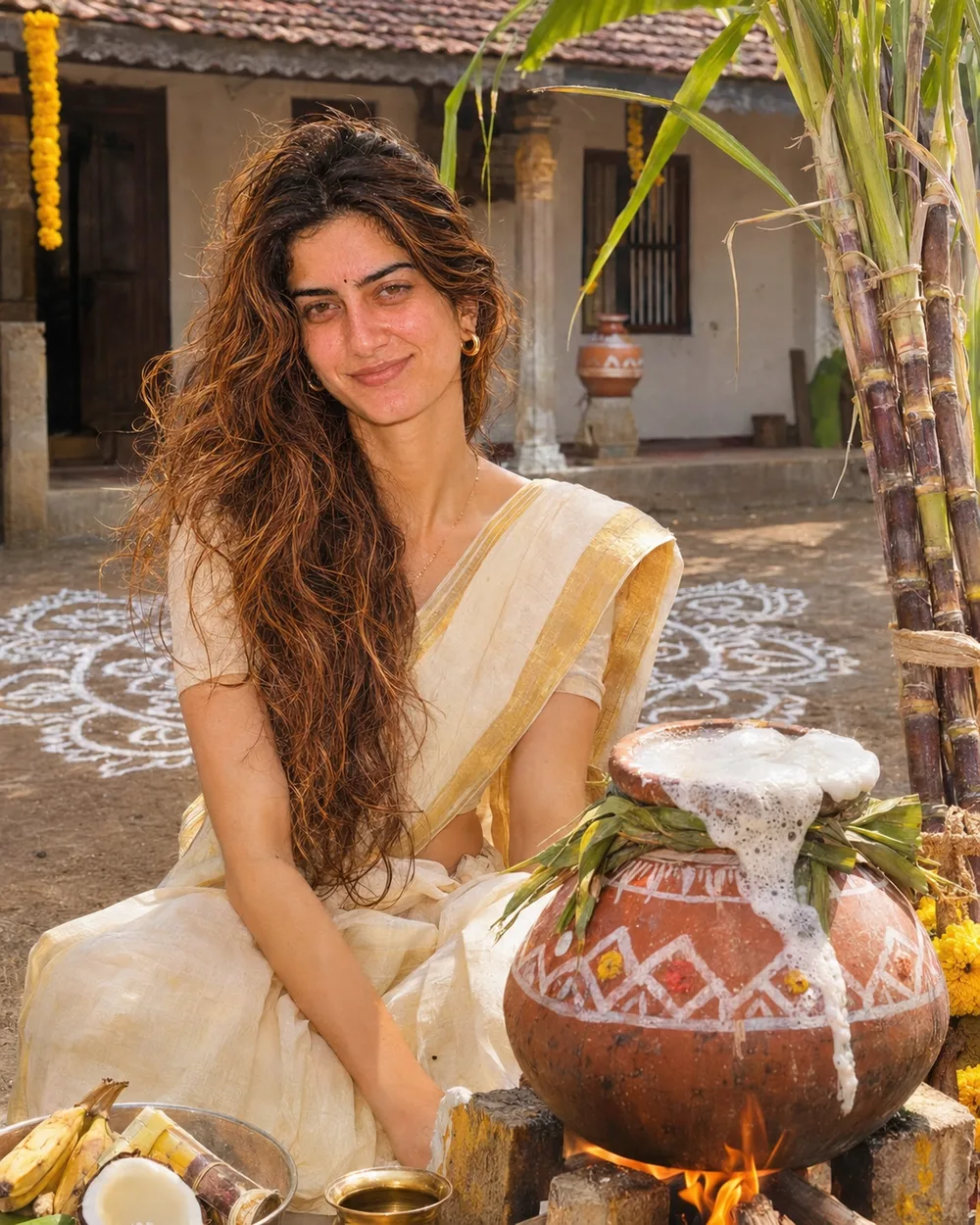
SCENE, POSE AND STYLING: Show me sitting beside a decorated clay pongal pot that is boiling over on a wood fire in a village courtyard. A large white rice-flour kolam covers the ground in front, with sugarcane stalks tied beside the pot. I am wearing a white veshti and white shirt and smiling at the camera. Bright morning sun, festive and joyful.
CAMERA AND LIGHT: Follow the framing described in the scene. Full-frame camera look with natural perspective and no wide-angle distortion of the face. POSE RULE, which overrides any head or gaze instruction in the scene: keep my head straight and level exactly as in my photo, with the chin in a neutral position (not raised, not tucked), no head tilt, and no head turn of more than about 10 degrees, so my real face shape stays accurate. BODY RULE: natural human proportions, with a normal neck length and width; never stretch or elongate the neck, shoulders or face. Unless the scene needs otherwise, I look straight into the camera lens. The face must be large enough in the frame to be clearly recognisable, even in a full-body shot. Eyes in sharp focus, realistic depth of field, background detail falling off naturally. Light on the subject must come from the same direction, colour and softness as the light in the scene, with matching shadows and reflections.
FINISH: Photorealistic photograph, not an illustration or 3D render (if the scene asks for a toy, figurine or drawn stickers, photograph those realistically). Real skin texture with visible pores, natural under-eye detail and fine hair strands. Fabric shows real weave, folds and weight. Correct hands with five fingers, natural body proportions, consistent white balance between subject and background. High resolution and clean detail, unless the scene asks for grain, flash or a film look. No over-sharpening.
AVOID: a changed or generic face, smoothed or plastic skin, lightened skin tone, altered age or body shape, a stretched or elongated neck, extra or missing fingers, warped hands, duplicated people, floating objects, a cut-out look around the hair, other text, logos, borders or other watermarks unless the scene asks for them. No extra people.
TEXT / SIGNATURE: Add “photoeditingprompt.com” in the bottom-left corner, as a handwritten signature-style mark with thin cursive strokes, small size and subtle premium elegance, in white or soft off-white. It is always allowed and overrides any “no text” instruction elsewhere in this prompt (other text appears only if the scene asks for it); it must be spelled exactly photoeditingprompt.com, must not cover faces or key details, and should look like an elegant photographer’s signature.
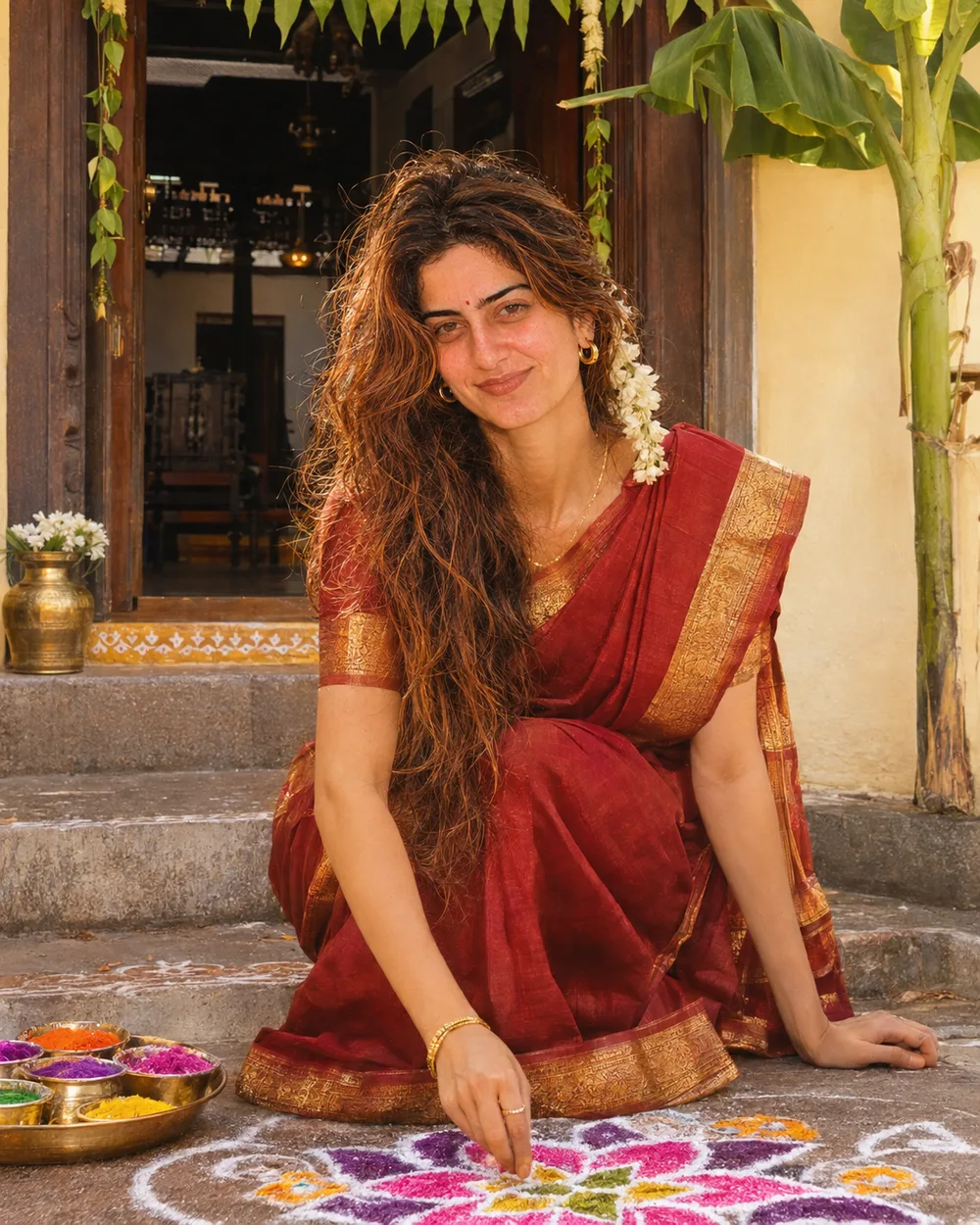 Pongal & Sankranti