Straighten and Clean a Document Photo
ChatGPT · Gemini
IDENTITY LOCK: Edit the uploaded photo; do not generate a new one. Keep every person's face, expression, pose, age and identity exactly as in the original. Do not redraw, regenerate, beautify or re-light any face beyond what the edit below needs. Keep the original framing and aspect ratio unless the edit says otherwise.
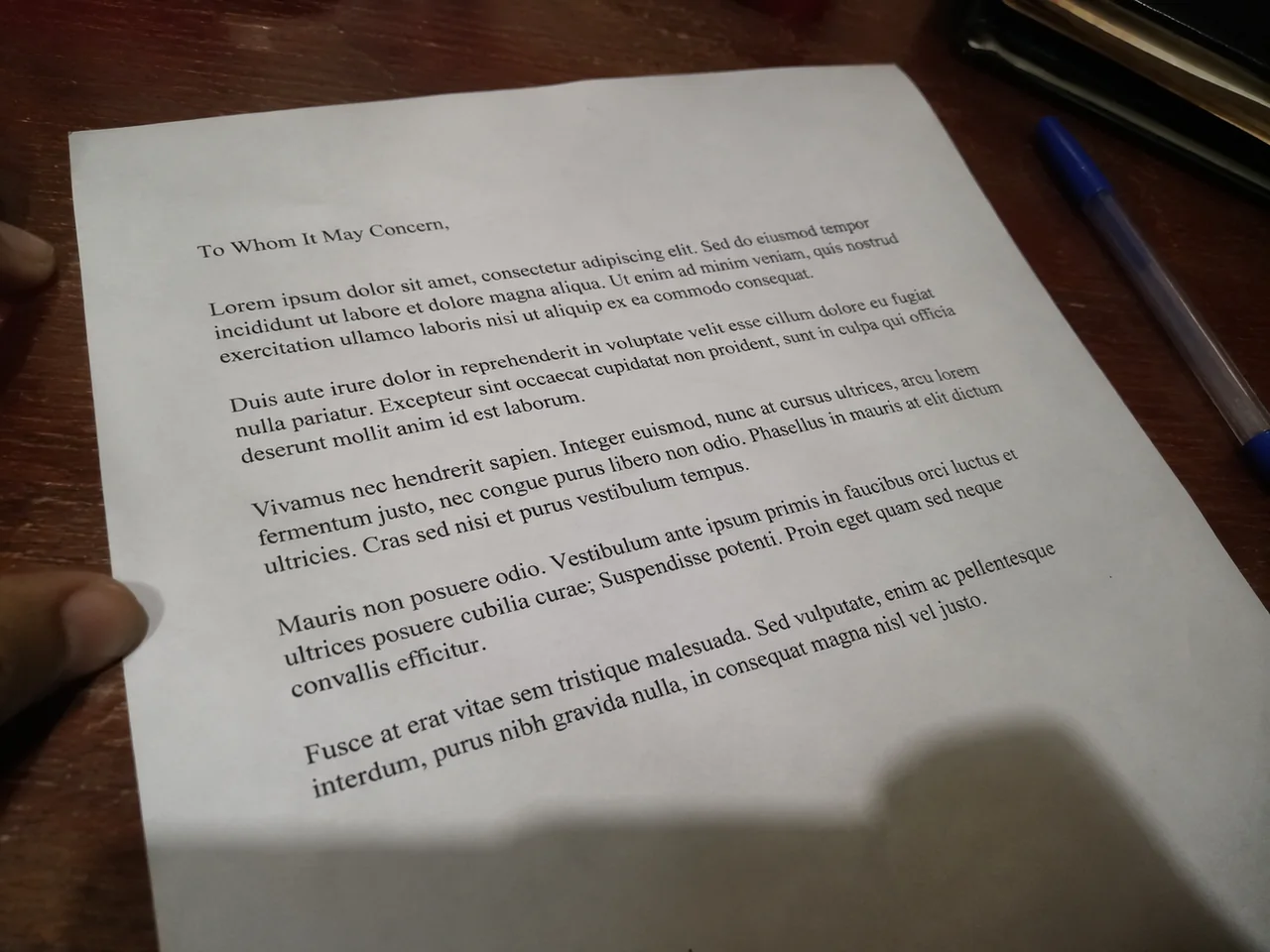
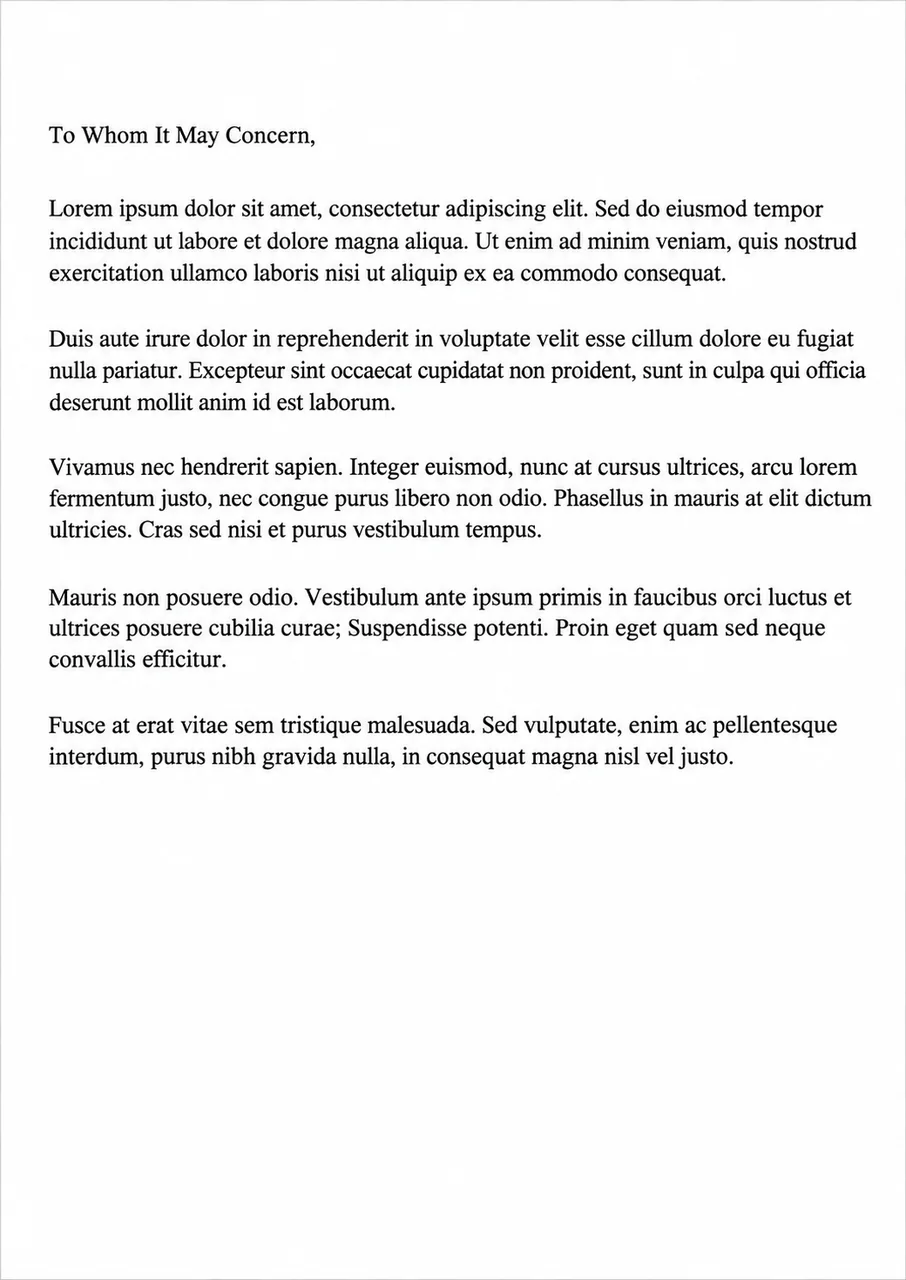
THE EDIT: Straighten this photo of a document so it looks like a flat scan. Correct the perspective, crop to the page edges, remove shadows and make the paper evenly white. Keep every word, number, stamp and signature exactly as it is; do not rewrite or guess any text.
CAMERA AND LIGHT: Keep the original camera angle, perspective and composition. Any new or repaired area must match the original light direction, colour temperature, grain and sharpness, so the edit cannot be spotted.
FINISH: Natural, believable result at the highest resolution available. Real skin texture and fine detail preserved, clean edges around hair and clothing, no halos, no banding, no over-sharpening or over-smoothing.
AVOID: changed faces or expressions, invented facial details, plastic skin, altered body shape, cropped-off heads or limbs, colour casts, halos around edges, added objects, added other text or other watermarks.
TEXT / SIGNATURE: Add “photoeditingprompt.com” in the bottom-left corner, as a handwritten signature-style mark with thin cursive strokes, small size and subtle premium elegance, in white or soft off-white. It is always allowed and overrides any “no text” instruction elsewhere in this prompt (other text appears only if the scene asks for it); it must be spelled exactly photoeditingprompt.com, must not cover faces or key details, and should look like an elegant photographer’s signature.
💡 Always check the text against the original; AI can alter small letters and numbers.
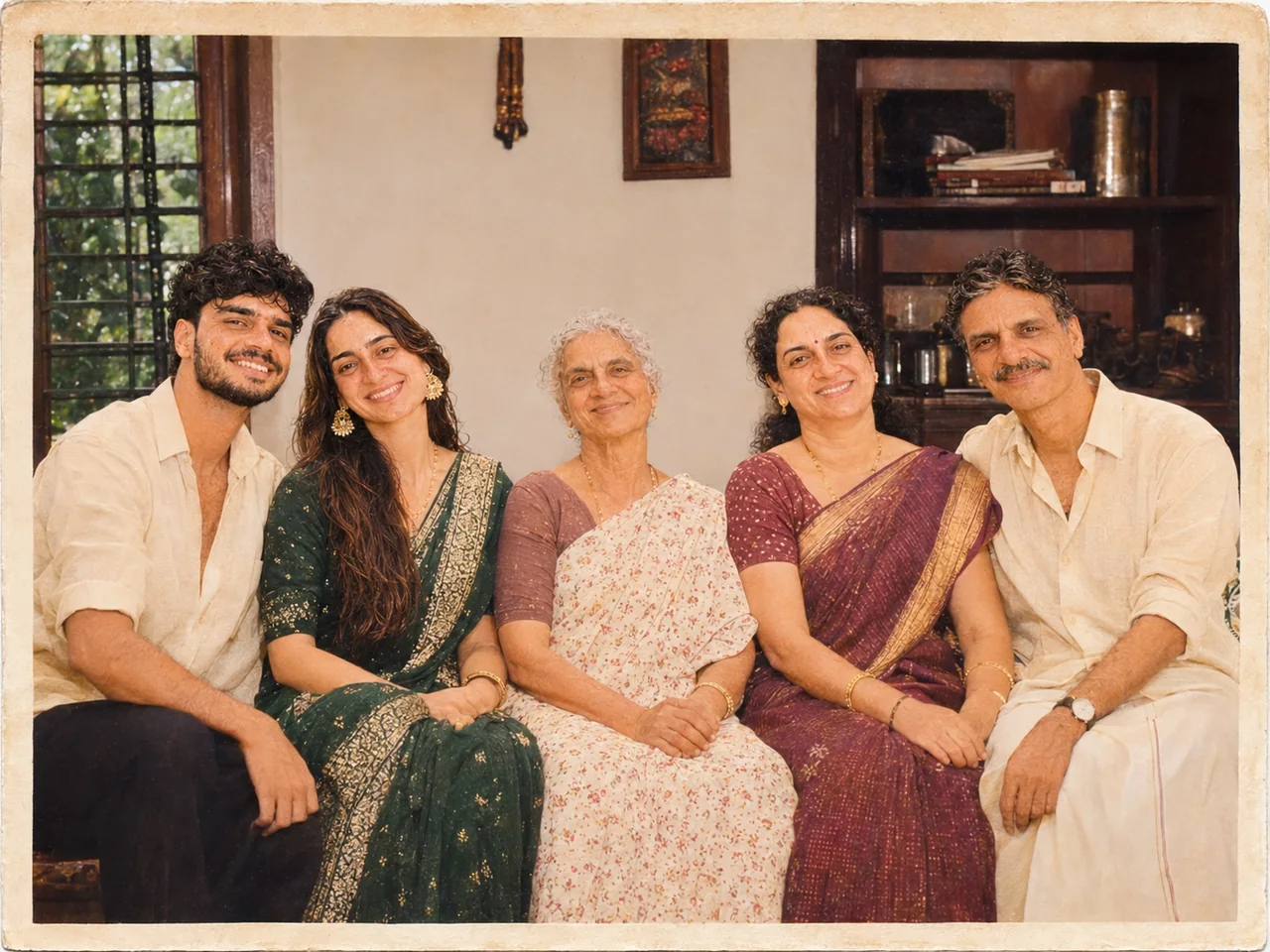 Fix my photo