Upload your photo to ChatGPT or Gemini and paste this prompt. You can change the outfit below before you copy.
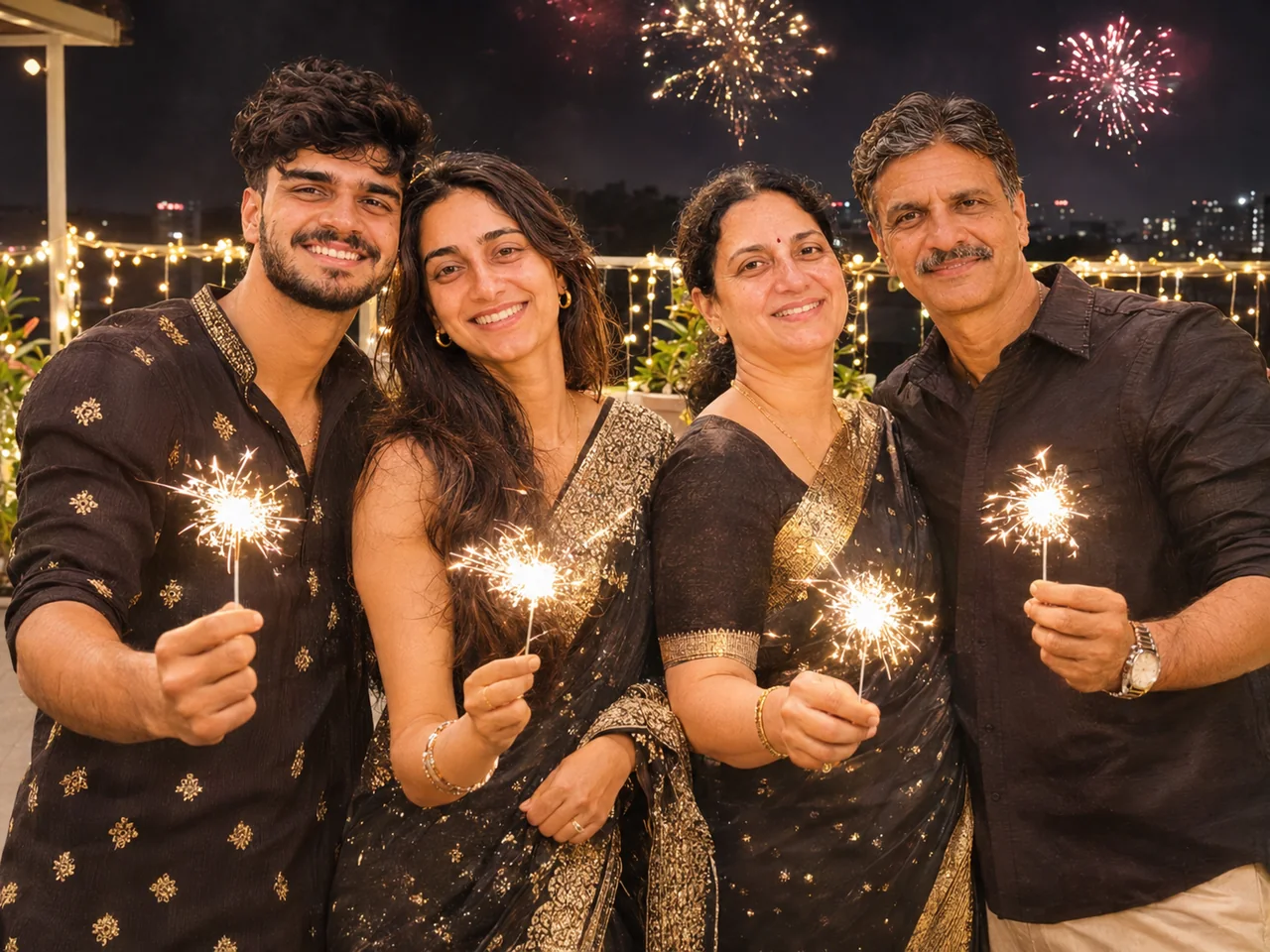
Friends With Sparklers Group Photo
ChatGPT · Gemini
IDENTITY LOCK: Use the uploaded group photo as the only identity reference. First count every person in it (babies, children, parents and elders included) and keep that exact number. Keep every person in it, each with their own exact face, age, skin tone, hairstyle, height and build. The number of people must be exactly the same as in the photo, whether that is two or twenty. If the group is large, arrange them in tidy staggered rows (eldest seated in the centre, children in front, the rest around them) so that every single face is visible and nobody is hidden or cropped. Do not add, remove, merge, duplicate or swap anyone, and do not make faces look alike. Keep glasses, beards and head coverings as they are in the photo.
SCENE, POSE AND STYLING: Show all of us standing together on a terrace at night, each holding a lit sparkler, laughing and looking at the camera. We are wearing party outfits in black and gold. Fireworks in the far sky, string lights behind us. Wide group shot with every face clear and in focus.
CAMERA AND LIGHT: Follow the framing described in the scene. Full-frame camera look with natural perspective and no wide-angle distortion of the face. POSE RULE, which overrides any head or gaze instruction in the scene: keep my head straight and level exactly as in my photo, with the chin in a neutral position (not raised, not tucked), no head tilt, and no head turn of more than about 10 degrees, so my real face shape stays accurate. BODY RULE: natural human proportions, with a normal neck length and width; never stretch or elongate the neck, shoulders or face. Unless the scene needs otherwise, I look straight into the camera lens. The face must be large enough in the frame to be clearly recognisable, even in a full-body shot. Eyes in sharp focus, realistic depth of field, background detail falling off naturally. Light on the subject must come from the same direction, colour and softness as the light in the scene, with matching shadows and reflections. Deep enough focus that every face is sharp, front row and back row alike; nobody hidden behind another person.
FINISH: Photorealistic photograph, not an illustration or 3D render (if the scene asks for a toy, figurine or drawn stickers, photograph those realistically). Real skin texture with visible pores, natural under-eye detail and fine hair strands. Fabric shows real weave, folds and weight. Correct hands with five fingers, natural body proportions, consistent white balance between subject and background. High resolution and clean detail, unless the scene asks for grain, flash or a film look. No over-sharpening.
AVOID: a changed or generic face, smoothed or plastic skin, lightened skin tone, altered age or body shape, a stretched or elongated neck, extra or missing fingers, warped hands, duplicated people, floating objects, a cut-out look around the hair, other text, logos, borders or other watermarks unless the scene asks for them. No missing or invented family members, no identical-looking faces.
TEXT / SIGNATURE: Add “photoeditingprompt.com” in the bottom-left corner, as a handwritten signature-style mark with thin cursive strokes, small size and subtle premium elegance, in white or soft off-white. It is always allowed and overrides any “no text” instruction elsewhere in this prompt (other text appears only if the scene asks for it); it must be spelled exactly photoeditingprompt.com, must not cover faces or key details, and should look like an elegant photographer’s signature.
💡 Works best with a group photo of up to five people.
The first block is the identity lock: it tells the AI to treat your uploaded photo as the only reference for who is in the picture. The next block describes the new scene, clothing and light.
Which photo to upload
One group photo where every face is visible and roughly the same size.
Up to five or six people works best. Split larger groups into two edits.
Nobody should be half-hidden behind another person.
If the result goes wrong
Someone is missing or an extra person appeared
Add the exact count: "There are exactly five people. Keep all five; add nobody."
One face changed
Point at them: "Keep the woman on the far right exactly as in the photo." Then run again.
Faces at the edges are blurry
Crop the original closer and upload at the highest resolution you have.
Children look older or adults look younger
Add: "Keep every person's real age."
How to use a prompt
Pick your options and tap Copy prompt.
Open ChatGPT or Gemini and upload a clear, front-facing photo.
Paste the prompt and send. Run it again if the first result is off.
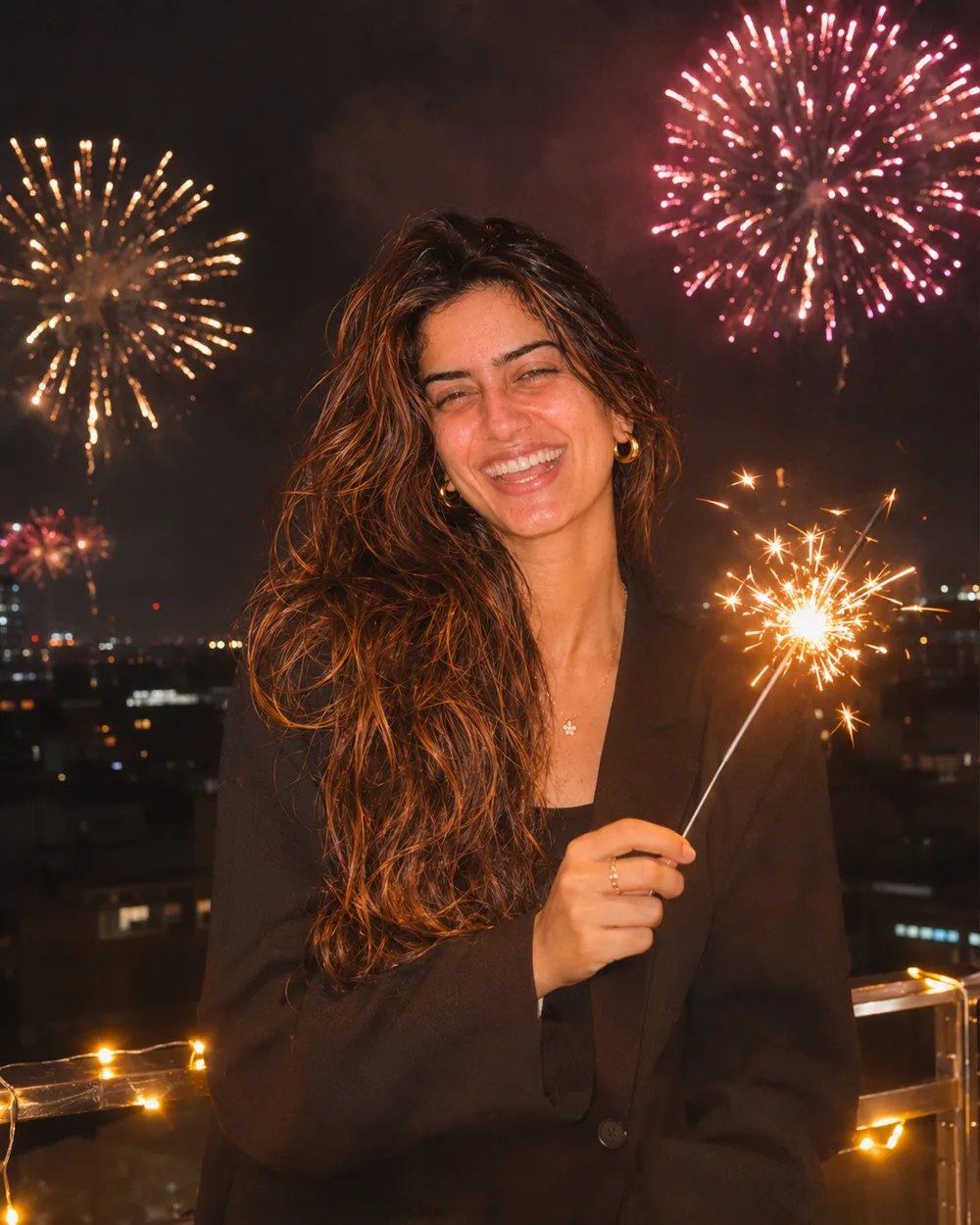
Show me on a city rooftop at midnight with fireworks bursting in the sky behind me. I am wearing a black blazer, holding a lit sparkler, and laughing. City lights below are softly out of focus. Light from the sparkler warms my face. Sharp face, colourful sky, celebration mood.
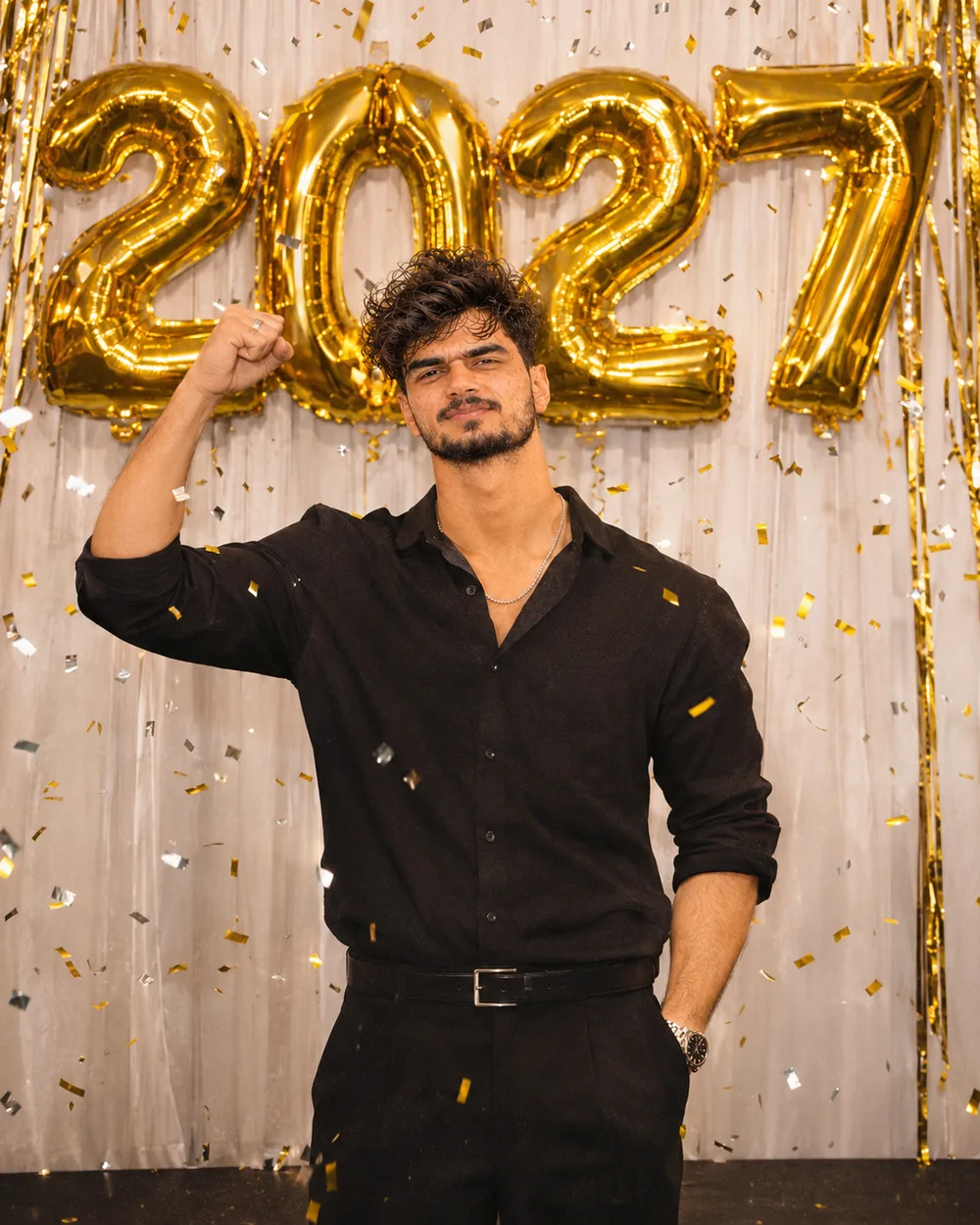
Show me standing in front of a party wall with large gold foil balloons that spell "2027". I am wearing a smart black outfit and smiling at the camera with one hand raised in celebration. Confetti is falling. Bright, clean party lighting. The number "2027" must be spelled correctly and appear only once.
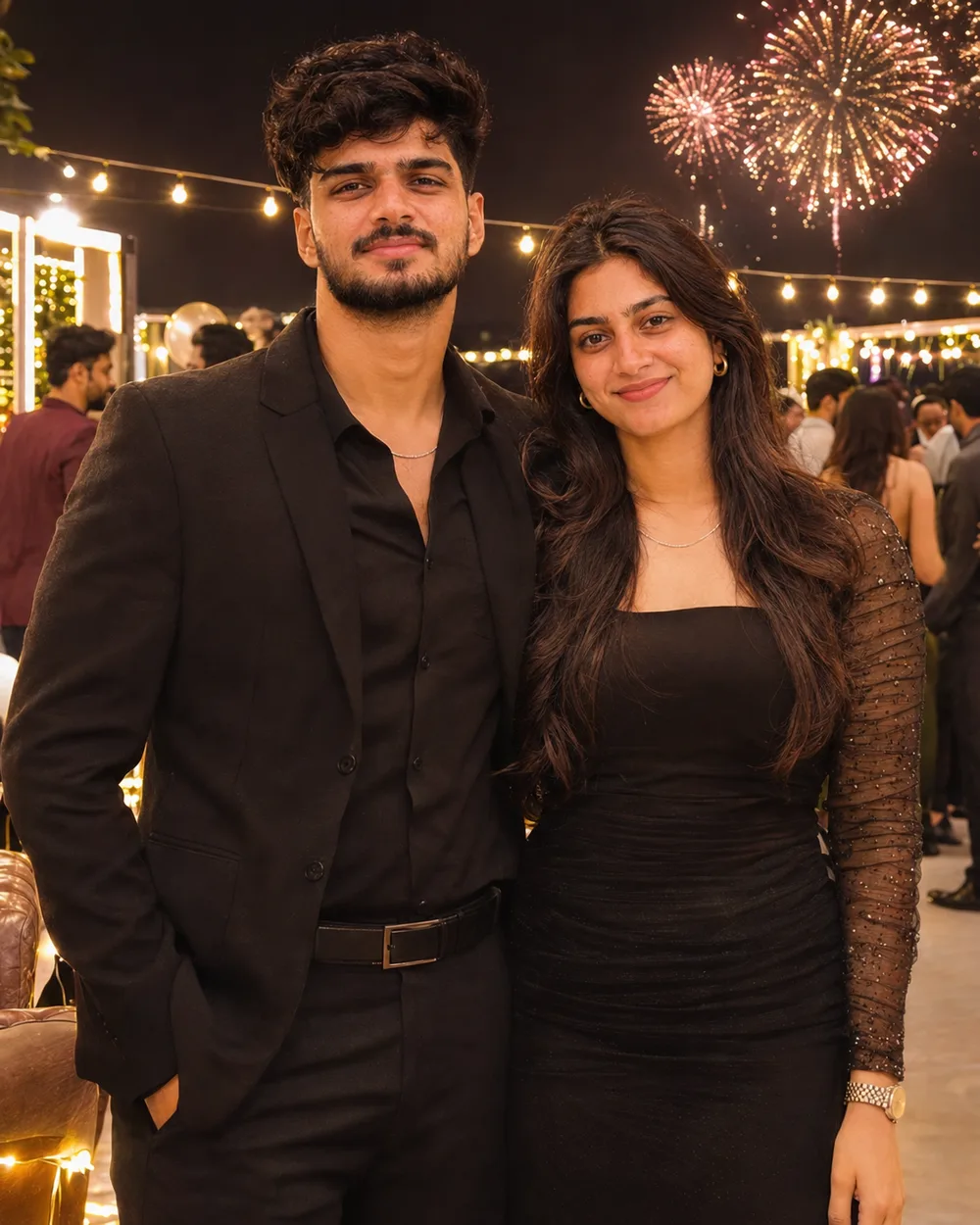
Show us at a rooftop party at midnight, standing close with our foreheads almost touching, smiling, as fireworks light up the sky behind us. We are wearing black formal party wear. Fairy lights are strung overhead and other guests are blurred in the background. Warm and romantic, cinematic colour.
 New Year