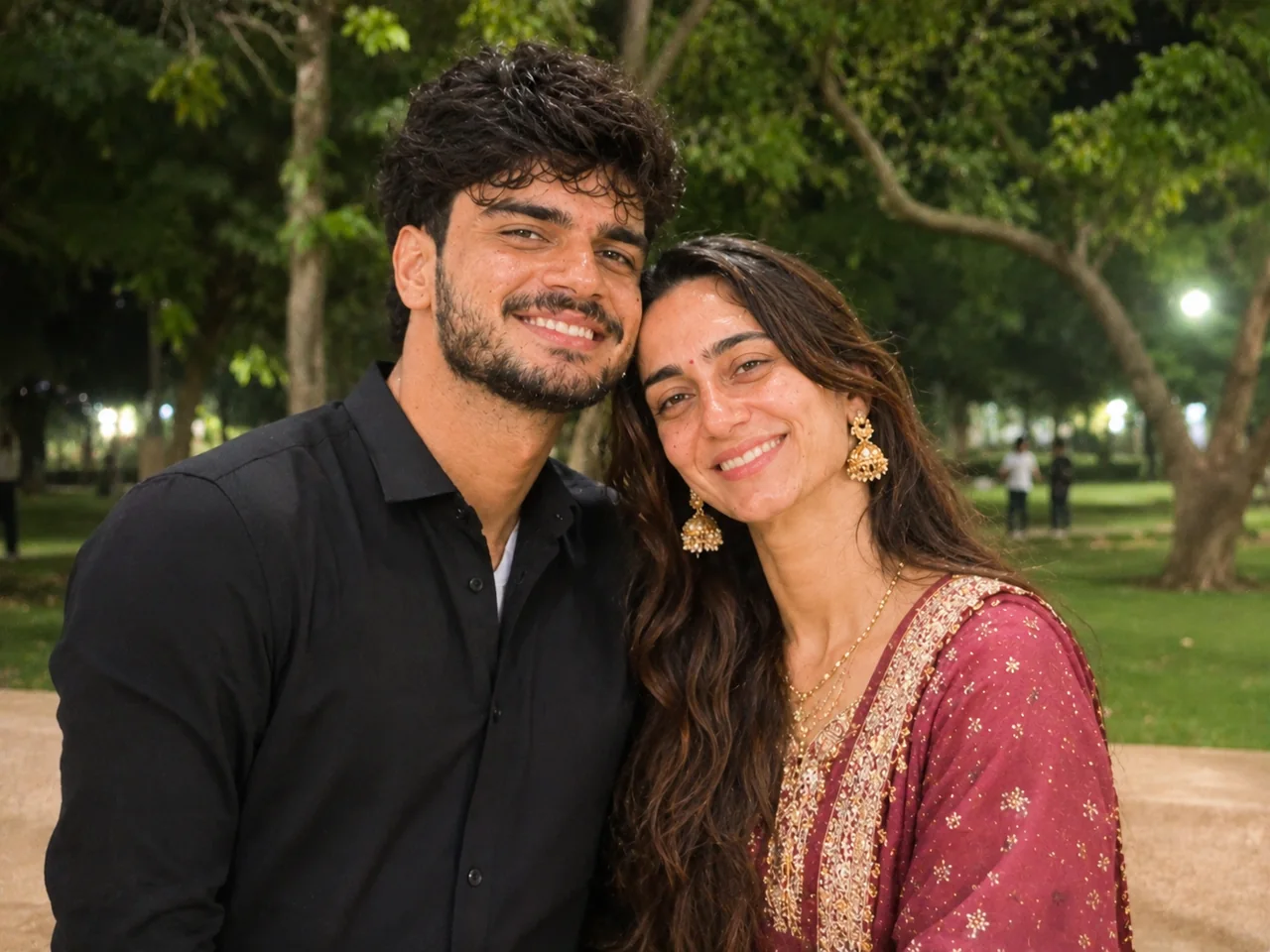
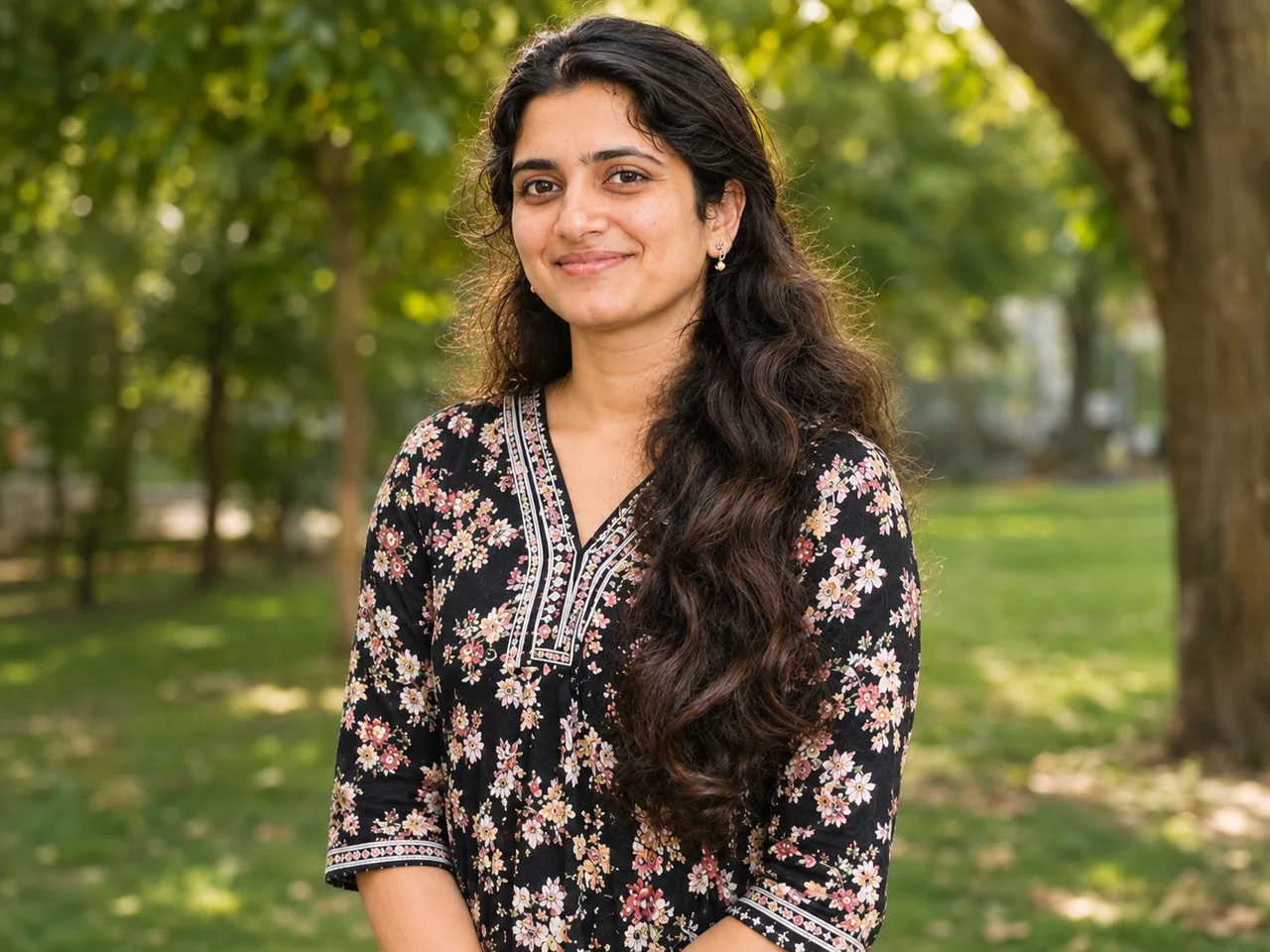
Upload your photo to ChatGPT or Gemini and paste this prompt. You can change the colour below before you copy.
Passport-Style Photo on a Plain Background
ChatGPT · Gemini
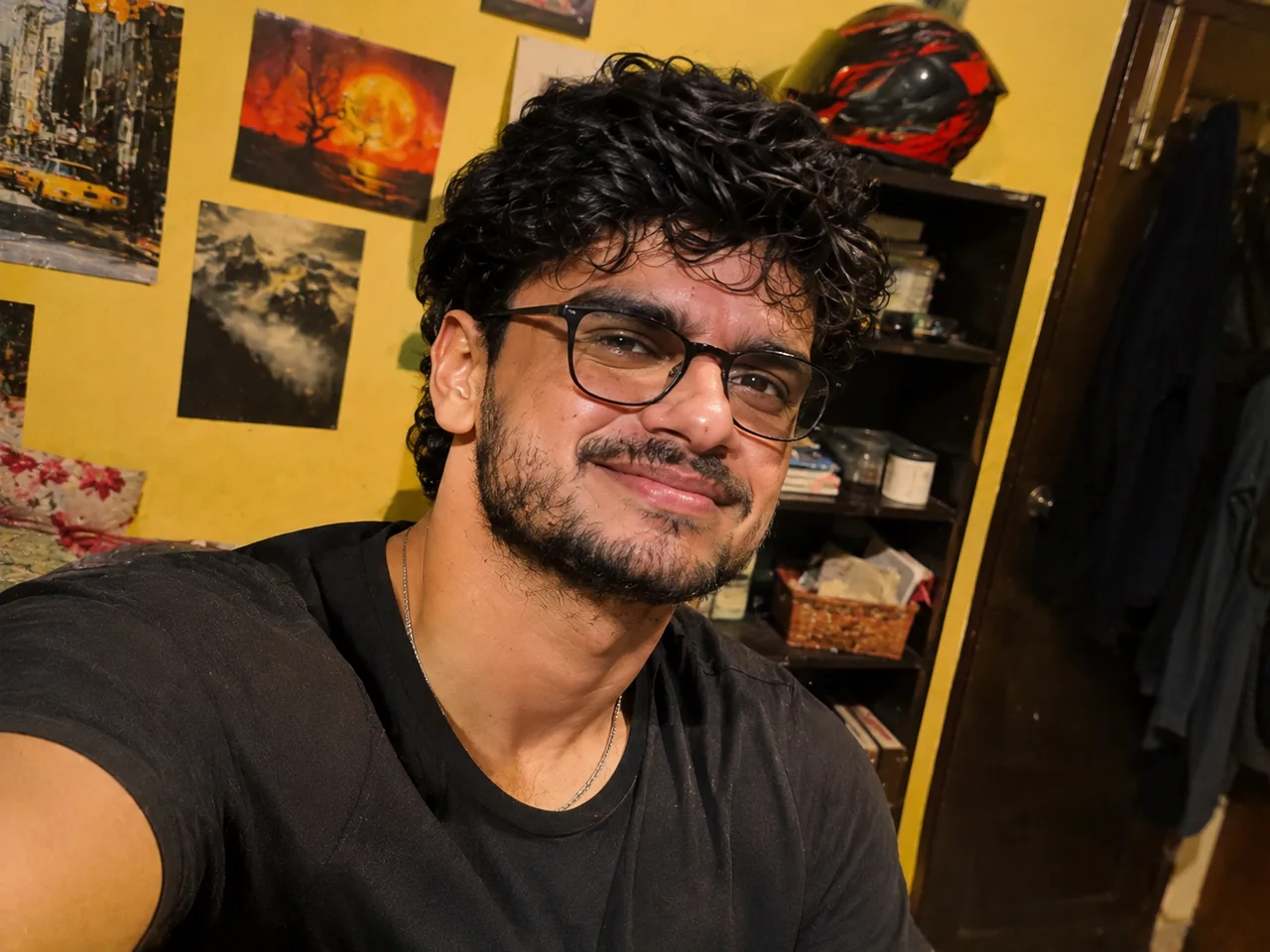
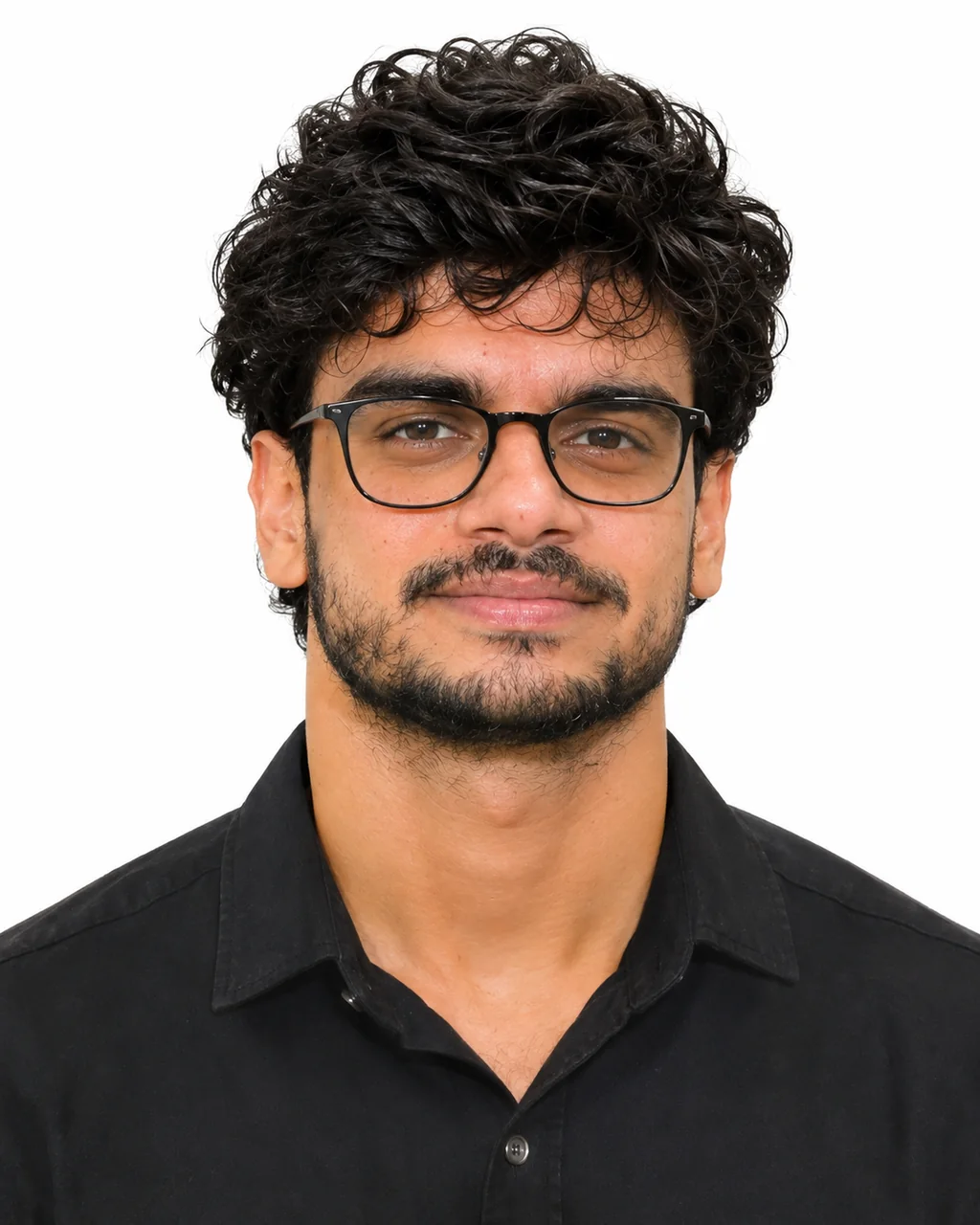
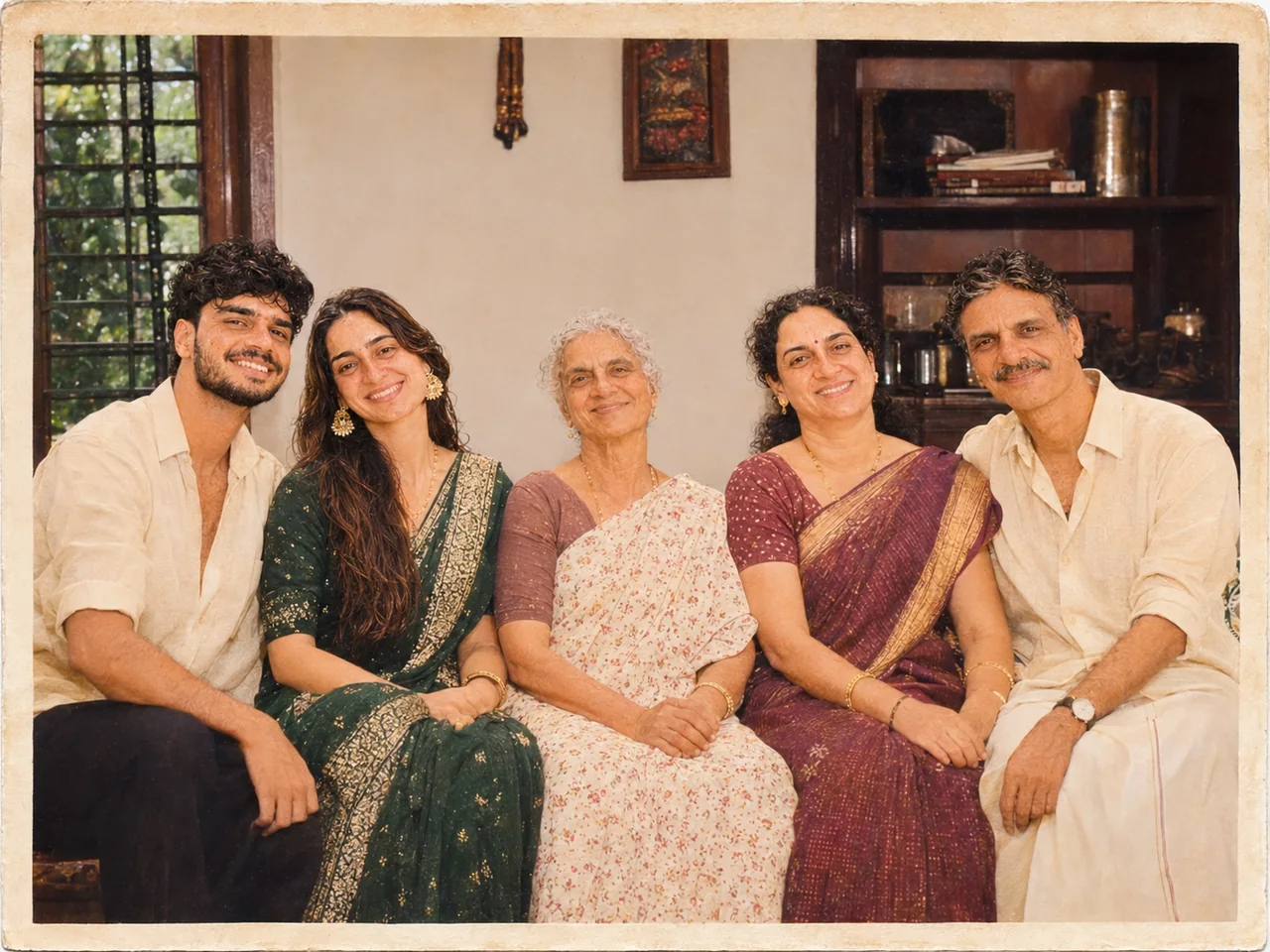
◀ ▶👆 Drag to compareBeforeAfter · ChatGPT
IDENTITY LOCK: Edit the uploaded photo; do not generate a new one. Keep every person's face, expression, pose, age and identity exactly as in the original. Do not redraw, regenerate, beautify or re-light any face beyond what the edit below needs. Keep the original framing and aspect ratio unless the edit says otherwise.
THE EDIT: Turn this into a passport-style photo. Crop to head and shoulders with my face centred and looking straight at the camera. Replace the background with plain white. Use even, shadow-free lighting. Keep a neutral expression, and keep my real face, hair, glasses and clothing unchanged with no retouching.
CAMERA AND LIGHT: Keep the original camera angle, perspective and composition. Any new or repaired area must match the original light direction, colour temperature, grain and sharpness, so the edit cannot be spotted.
FINISH: Natural, believable result at the highest resolution available. Real skin texture and fine detail preserved, clean edges around hair and clothing, no halos, no banding, no over-sharpening or over-smoothing.
AVOID: changed faces or expressions, invented facial details, plastic skin, altered body shape, cropped-off heads or limbs, colour casts, halos around edges, added objects, added other text or other watermarks.
TEXT / SIGNATURE: Add “photoeditingprompt.com” in the bottom-left corner, as a handwritten signature-style mark with thin cursive strokes, small size and subtle premium elegance, in white or soft off-white. It is always allowed and overrides any “no text” instruction elsewhere in this prompt (other text appears only if the scene asks for it); it must be spelled exactly photoeditingprompt.com, must not cover faces or key details, and should look like an elegant photographer’s signature.
💡 Check the official photo rules for your application before using an edited photo.
The first block is the identity lock: it tells the AI to treat your uploaded photo as the only reference for who is in the picture. The next block describes the new scene, clothing and light.
Which photo to upload
Upload the original file, not a screenshot or a forwarded copy.
For old prints, photograph or scan them flat with no glare.
Tell the AI anything it cannot know, such as the real colour of an outfit.
If the result goes wrong
The AI redrew a face
Add: "Do not regenerate faces. Only clean, sharpen and repair what is already there."
The photo was cropped or reframed
Add: "Keep the original framing and aspect ratio."
Colours look unnatural
Add: "Natural, realistic colours with neutral white balance."
How to use a prompt
Pick your options and tap Copy prompt.
Open ChatGPT or Gemini and upload a clear, front-facing photo.
Paste the prompt and send. Run it again if the first result is off.
Restore this old photograph. Remove scratches, dust, stains, fold lines and tears. Correct fading and bring back natural contrast. Keep it black and white. Sharpen gently without making skin look plastic. Keep the original clothing, background, pose and framing.
Improve the quality of this photo. Reduce blur and noise, recover detail in hair, eyes and fabric, and correct the exposure and white balance so skin tones look natural. Do not change the composition, background, clothing or expression. The result should look like the same photo taken with a better camera.
Replace only the background of this photo with a beach at sunset. Keep the people, their pose, clothing and hair edges exactly the same. Match the direction, colour and softness of the light on the people to the new background, and add natural shadows so it does not look cut out.
 Fix my photo