Upload your photo to ChatGPT or Gemini and paste this prompt. You can change the outfit below before you copy.
90s Bollywood Retro Portrait
ChatGPT · Gemini
◀ ▶👆 Drag to compareBeforeAfter · ChatGPT
IDENTITY LOCK: Use my uploaded photo as the only identity reference. Keep my exact face: face shape, eyes, nose, lips, jawline, skin tone, moles and marks, and my real age. Only my hairstyle, clothing and accessories may change to suit the era. Do not beautify, lighten or replace my face with a period-looking stranger.
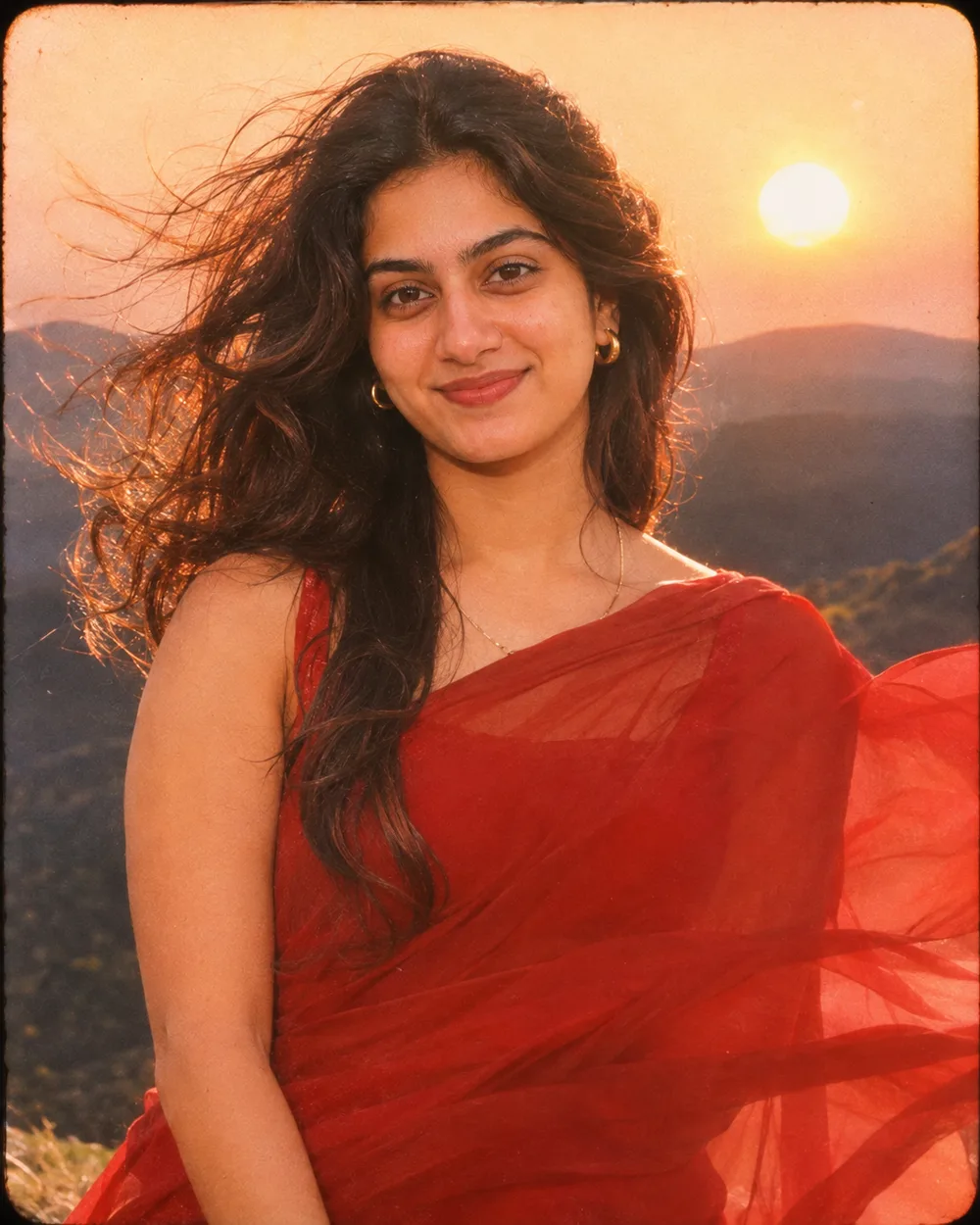
ERA, SCENE AND STYLING: Turn my photo into a 1990s Bollywood-style film still. I am standing on a windy hillside at sunset in a flowing red chiffon saree, hair moving in the wind, looking away from the camera with a soft, dreamy expression. Warm golden backlight, soft-focus glow on the highlights, saturated film colours, visible grain and slightly faded edges, like a frame from a romantic song sequence.
CAMERA AND LIGHT: Follow the framing described in the scene. It must look as if it was taken with a camera and film stock of that time: period-correct lens softness, mild vignetting and natural film grain, with the light source typical of that era. Light on me must match the scene. POSE RULE, which overrides any head or gaze instruction in the scene: keep my head straight and level exactly as in the photo, with the chin neutral (not raised, not tucked), no head tilt, and no head turn of more than about 10 degrees, so my real face shape stays accurate. Unless the scene needs otherwise, I look straight into the camera lens. My face must be large enough to be clearly recognisable.
FINISH: It must pass as a real photograph or print from that time, scanned today: period-correct colour or black-and-white tones, grain, slight fading and paper texture where the scene asks for it. Real skin texture under the grain. Every object, vehicle, sign and fabric in the frame must belong to that era.
AVOID: modern objects, phones, modern cars, modern other logos or fabrics, a clean digital look, HDR, smoothed or plastic skin, lightened skin tone, a changed face, extra or missing fingers, extra people, text or other watermarks unless the scene asks for them.
TEXT / SIGNATURE: Add “photoeditingprompt.com” in the bottom-left corner, as a handwritten signature-style mark with thin cursive strokes, small size and subtle premium elegance, in white or soft off-white. It is always allowed and overrides any “no text” instruction elsewhere in this prompt (other text appears only if the scene asks for it); it must be spelled exactly photoeditingprompt.com, must not cover faces or key details, and should look like an elegant photographer’s signature.
The first block is the identity lock: it tells the AI to treat your uploaded photo as the only reference for who is in the picture. The next block describes the new scene, clothing and light.
Which photo to upload
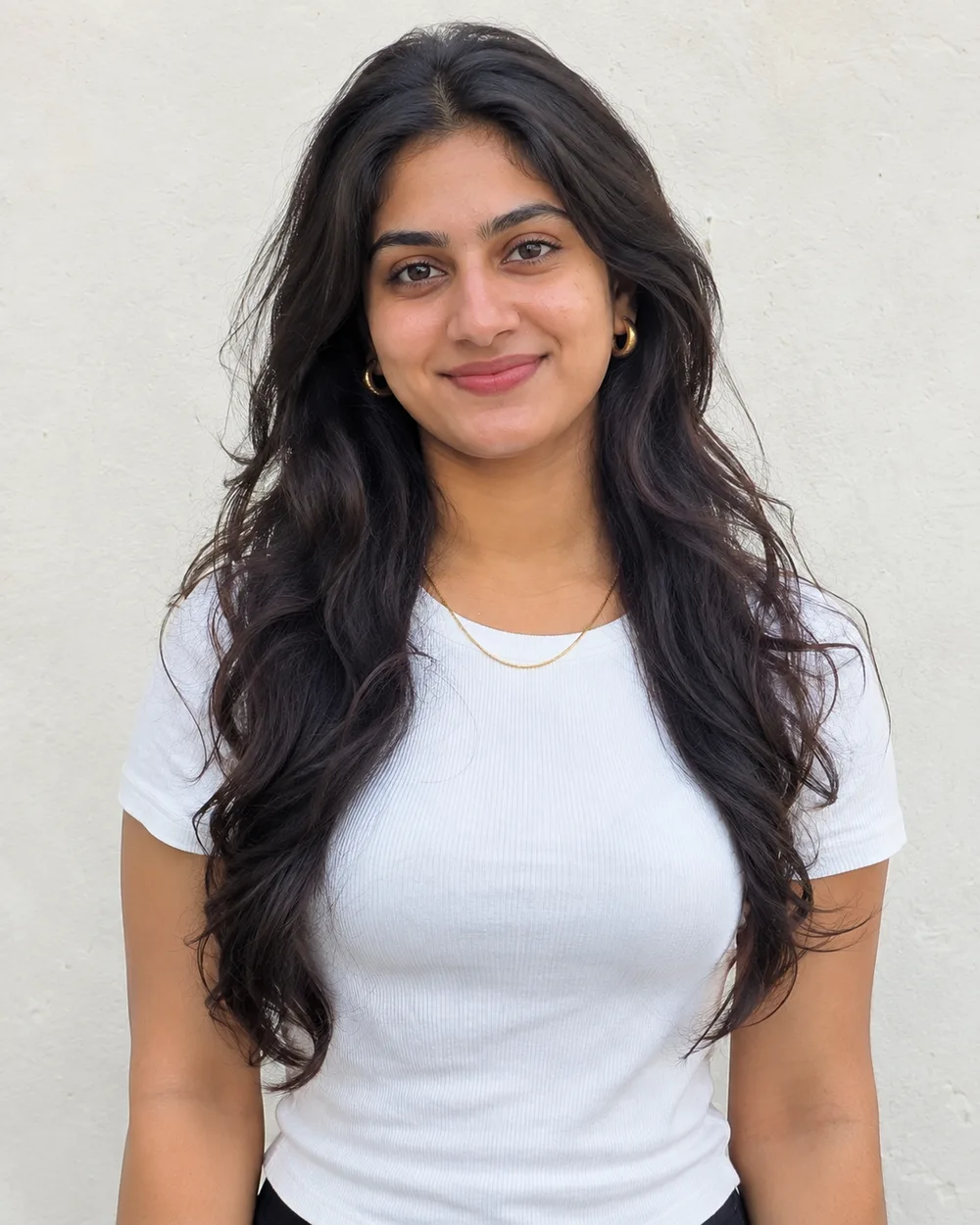
One clear, front-facing photo of you alone.
A neutral expression gives the most believable old-photo result.
Remove sunglasses and caps; modern accessories can leak into the era look.
If the result goes wrong
The face looks like a different person
Upload a sharper, front-facing photo with no sunglasses or heavy filter, then run the same prompt again. Add: "The face must match my photo exactly."
Skin looks smooth or plastic
Add: "Keep real skin texture with pores; no smoothing or beauty filter."
It looks like a modern photo in costume
Add: "Stronger film grain, faded colour and print texture, like a scanned photo from that decade."
A modern object appears in the frame
Name it and ask for its removal: "Remove the phone and the modern car."
How to use a prompt
Pick your options and tap Copy prompt.
Open ChatGPT or Gemini and upload a clear, front-facing photo.
Paste the prompt and send. Run it again if the first result is off.
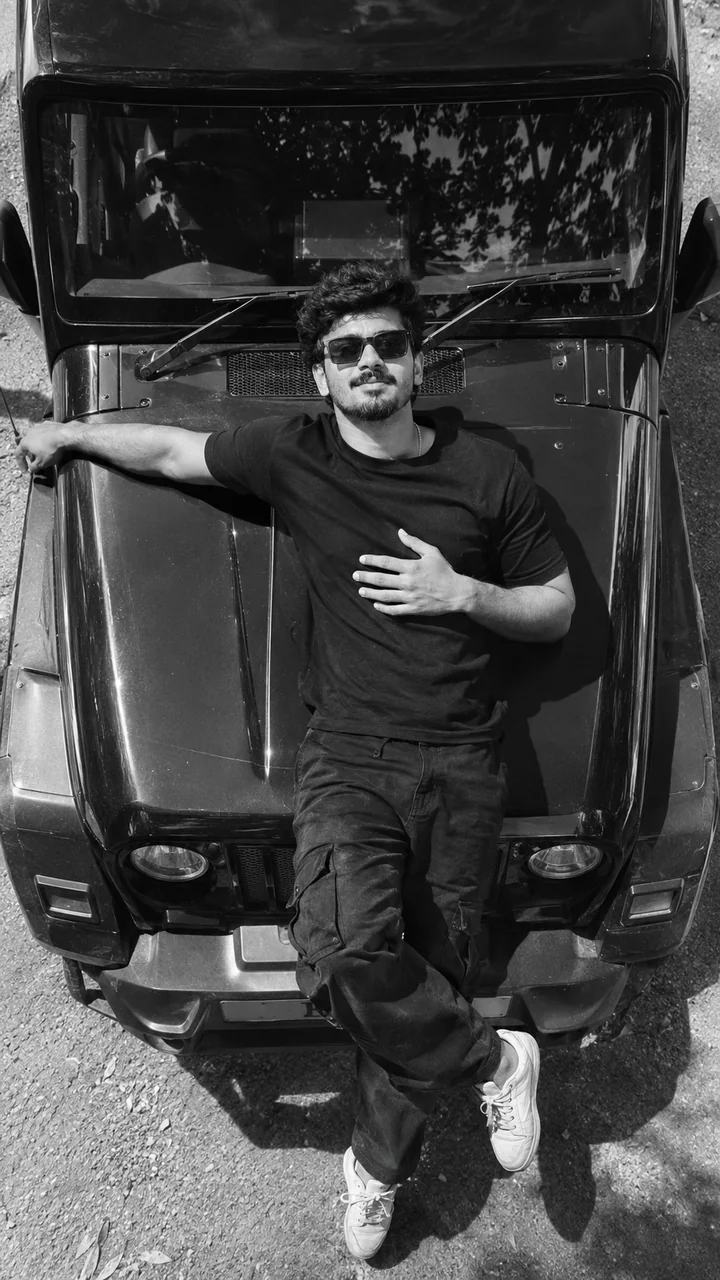
A black and white photograph shot straight down from above: I am lying back across the bonnet of a rugged black SUV, one arm stretched along the bonnet and the other resting on my chest, looking up into the lens. I am wearing a black shirt and sunglasses. The bonnet's curves and panel lines frame me, and strong midday sun throws sharp shadows. Vertical 9:16 frame, deep contrast, fine grain, my face large and sharp.
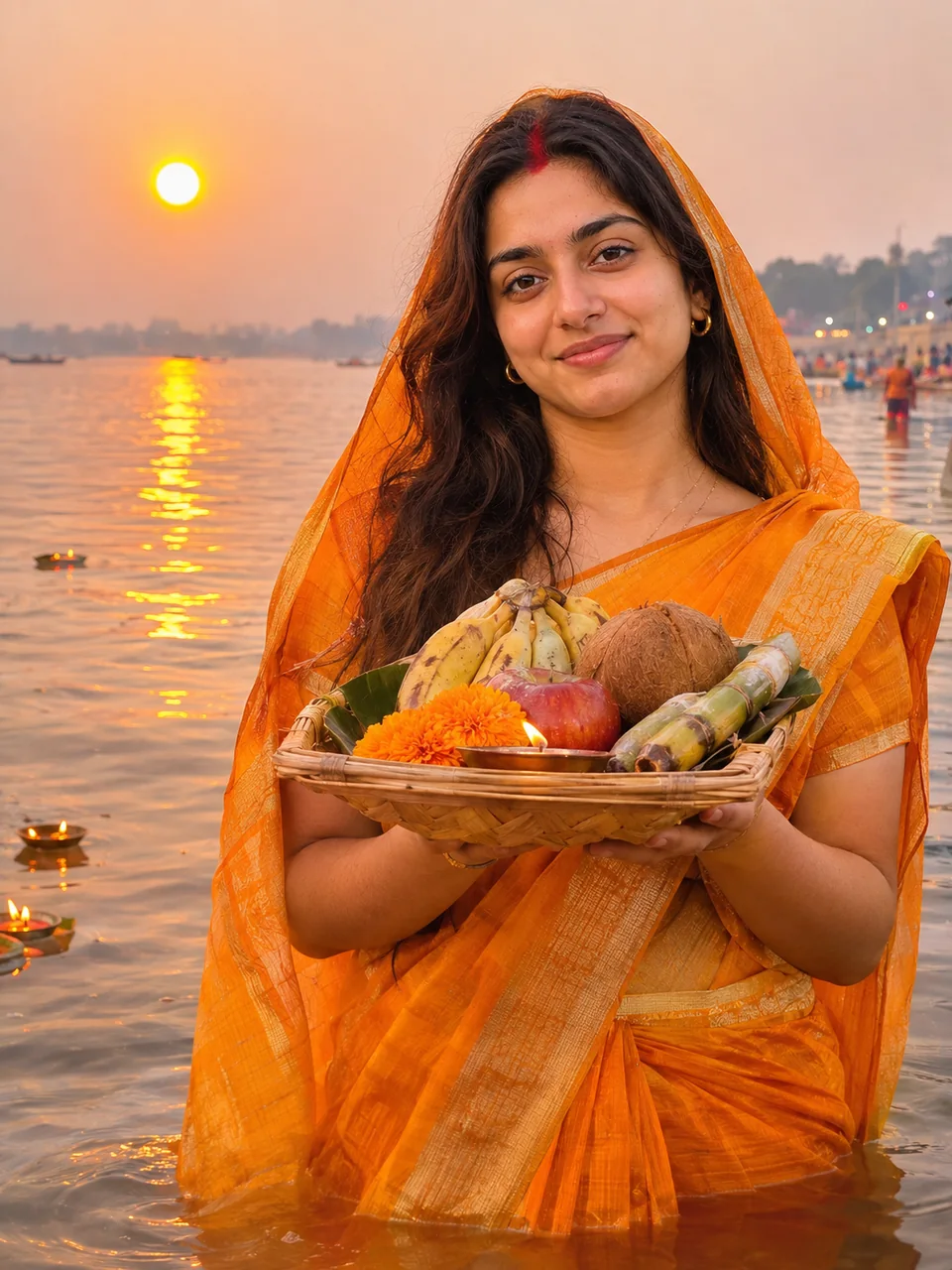
I stand knee-deep in a calm river at sunset, holding a bamboo tray of offerings with both hands raised in prayer, wearing a bright orange cotton saree with the pallu draped over my head and a red sindoor line in my parting. The sun is a large orange disc low over the water, with soft ripples reflecting its light and small floating diyas nearby. Gentle devotional mood, warm golden tones. Vertical 3:4 frame, medium shot from the waist up, my face large and sharp.
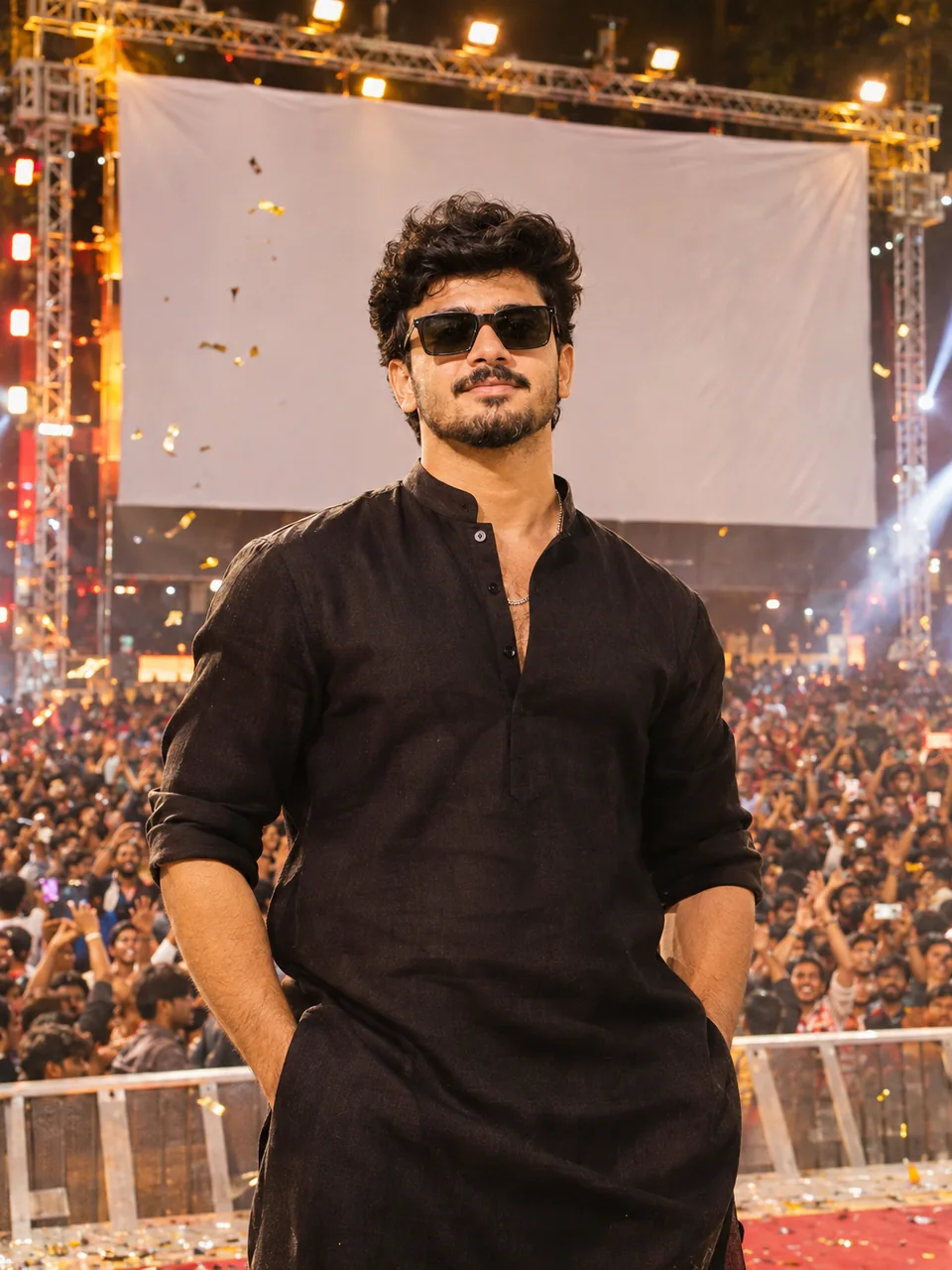
A grand film-poster style portrait of me in a crisp white shirt and dhoti, standing on a large stage in front of a huge blank cinema banner, with a cheering crowd, confetti and spotlights behind me. Dramatic lighting from above and the sides, warm festival colours, shot from a slightly low front view while my head stays level. The banner and signs carry no readable words, titles or logos. Vertical 3:4 frame, my face large, sharp and recognisable.
 Viral now